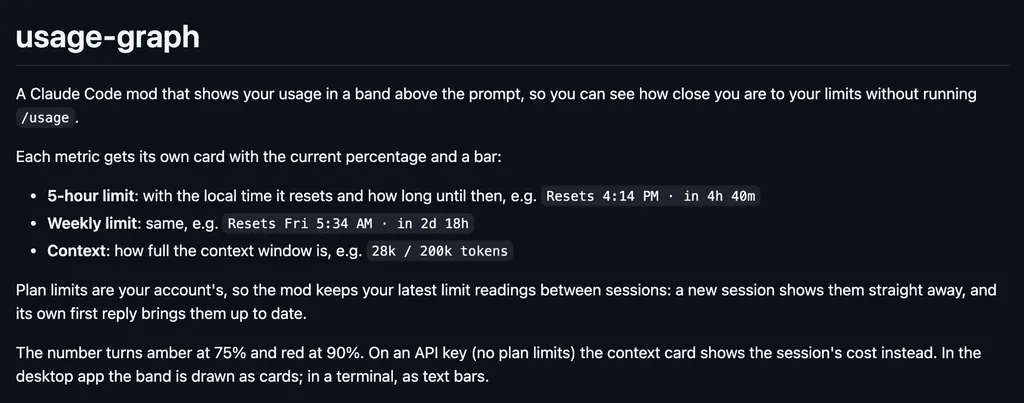
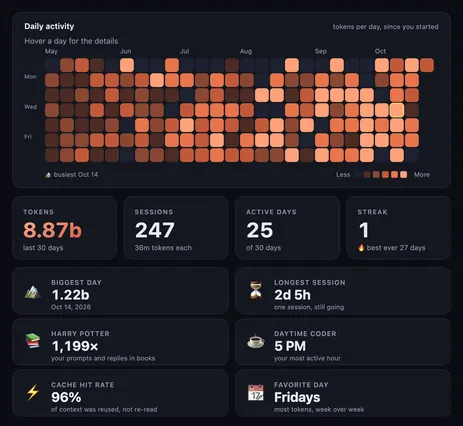
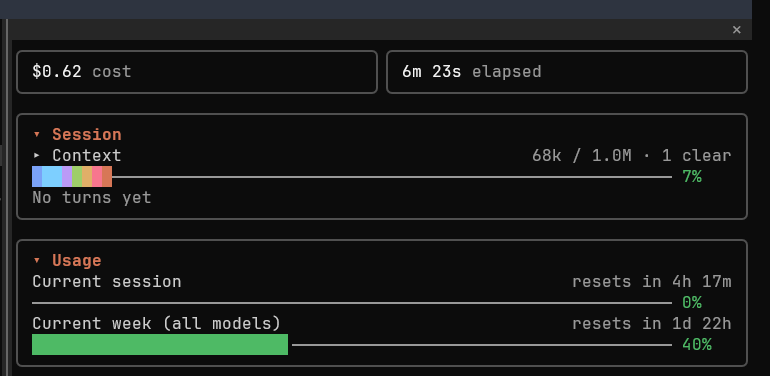
All shelves / Mods / Usage
usage-bar
By omeerdvrn
usage-bar is a Claude Code usage mod by omeerdvrn.
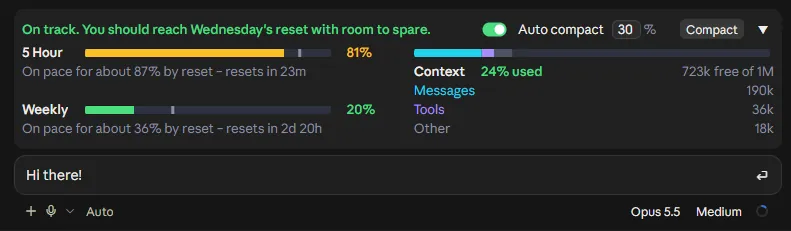
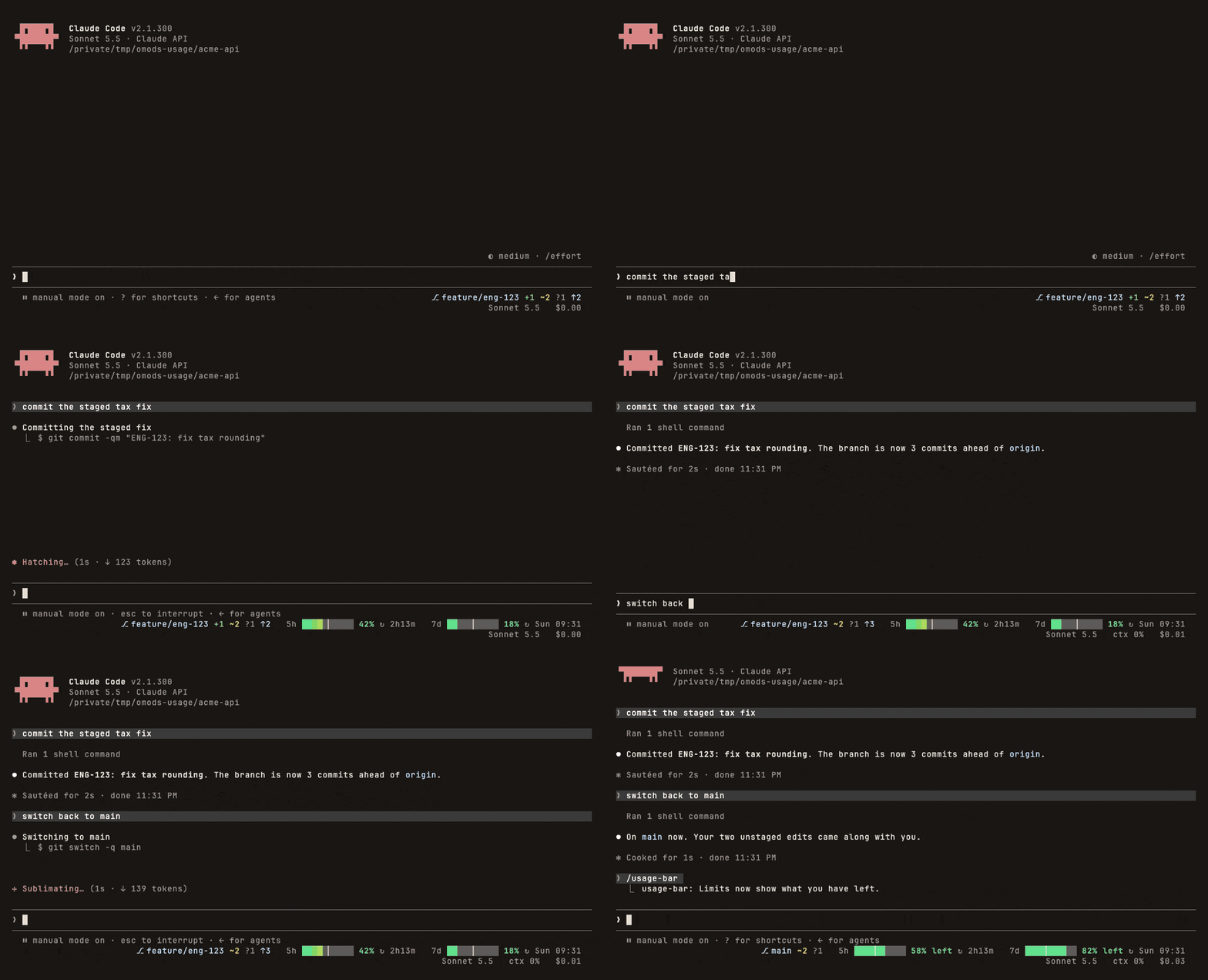
Draws your 5-hour and 7-day plan limits under the prompt, used or left, with the git branch and file counts, the model, context, and the session's cost.
Draws
Install
The marketplace name is o-mods.
claude plugin marketplace add omeerdvrn/o-mods
claude plugin install usage-bar@o-mods
It runs inside the Claude Code process. The side panel is only what the author's README names. Read the repo before you install, or run claude plugin validate on the plugin folder.
- Version
- 0.1.0
- License
- MIT
- Repo stars
- 6
- Last change
- 2026-10-15
What it can reach
- Draws in the session
- Reads usage or context figures
- Calls another program on this machine
Run /reload-plugins in a session that is already open. The limit readings come from Claude Code itself, so the bars appear after the session's first reply; API-key and gateway sessions without plan limits show no bars. /usage-bar switches the bars between used and left, and /usage-bar used or /usage-bar remaining picks one; the choice is kept across sessions. A percentage turns amber at 70% and red at 90%, and a tick marks how much of the window's time has passed. Git is read when the session starts, after each turn, and every 15 seconds; outside a repository it shows the folder name. Labels other mods add to the footer, such as heat's tier, show here too. It replaces a statusLine command for these figures: remove statusLine from ~/.claude/settings.json if you used one for them.
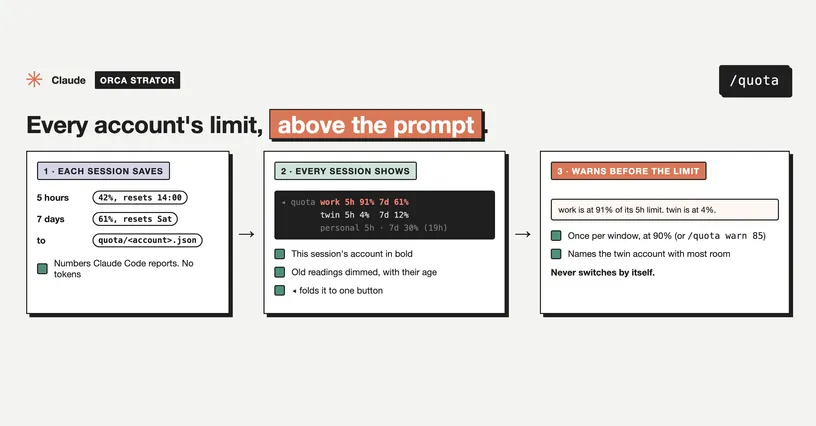
The marketplace name is o-mods. The marketplace also holds heat, linear, usage-stats, persona, themes, and other mods, from the same author. This one installs on its own. The plan limits are why this page files it under usage. usage-meter draws the 5-hour and 7-day limits as small bars above the prompt, with the reset countdown and the session's cost. sub-meter draws the 5-hour and weekly usage at the bottom right, on the permission mode's line. This one sits under the prompt, can show what is left instead of what is used, and adds the git branch or linked worktree, with staged, modified, and untracked files and commits ahead and behind. Git is the local program. The limits come from Claude Code's own API responses, so this page does not list network access. In the source, the footer is drawn in the SessionMode slot.
Demo
What it hooks into
session.startWhen a session startscommand.runWhen you run its slash command/usage-bar/usage-bar:usage-barsession.measureWhen usage is measuredturn.completeWhen a turn endsui.renderDraws into the sessionSessionMode
Read from the on() calls in its hook modules. Open its source under Files to check what each one does.
Slash commands 1
/usage-barShow plan limits as used or remaining
Files
The author's README and source, 4 files. They load when you open them.
Facts
- Author
- omeerdvrn
- Category
- Usage
- Marketplace
- o-mods
- Repo
- omeerdvrn/o-mods
- Folder
- mods/usage-bar
- Version
- 0.1.0
- License
- MIT
- Repo stars
- 6
- Last change
- 2026-10-15
- Language
- TypeScript
- Files
- 15