All shelves / Mods / Usage
usage-bars
By pepperonas
usage-bars is a Claude Code usage mod by pepperonas.
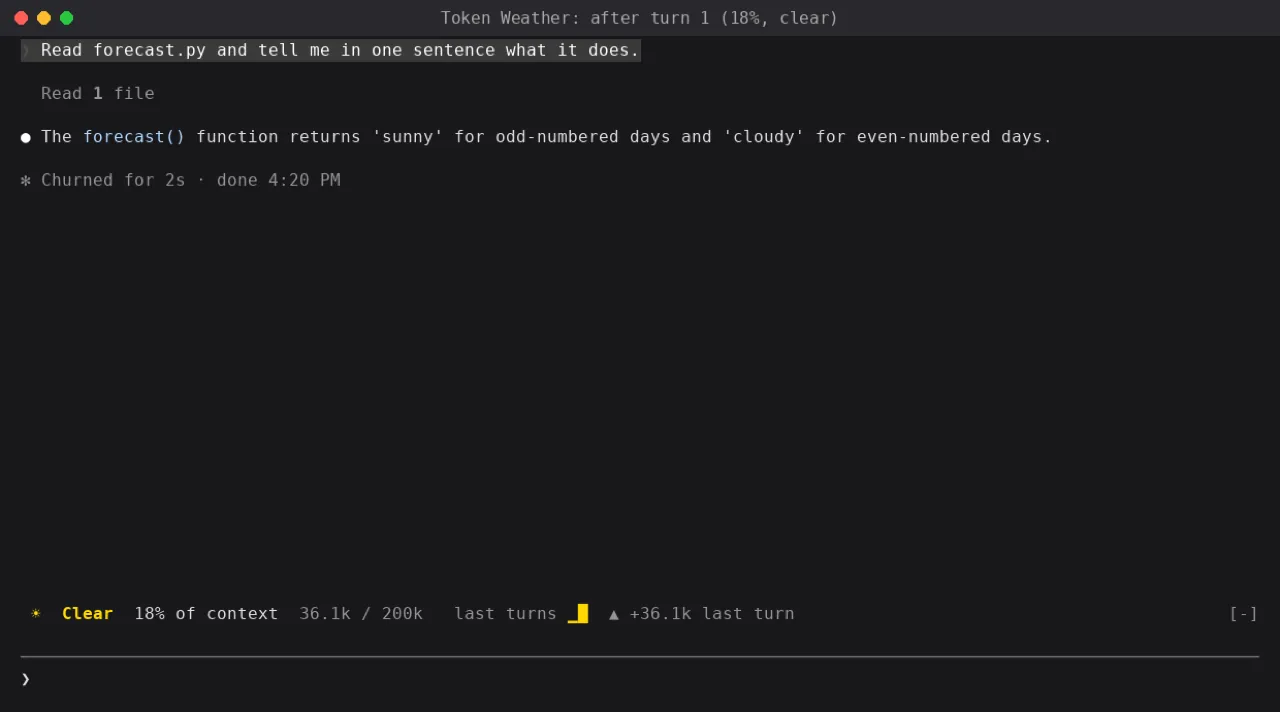
Shows the 5-hour and 7-day limits as animated bars under the prompt, with a reset countdown, a pace mark, a projection, and six styles.
Draws
Install
The marketplace name is pepperonas.
/plugin marketplace add pepperonas/usage-bars
/plugin install usage-bars@pepperonas
It runs inside the Claude Code process. The side panel is only what the author's README names. Read the repo before you install, or run claude plugin validate on the plugin folder.
- Version
- 0.5.0
- License
- MIT
- Repo stars
- 3
- Last change
- 2026-10-12
What it can reach
- Draws in the session
- Reads usage or context figures
A Claude subscription login (Pro, Max, or Team); with an API key Claude Code reports no rate-limit windows, and the line stays hidden. Tested with Claude Code 2.1.289. The bars appear after the first answer, when Claude Code first learns your limits. From the shell the same two lines start with claude plugin. Settings are in /plugin configure usage-bars@pepperonas. Sound is off by default, and /usage-bars anim off turns the animation off. The hover card shows where the surface reports the pointer: the desktop app, and terminals that pass mouse movement.
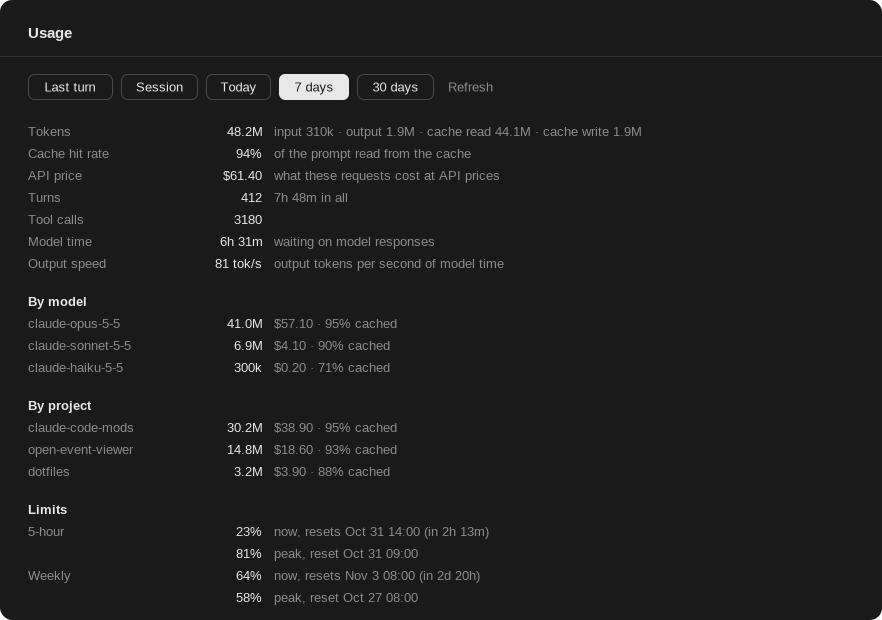
The marketplace, pepperonas, holds only usage-bars. Plan limits are why this page files it under usage. usage-meter, by hamzafer, draws the two windows as small bars above the prompt, with the reset countdown and what the session cost. limits-meter, by ice-lfernandes, draws plan limits and context in tokens and percent. This one adds a pace mark where you would be if you spread the window evenly, a face that reads your pace, a +3% that flashes after each answer, a warning when you would run dry before the reset, toasts at 50, 80, 90, and 100 percent, and a bar that drains and sparkles when a window resets while you are away. The styles are bars, pacman, beer, tank, battery, and hourglass, in English or German. Each session hands what it hears to the others through the mod's store, so every session shows the same figures. The README says it makes no network request and reads no credentials.
Demo
What it hooks into
session.startWhen a session startssession.measureWhen usage is measuredcommand.runWhen you run its slash command/usage-barsprompt.editWhen you edit the promptprompt.submitWhen you send a promptui.renderDraws into the sessionPromptHint
Read from the on() calls in its hook modules. Open its source under Files to check what each one does.
Slash commands 1
/usage-barsUsage bars: stats, demo, mode, style, language (/usage-bars help)
Files
The author's README and source, 4 files. They load when you open them.
Facts
- Author
- pepperonas
- Category
- Usage
- Marketplace
- pepperonas
- Version
- 0.5.0
- License
- MIT
- Repo stars
- 3
- Last change
- 2026-10-12
- Language
- TypeScript
- Files
- 39