mods-toolbox is a Claude Code workflow mod by rube-de.
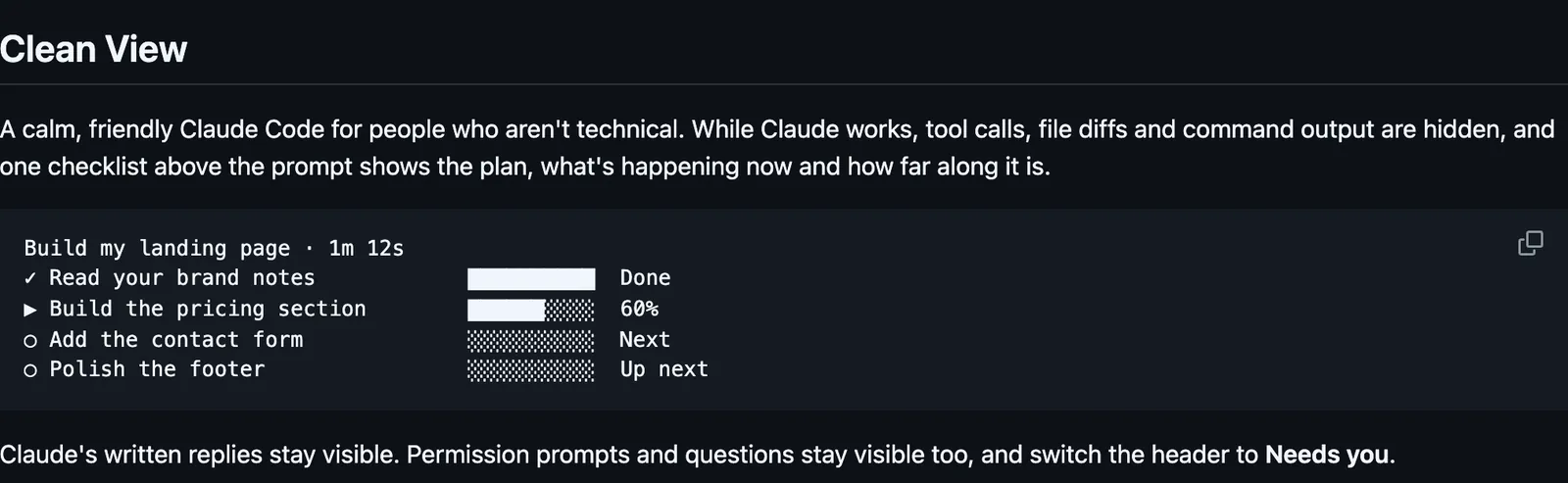
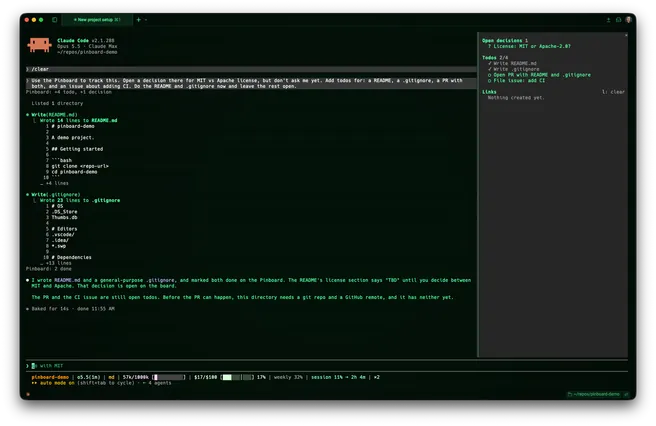
Four mods in one install: a plan checklist above the prompt in place of tool calls and diffs, cards for parallel helpers, a status line, and a settings popup.
It runs inside the Claude Code process. The side panel is only what the author's README names. Read the repo before you install, or run claude plugin validate on the plugin folder.
License
MIT
Repo stars
10
Last change
2026-10-13
What it can reach
Draws in the session
Reads usage or context figures
Holds a command
Sees tool calls
Runs a command when you press
Calls another program on this machine
Needs Claude Code 2.1.291 or newer. At the prompt the README also gives /plugin install mods-toolbox --marketplace rube-de/cc-skills, with no @suffix. This plugin used to be called clean-view. Uninstall clean-view@rube-cc-skills first, or both copies register the same commands. Clean View starts on. While it is on, tool calls, file diffs, and command output are hidden, and a checklist above the prompt shows the plan and the current step. Claude is asked for 2 to 8 steps before other tools, and those other tools are refused until it has a plan. A to-do list counts as a plan. Subagents are not gated. That gate is off while Clean View is off. /simple flips it, and the choice is remembered. While Clean View is on, each new request makes one small Haiku call, at low effort, to name the job. Team size 1 adds nothing to a request. Above 1, the request is split across that many helpers, each a card in the Agent Dock. The README warns that at size 50 every request becomes 50 agents. A helper past that size is refused. A size above 20 asks you first, and a new session starts back at 1. Fast and Cheap runs helpers on Haiku only when the size is above 1 and the call names no model. Agent calls past Claude Code's concurrency cap are held until a slot is free. The status line is built from blocks you pick, including context, cost, and the 5-hour and 7-day limits. It shows in the terminal and the desktop app, not in VS Code or on mobile. The branch block runs git status in the repo the session started in. The line needs jq. The renderer and layouts live in ~/.claude/mods-toolbox/. Apply writes only the statusLine block, in user settings.json for every project or in .claude/settings.local.json for this project, and sets refreshInterval to 2 seconds unless yours is already 1 or 2. Uninstall puts that statusLine block back, or removes it, or deletes a settings file the install created, and deletes ~/.claude/mods-toolbox/ once no scope uses it. A status line you changed by hand since is left alone, and so is a settings file with comments or one your organization set. The popup sets the model and effort the way /model and /effort do, for this chat and as the default in user settings.json. The README does not say it keeps a backup of that model setting. A pick while Claude is working waits until the turn ends. A checkout starts with claude --plugin-dir plugins/mods-toolbox.
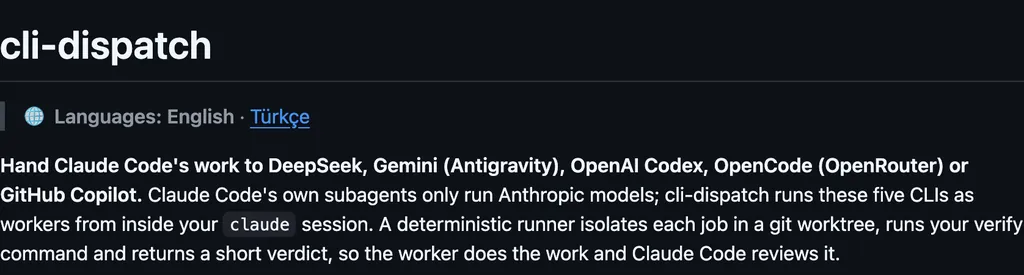
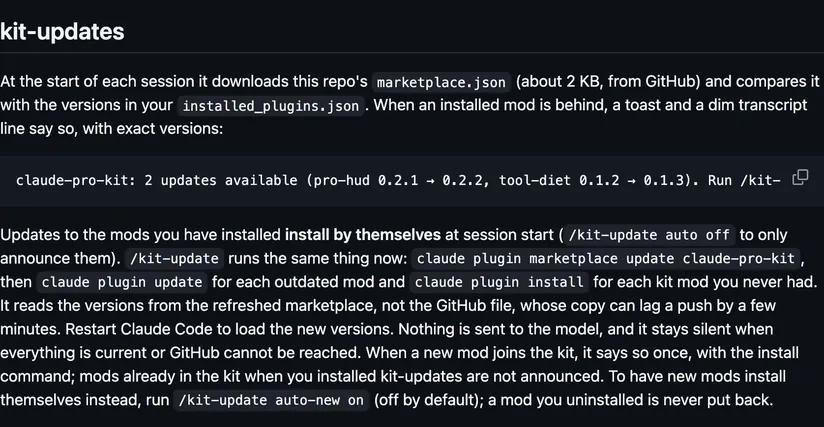
The install name is mods-toolbox. This page adds the author's name. One install draws the checklist, the helper cards, and the status line, and the popup sets the model and effort. The marketplace name is rube-cc-skills. The same marketplace lists other plugins. This page installs mods-toolbox. The job-name Haiku call is on your own Claude login, so this page does not list it as network access. The prompt install has no @suffix. The lines above are the shell fence.
Demo
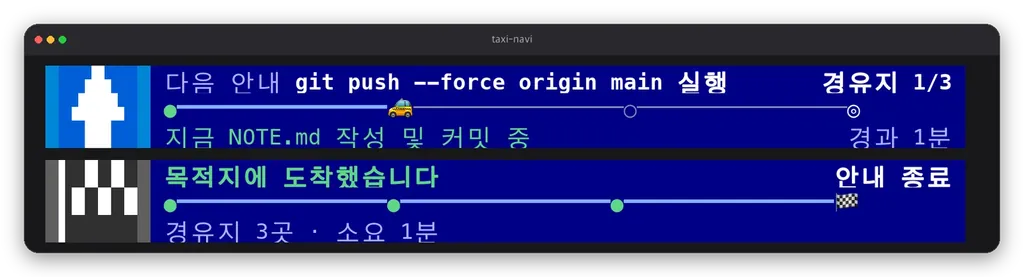
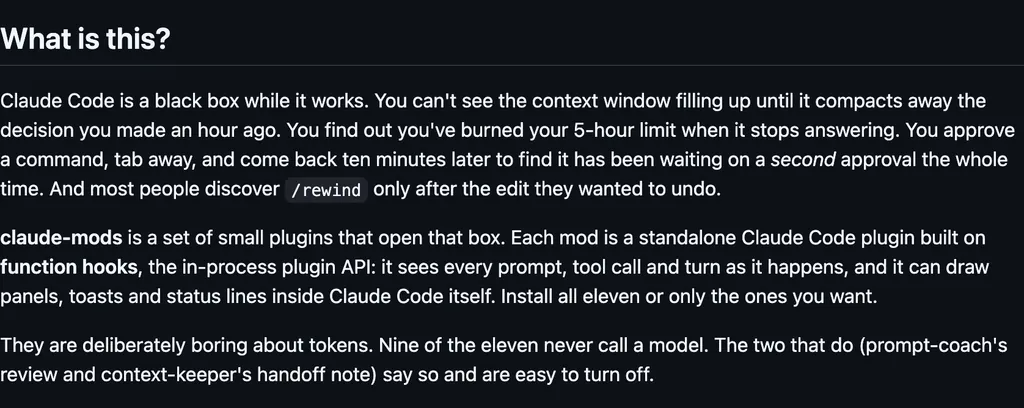
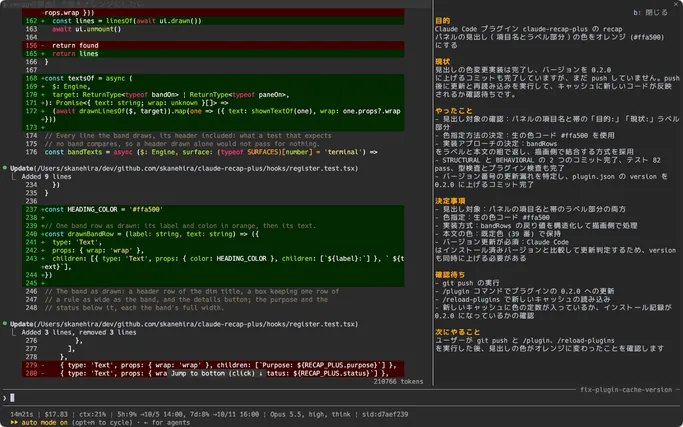
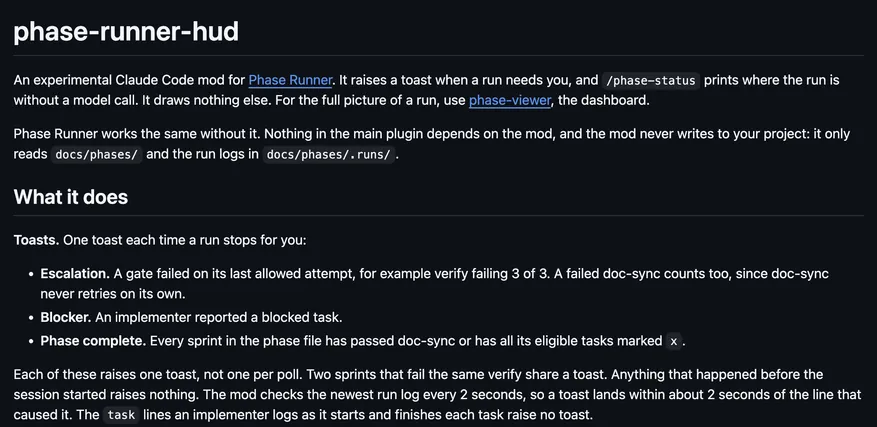
Screenshot of the author's GitHub page.
Files
The author's README and source, 4 files. They load when you open them.