All shelves / Mods / Usage
extra-mods
By Jhonatan-de-Souza
extra-mods is a Claude Code usage mod by Jhonatan-de-Souza.
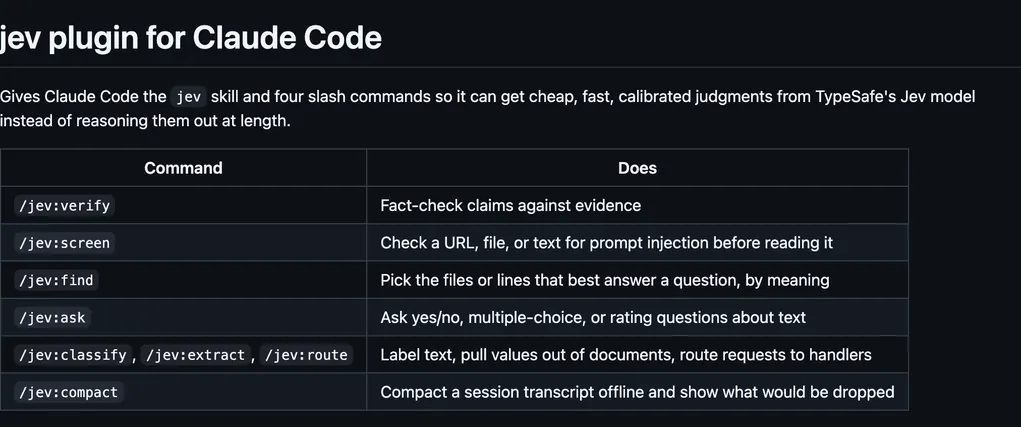
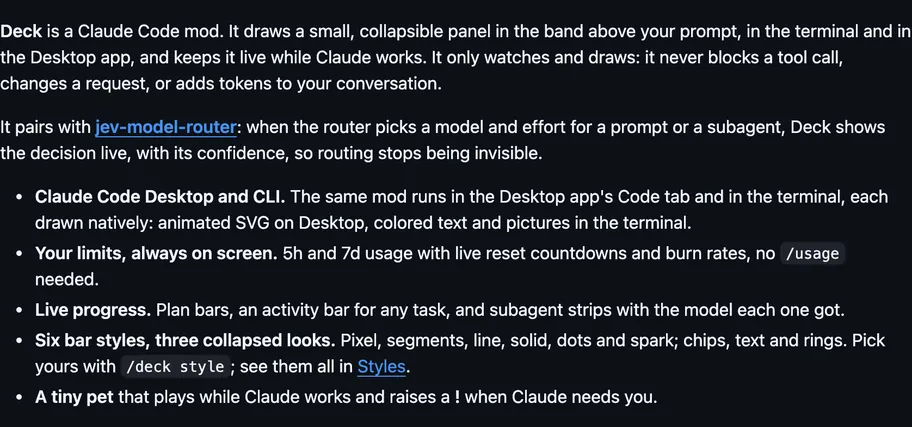
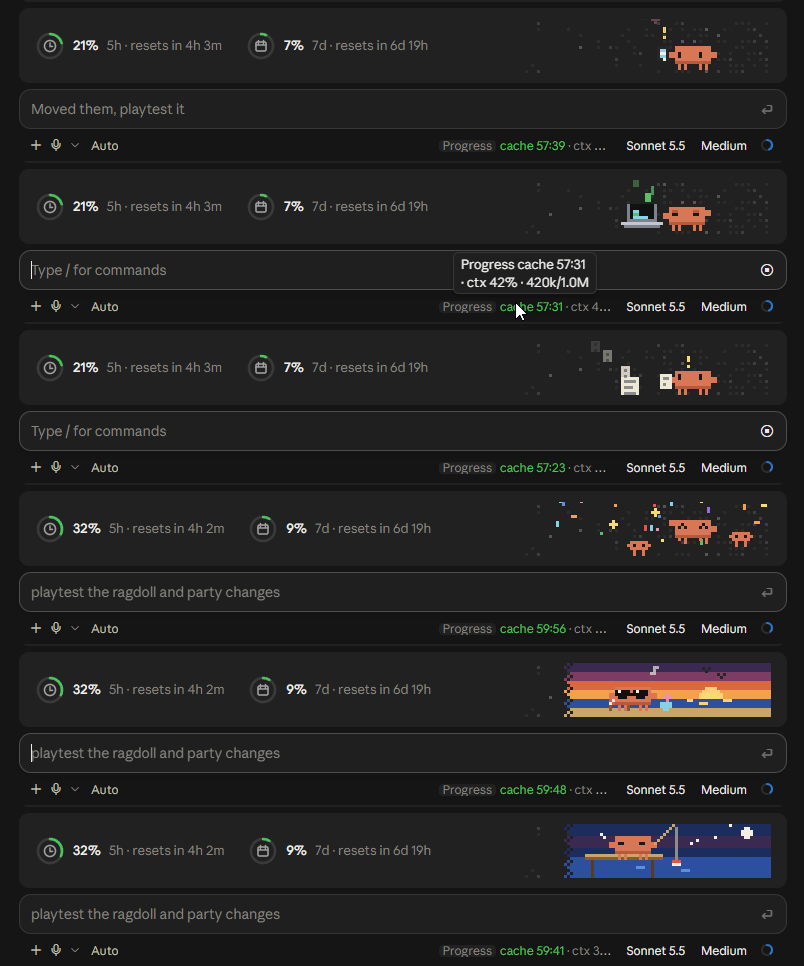
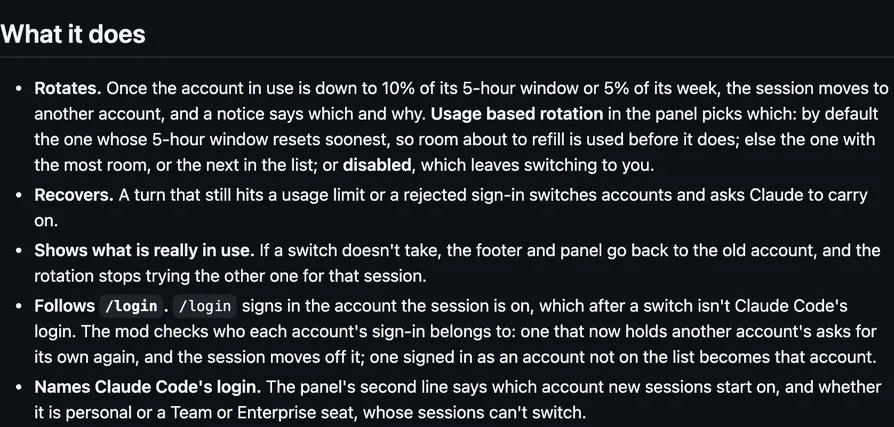
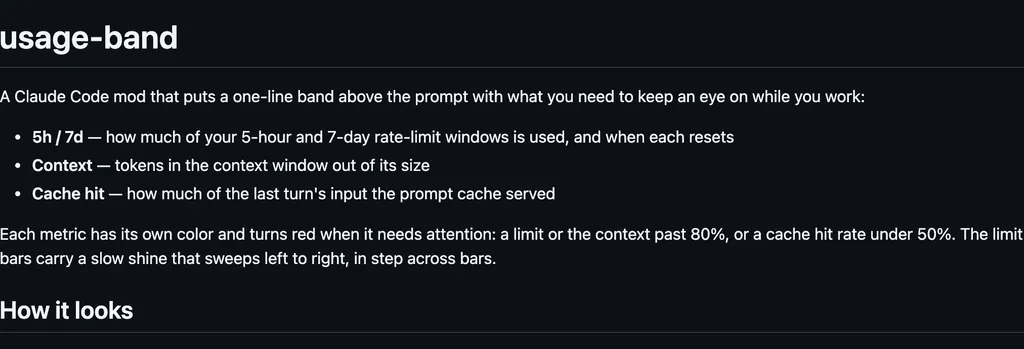
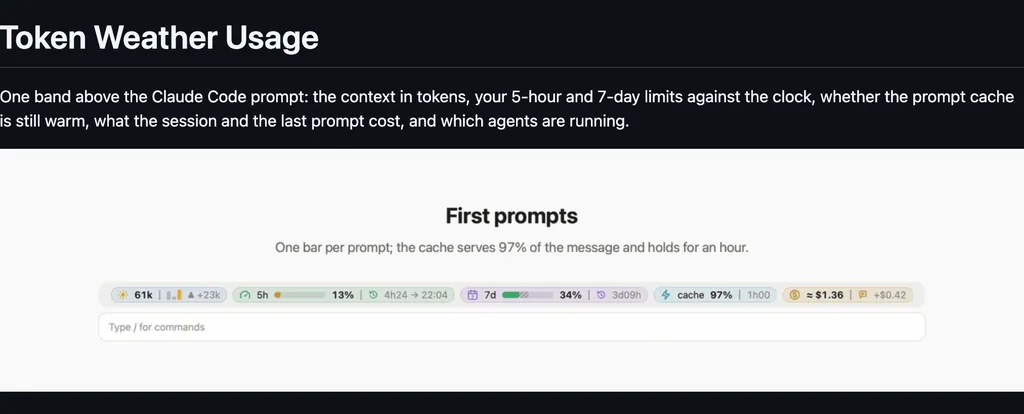
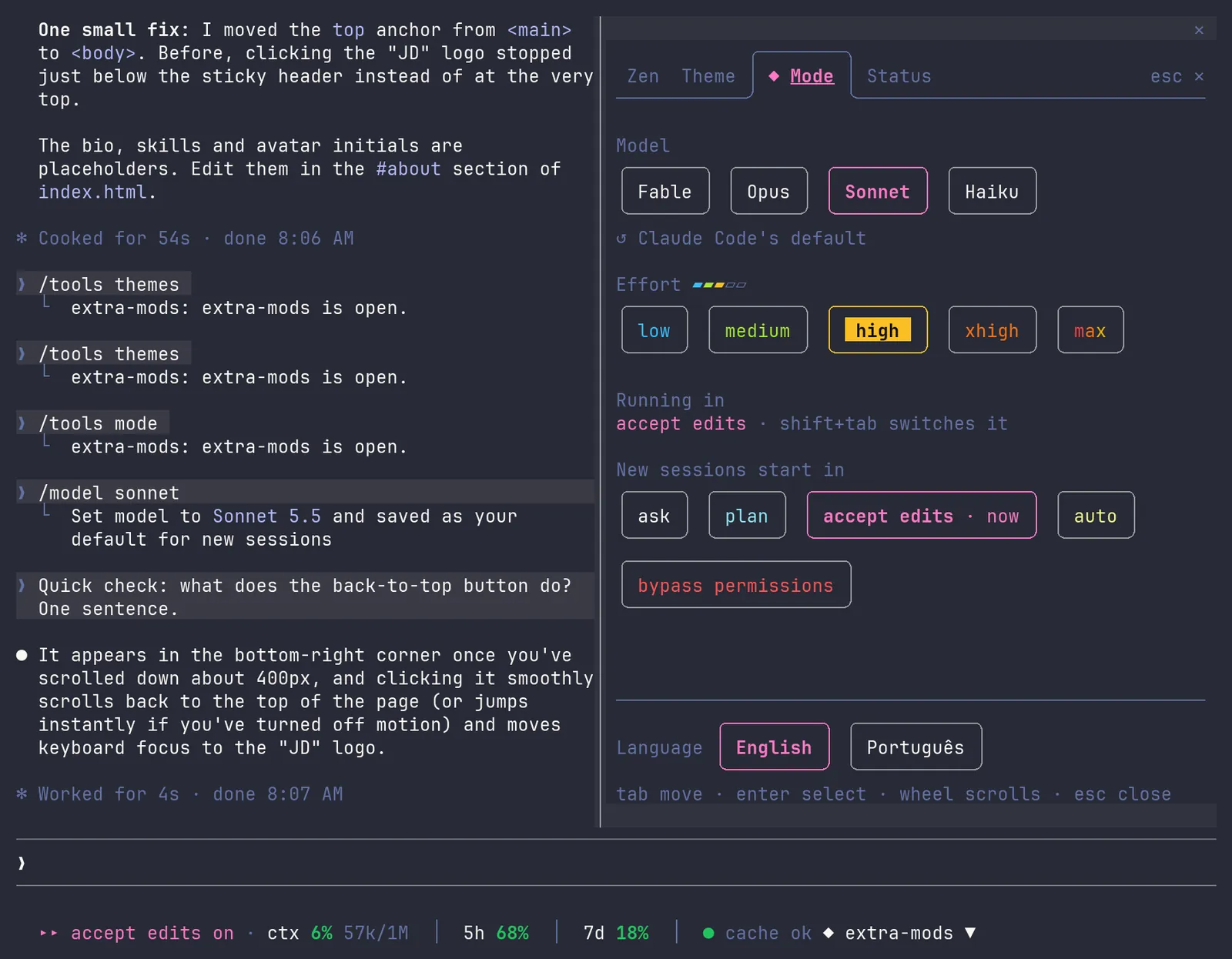
Draws a menu for Zen, themes, model and effort, and a status line of context, plan limits, and cache.
Draws
Install
The marketplace name is jdsjh-mods.
claude plugin marketplace add Jhonatan-de-Souza/ClaudeMods
claude plugin install extra-mods@jdsjh-mods --scope user
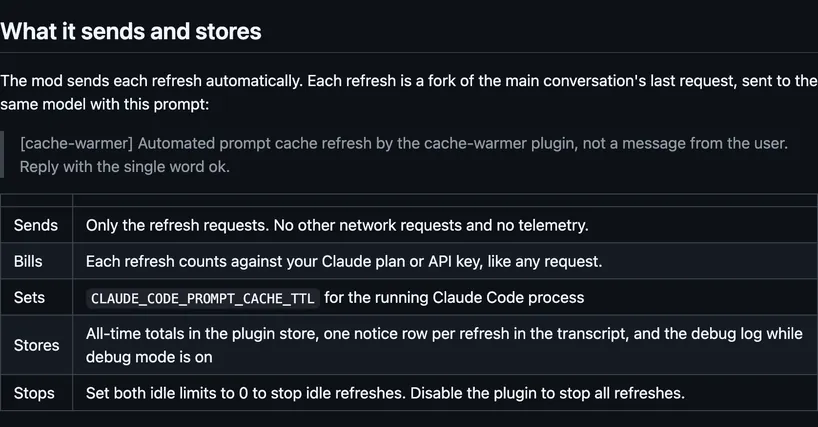
It runs inside the Claude Code process. The side panel is only what the author's README names. Read the repo before you install, or run claude plugin validate on the plugin folder.
- Version
- 0.5.0
- Repo stars
- 23
- Last change
- 2026-10-14
What it can reach
- Draws in the session
- Reads usage or context figures
- Reaches the network or an outside service
- Sees tool calls
- Runs a command when you press
Needs Claude Code 2.1.292 or newer. Run /reload-plugins or start a new session, then click the extra-mods corner or type /tools. Zen hides tool calls and giant code blocks and shows a progress band, and Claude gets a zen_progress tool to post its plan and update each step. Themes download once from terminalcolors.com into ~/.claude/extra-mods/themes/. The pick is written as ~/.claude/themes/extra-mods.json and set in ~/.claude/settings.json. Restart Claude Code once the first time; after that a theme changes live. Mode runs Claude Code's own /model, and the effort level applies to every request and is remembered. Status shows the model, folder, branch, context, 5h and 7d limits, and cache. It takes your own statusLine out of settings.json and puts it back when you turn it off. Click the background-shell row for /tasks. Every settings file is backed up first, as *.extra-mods.bak. The sidebar speaks English and Portuguese. A checkout starts with claude --plugin-dir ./plugins/extra-mods. The README names the theme download, and does not say the conversation leaves the machine.
The plugin folder has no README. These lines are the repository README. Zen draws the progress band and hides tool rows. Theme downloads and applies a theme. Mode sets the model and the effort for each request, beside model-effort-band and effortless. Status is the line under the prompt. While Zen is on, each typed prompt also carries a note the README does not mention: the user sees only text messages, the band is fed by zen_progress, and Claude should post the whole step list and say what it is about to do.
Demo
What it hooks into
session.endWhen a session endsclassic.SessionStartA Claude Code eventsession.startWhen a session startscommand.runWhen you run its slash command/toolsui.renderDraws into the sessionPanePromptHintAbovePromptToolUseToolResultToolGroupToolProgressui.closeWhen its pane closesui.scrollA Claude Code eventui.focusA Claude Code eventprompt.submitWhen you send a prompttool.callAround a tool call, where it can hold oneTodoWriteTaskCreateTaskUpdateturn.completeWhen a turn endsturn.stepAt each step of a turnclassic.UserPromptSubmitA Claude Code eventclassic.PostToolUseA Claude Code event
Read from the on() calls in its hook modules. Open its source under Files to check what each one does.
Slash commands 1
/toolsOpen the extra-mods menu: Zen mode, themes, mode and status line
Files
The author's source, 3 files. They load when you open them.
Facts
- Author
- Jhonatan-de-Souza
- Category
- Usage
- Marketplace
- jdsjh-mods
- Folder
- plugins/extra-mods
- Version
- 0.5.0
- Repo stars
- 23
- Last change
- 2026-10-14
- Language
- TypeScript
- Files
- 11