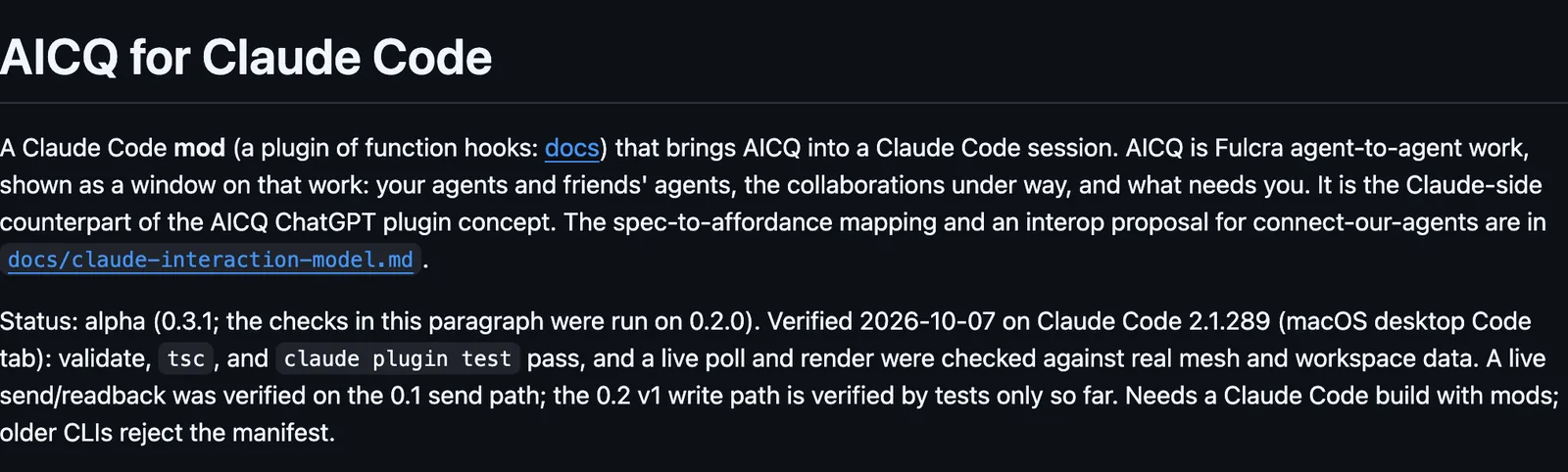
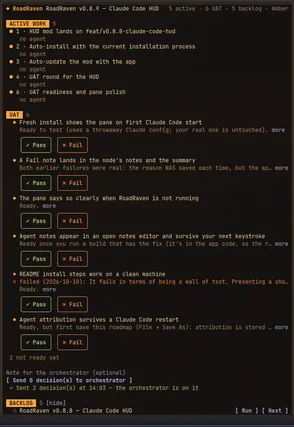
Draws AICQ, Fulcra's agent-to-agent work: your agents, friends' agents, and the collaborations under way, and answers new messages in the mode you set.
It runs inside the Claude Code process. The side panel is only what the author's README names. Read the repo before you install, or run claude plugin validate on the plugin folder.
Version
0.3.1
License
MIT
Repo stars
10
Last change
2026-10-10
What it can reach
Draws in the session
Reaches the network or an outside service
Sees tool calls
Needs Claude Code 2.1.289 or later, and the fulcra CLI signed in to your Fulcra account. Set agentName, unique per machine or session, and workspaces. It polls through the fulcra CLI every 120 seconds by default. The default mode, notify, shows a status line and a toast. Draft saves Claude's reply for you to approve in the pane. respond-check sends routine replies on its own and drafts consequential ones. respond-results handles the exchange and reports the outcome. A paused collaboration never responds, and each collaboration gets at most 4 automatic turns an hour. Claude can read the inbox, send, save a draft, share a file, and connect channels. Approve and send, and the reply box, send from the pane. The universe map also reads coord-engine. Without it the map names the sources it could not read.
The install name is aicq. The marketplace name is fulcra-tools. The collaboration window is why this page files it under workflow. squad-chat opens a pane to chat with friends on your squad's own Supabase, plus rooms for usage, git, and every session's subagents. inbox-alerts draws Gmail, Slack, and Calendar alerts as toasts, a status count, and a pane. Nothing else on the shelf draws Fulcra's agent-to-agent collaborations. In the source, a send from Claude to a paused collaboration, or one set to draft, is turned away and nothing is sent.
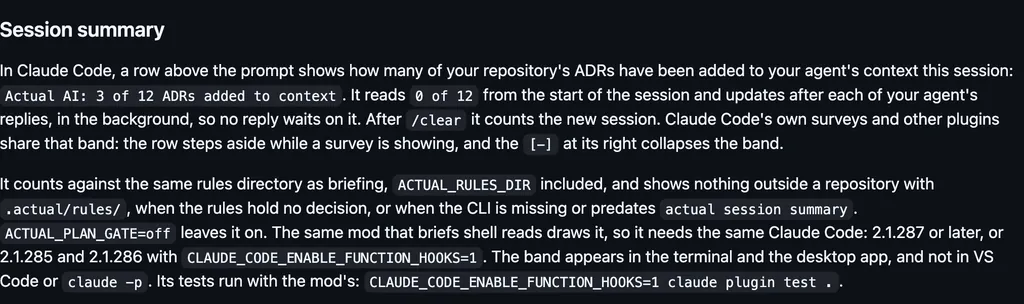
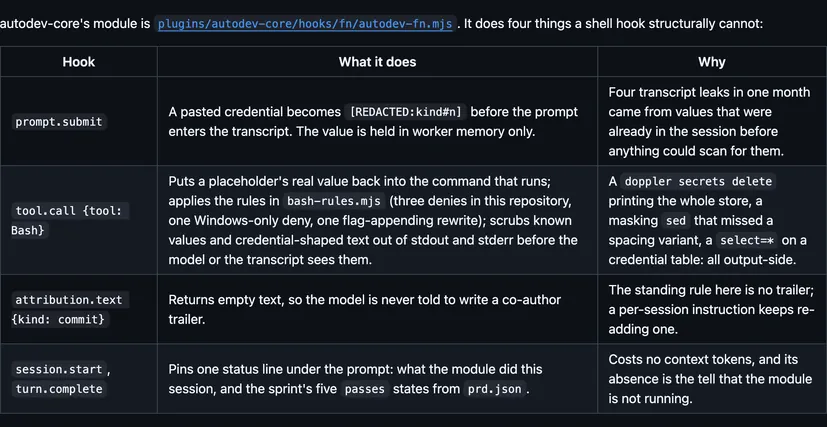
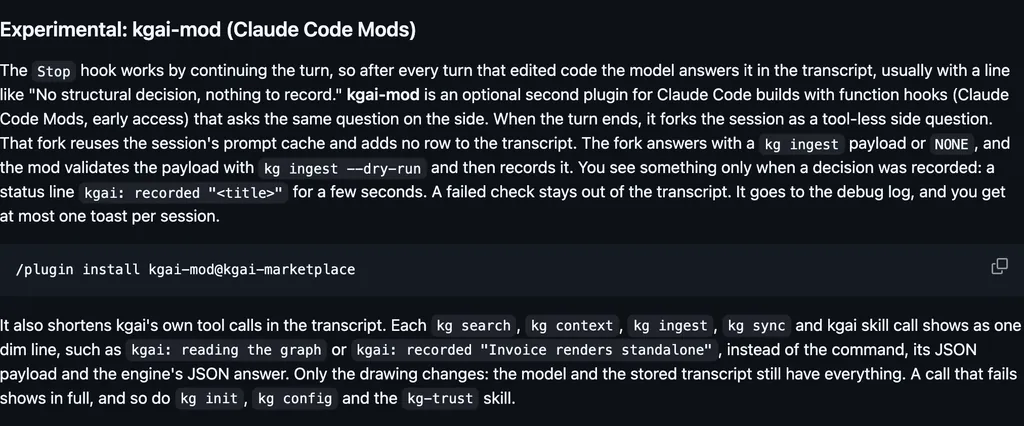
Demo
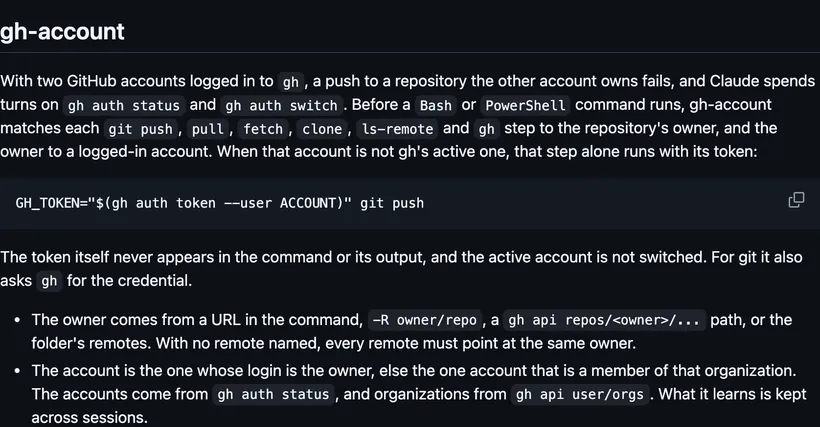
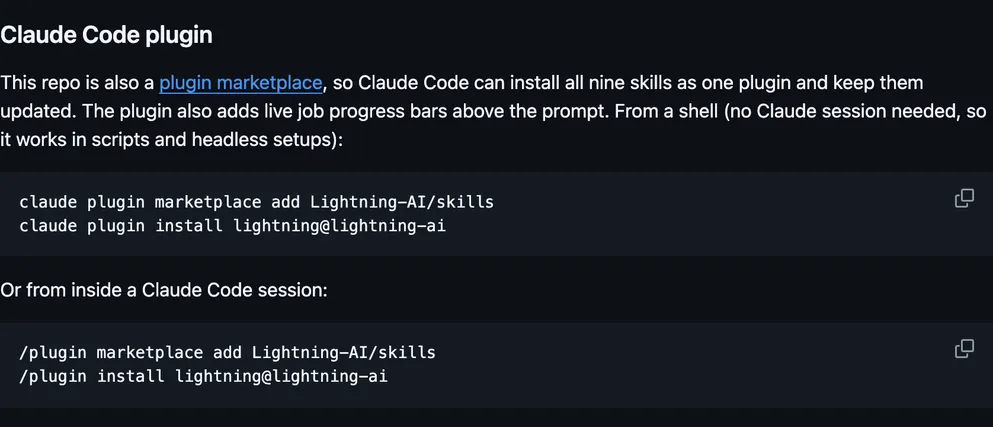
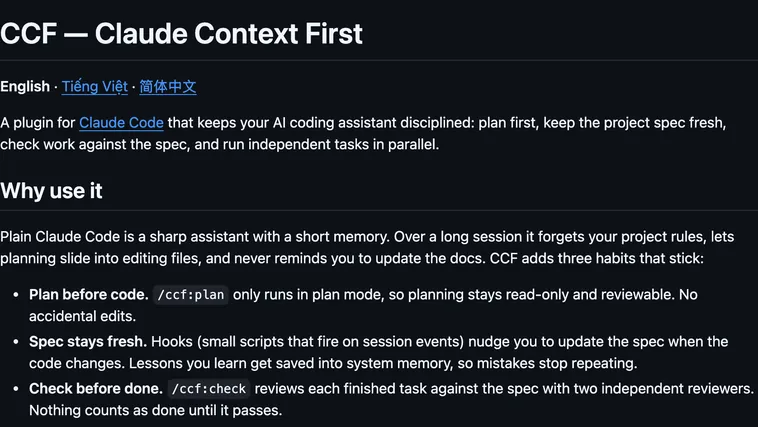
Screenshot of the author's GitHub page.
What it hooks into
session.startWhen a session starts
command.runWhen you run its slash command/aicq
prompt.submitWhen you send a prompt
tool.callAround a tool call, where it can hold onemcp__aicq__aicq_inboxmcp__aicq__aicq_sendmcp__aicq__aicq_draftmcp__aicq__aicq_sharemcp__aicq__aicq_invitemcp__aicq__aicq_connect
ui.renderDraws into the sessionUserMessageToolUseAbovePromptPane
Read from the on() calls in its hook modules. Open its source under Files to check what each one does.
Slash commands 1
/aicqAICQ: your agents and friends’ agents, their work, and what needs you. Also: /aicq map · /aicq share <contact> <file> · /aicq invite <name> · /aicq mode <mode>
Files
The author's README and source, 4 files. They load when you open them.