ClaudeCodeMod

All shelves / Mods / Usage

usage-meter

By hamzafer

usage-meter is a Claude Code usage mod by hamzafer.

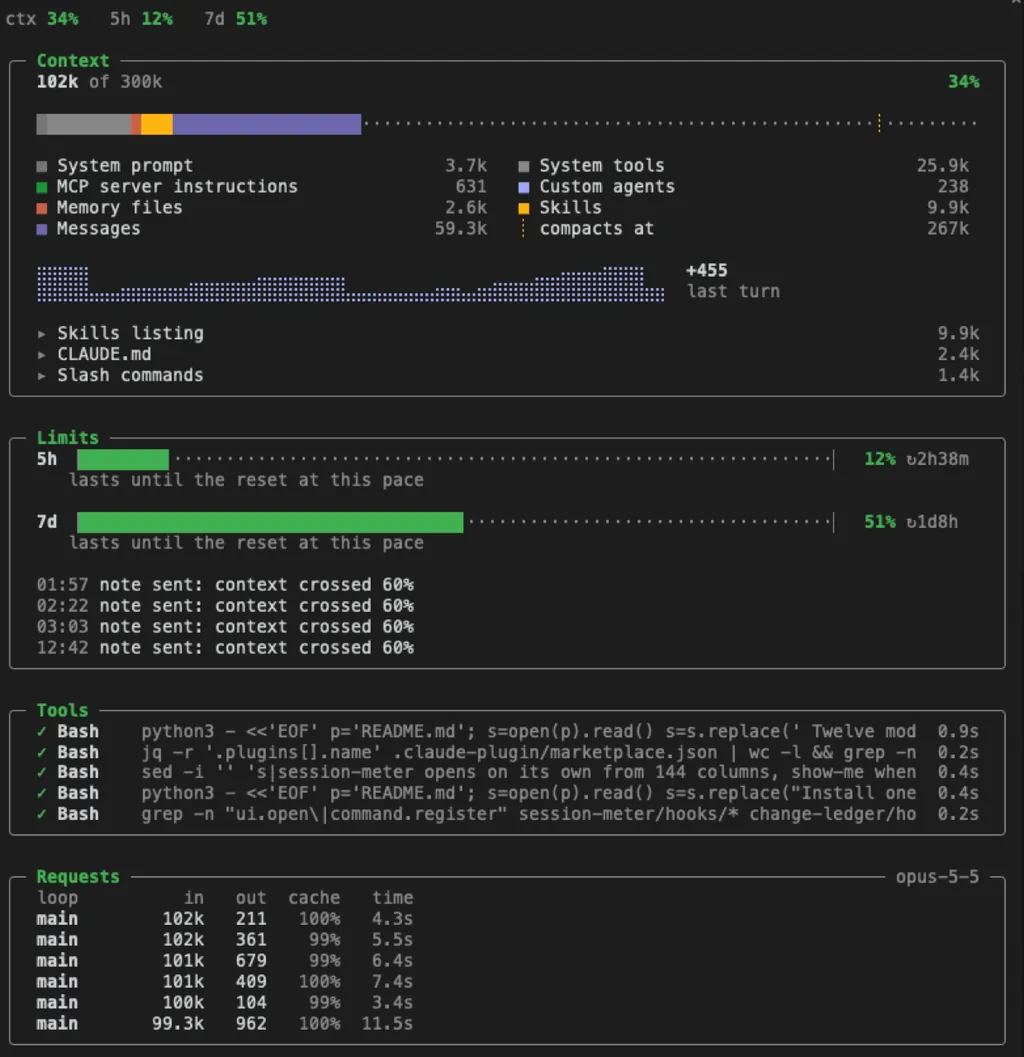
Draws the 5-hour and 7-day plan limits as small bars above the prompt, with the reset countdown and what this session cost.

Draws

Install

The marketplace name is claude-code-mods.

In your shell
claude plugin marketplace add hamzafer/claude-code-mods
claude plugin install usage-meter@claude-code-mods
Open the repo

It runs inside the Claude Code process. The side panel is only what the author's README names. Read the repo before you install, or run claude plugin validate on the plugin folder.

Version
0.1.1
License
MIT
Repo stars
381
Last change
2026-10-15

What it can reach

  • Draws in the session
  • Reads usage or context figures

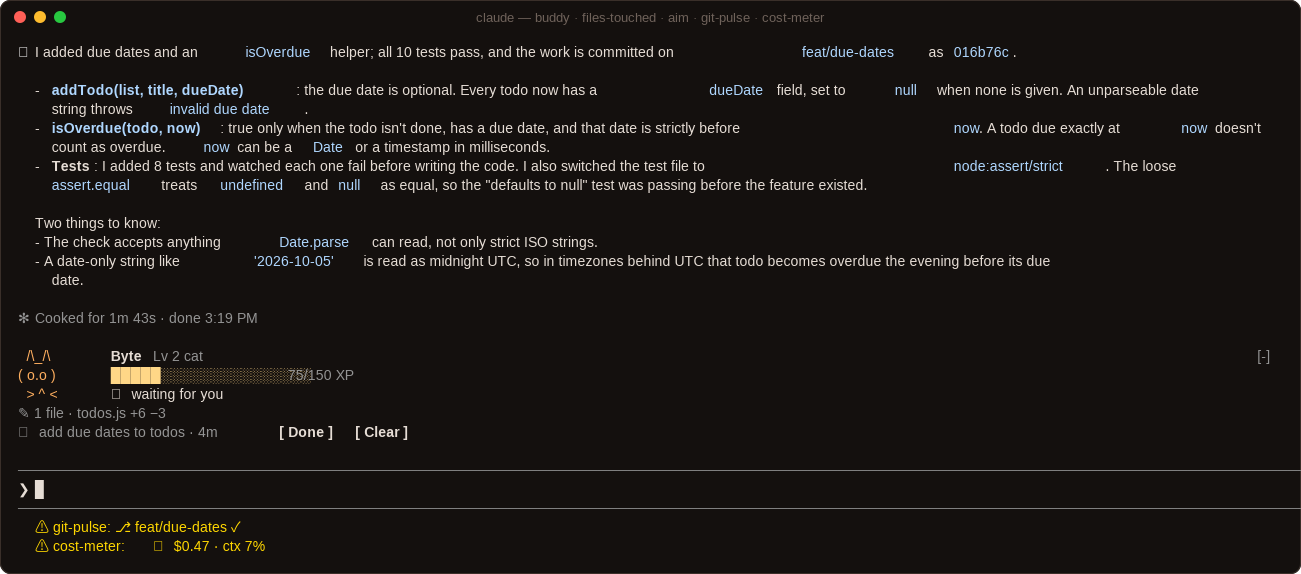
Claude Code 2.1.287 or later. The author says to restart after installing. One line above the prompt shows your plan's 5-hour and 7-day usage as small bars, when the 5-hour window resets, and what the session has cost. It reads the same figures as the status line and updates as your usage changes. A bar is green under 75%, yellow from 75%, and red from 90%, with one toast per window each time it passes 90%. A window past its reset time hides until the next reading. Without a subscription it shows only the cost. A narrow terminal drops the 7-day part first, then the cost. Its line stacks with the other hamzafer lines and hides when it has nothing to show. In the checklist that npx claude-code-mods@latest opens, o sets their order.

The marketplace, claude-code-mods, holds all of hamzafer's mods. This one installs on its own, or from that checklist. The plan limits are why this page files it under usage. sub-meter, by midudev, draws the 5-hour and weekly usage at the bottom right, on the permission mode's line, with the time until it resets. quota-meter, by Arunjay4213, pins the 5-hour and 7-day limits with the reset and whether the current pace fills them first. This one puts both windows and the session's cost in one line above the prompt, colored by how full they are.

Demo

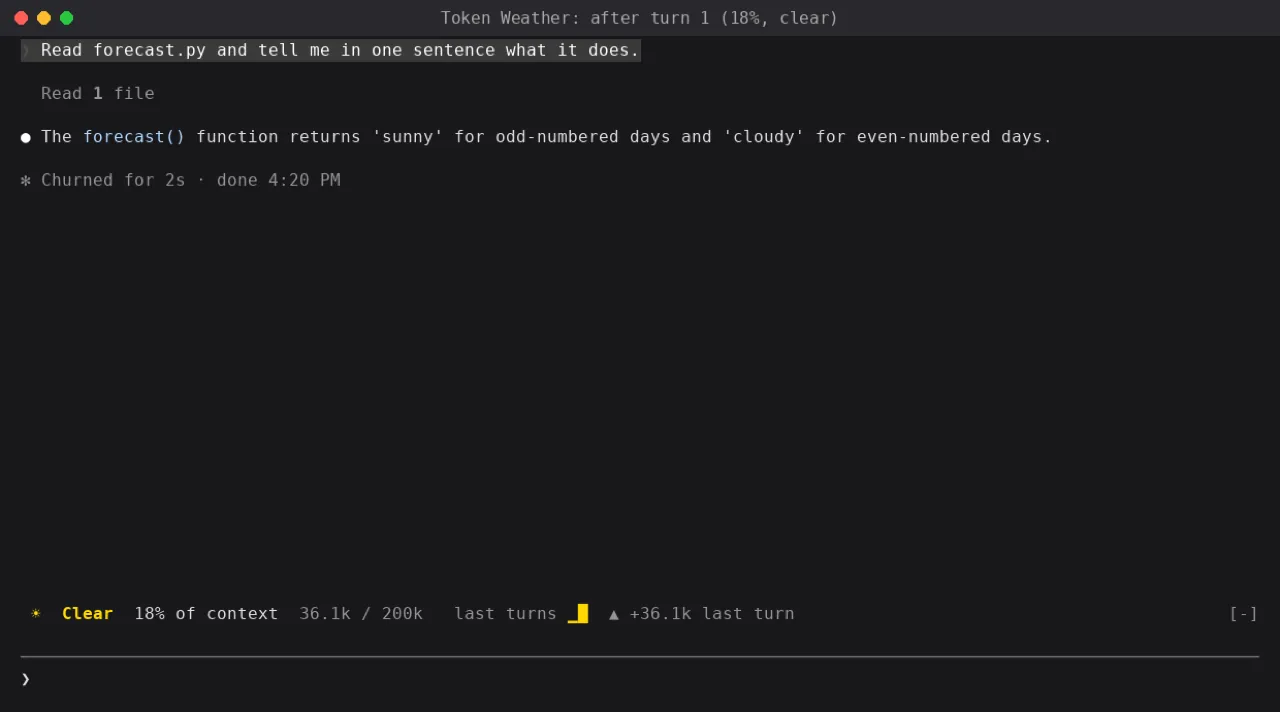
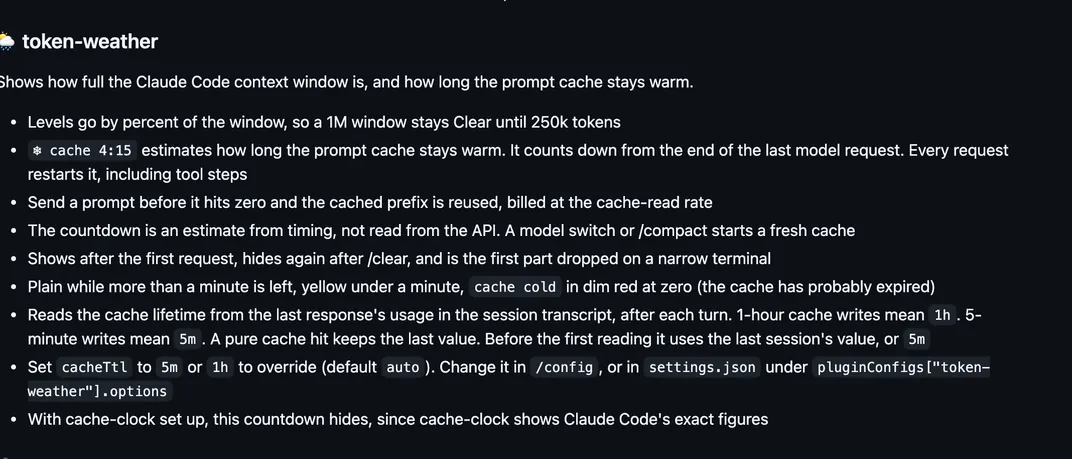
token-weather, usage-meter and other status lines stacked above the prompt
From the author's repo.

What it hooks into

  • session.startWhen a session starts
  • session.measureWhen usage is measured
  • ui.renderDraws into the sessionAbovePrompt

Read from the on() calls in its hook modules. Open its source under Files to check what each one does.

Files

The author's source, 3 files. They load when you open them.

Facts

Author
hamzafer
Category
Usage
Marketplace
claude-code-mods
Repo
hamzafer/claude-code-mods
Folder
mods/usage-meter
Version
0.1.1
License
MIT
Repo stars
381
Last change
2026-10-15
Language
TypeScript
Files
7

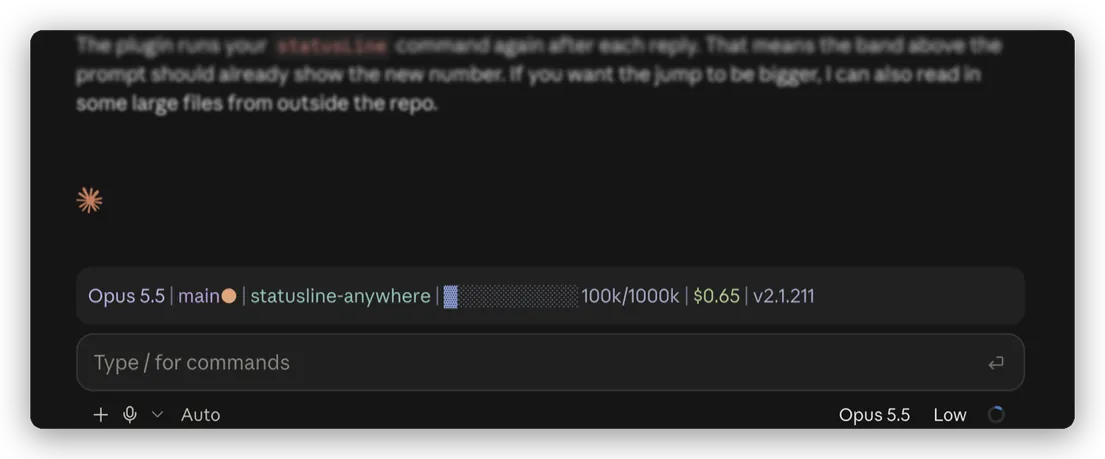
Other mods in Usage

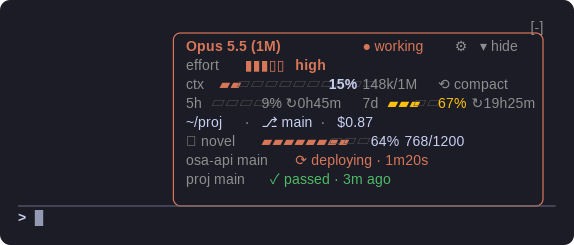
context-barhamzaferDraws the context window as one stacked bar, a color per category, with token counts and the compaction point.token-weatherAnthropicDraws a one-line forecast of the context window above the prompt. Fuller goes from clear toward a storm.token-weatherhamzaferDraws the context-window forecast above the prompt, plus how long the prompt cache has left.cache-clockhamzaferDraws a prompt-cache line under the status line: time left while warm, hits and misses, and how many tokens the next message re-caches once it goes cold.openai-balancehamzaferDraws your OpenAI API credit above the prompt: an estimated balance, today's spend, where the money went, and the last call.cost-meterSingh-APHolds a commandDraws session cost, context fill, and the 5-hour and 7-day windows on the status line, plus each turn's cost. An optional budget asks before the next tool call.session-meterarasovicDraws a pane of context by category, the 5-hour and 7-day windows and their pace, and the last 30 tool calls and model requests.cache-timerarasovicDraws a countdown above the prompt until the prompt cache expires, then how many tokens the next message writes again.turn-footerarasovicDraws tool calls, subagents, requests, tokens, and cache hit rate under each answer, and the running tool in the spinner.search-meterarasovicDraws a status line for the model's searches: green found on the first try, yellow found after misses, red found nothing.statusline-anywhereNathanABDraws the status line you already configured, in color, above the prompt in Claude Desktop. In a terminal it stays out of the way.statuspanexuanji86Draws a card above the prompt: model, context gauge, 5-hour and 7-day limits, directory, branch, and session cost. Press the gauge and confirm to run /compact.
All 183 in Usage