It runs inside the Claude Code process. The side panel is only what the author's README names. Read the repo before you install, or run claude plugin validate on the plugin folder.
Version
0.1.0
License
MIT
Repo stars
164
Last change
2026-09-30
What it can reach
Draws in the session
Reaches the network or an outside service
Sees tool calls
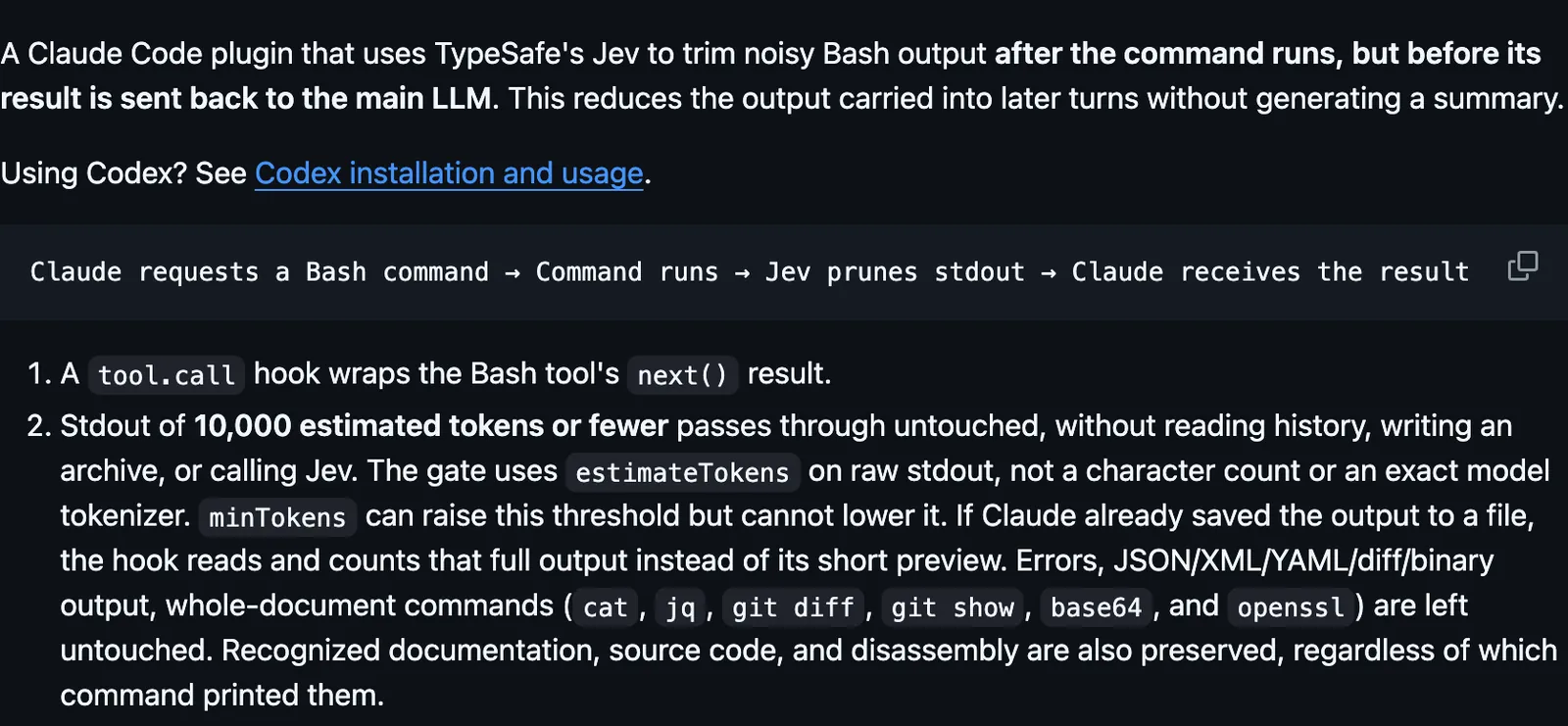
Function hooks, which the README calls an early-access feature, and a TYPESAFE_API_KEY. The checked-in declarations were generated by Claude Code 2.1.274. The README still asks for CLAUDE_CODE_ENABLE_FUNCTION_HOOKS=1; the official docs say 2.1.287 and later ignore that flag. minTokens defaults to 10000 estimated stdout tokens, and a shorter result is left as it is. persistedOutputs defaults to true, so a Bash result Claude already saved to a file is pruned too. keepThreshold defaults to 0.5. Jev is the author's pruning model. Each scoring call sends the command, the task, the chunks, and history (user and assistant text, complete tool inputs, and tool-result text) to https://api.typesafe.ai/v1/systemone. The README says Jev requests incur API usage. A credential-like command or output is not archived under .claude/fast-jev-output/. The README says that check does not redact secrets or stop that text from being sent to Jev. On a failure the original output is left as it is.
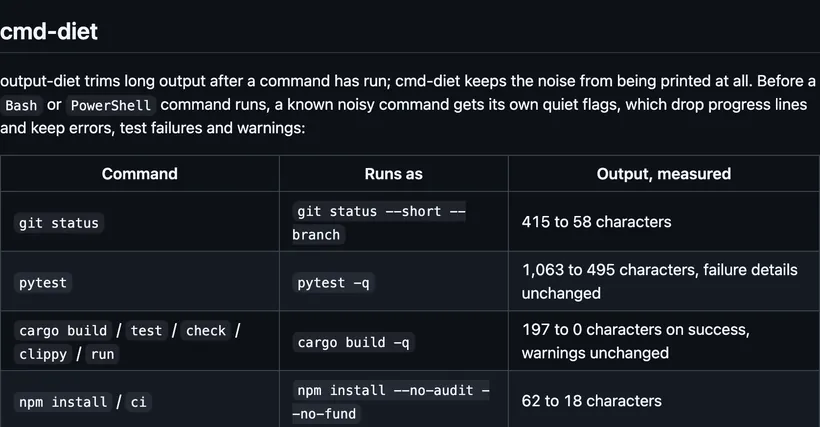
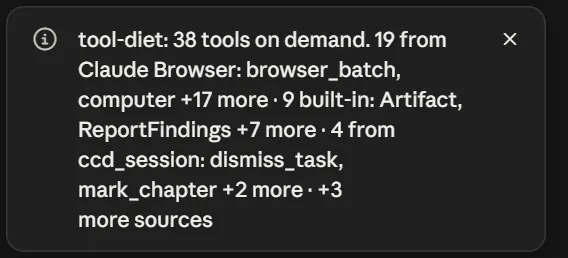
The plugin is the repository. The marketplace name is fast-jev-output, and its source is ./, the repository root. The toast is why this page files it under usage. output-diet trims what Claude reads from a long shell, search, or subagent result, saves the full text, and counts the savings on the status line. fast-jev-compaction shows a toast when /compact keeps the messages Jev still wants and drops the rest, instead of replacing the history with a summary. This one sends the Bash result to Jev at api.typesafe.ai and toasts how many characters remain.
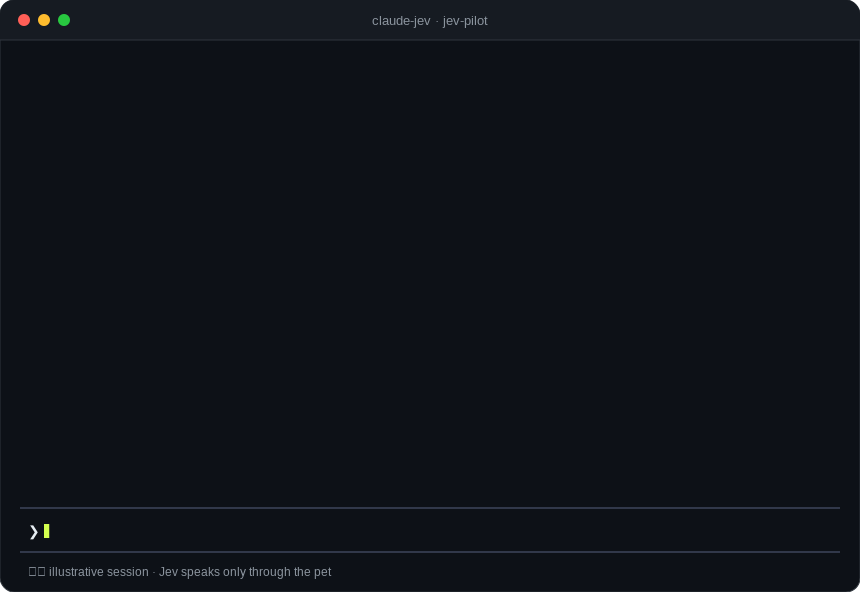
Demo
Screenshot of the author's GitHub page.
What it hooks into
tool.callAround a tool call, where it can hold oneBash
Read from the on() calls in its hook modules. Open its source under Files to check what each one does.
Files
The author's README and source, 4 files. They load when you open them.