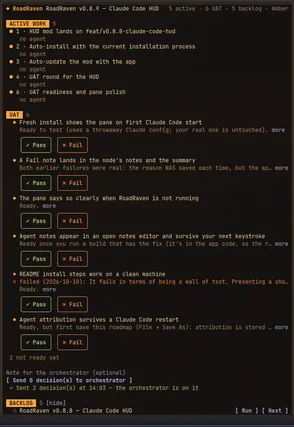
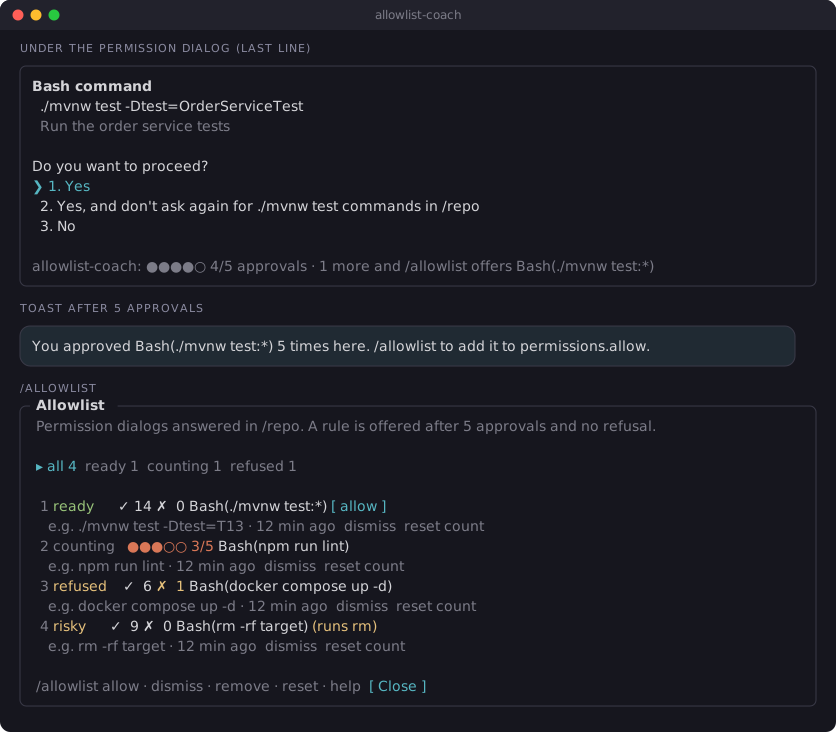
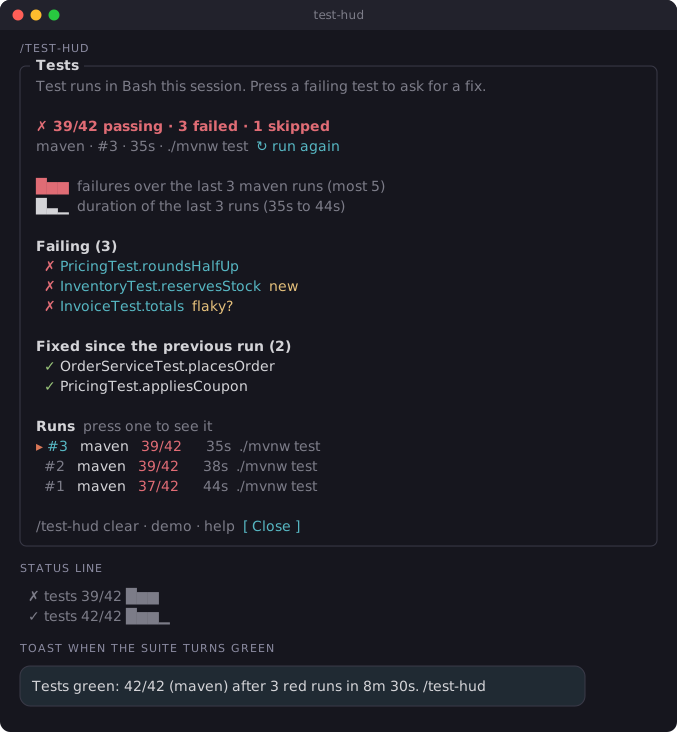
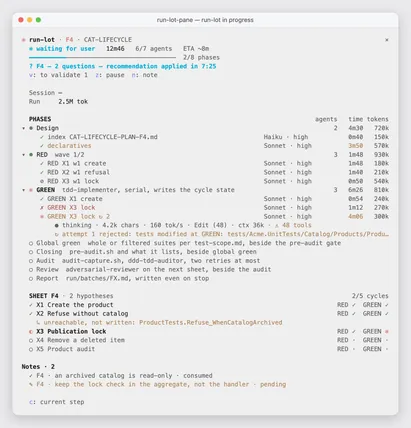
It runs inside the Claude Code process. The side panel is only what the author's README names. Read the repo before you install, or run claude plugin validate on the plugin folder.
Version
0.1.1
License
MIT
Repo stars
13
Last change
2026-10-17
What it can reach
Draws in the session
Calls another program on this machine
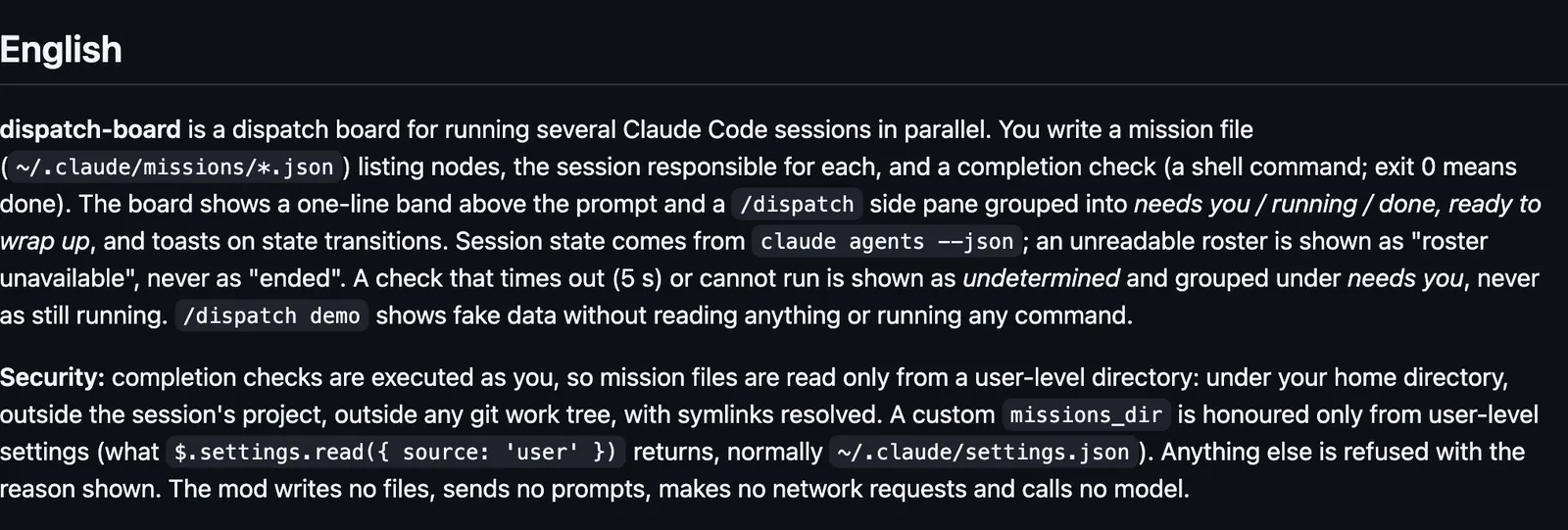
The pane's labels are in Traditional Chinese. Needs Claude Code 2.1.287 or later. You write one JSON mission file per job in ~/.claude/missions/ (a subfolder is not read). Each node names the session that owns it and a shell command that counts as done when it exits 0. The board runs that command as you, every 5 seconds while the pane is open and every 30 seconds while it is closed, and it reads the session roster with claude agents. Mission files are read only from that user-level directory, never from a project, so cloning a repository cannot make it run someone else's commands. A project settings file cannot change the directory. /dispatch opens the pane. /dispatch off stops reading missions and stops running the done commands in this session. /dispatch demo draws made-up rows and runs nothing.
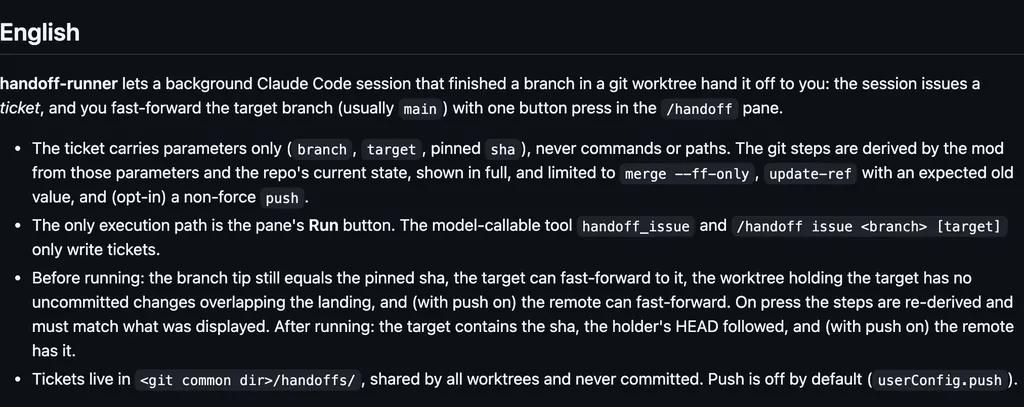
The install name is dispatch-board. This page adds the author's name. learning-hacker-claude-mod is a collection of Claude Code mods by Learning Hacker, shared as-is, without support. The marketplace name is learning-hacker-claude-mod. The marketplace also holds dispatch-relay, handoff-runner, and working-memory. This one installs on its own. The marketplace source is ./plugins/dispatch-board. The board is why this page files it under workflow. pr-pane-nongfsq, in the desktop app, draws a pane of this project's sessions sorted by what each needs from you, with pull requests and CI. corgi-band draws corgi sessions waiting on you, and what this turn posted or pushed, above the prompt. This one reads mission files you write and shows which of your sessions is done, running, or waiting on you.
Demo
Screenshot of the author's GitHub page.
What it hooks into
session.startWhen a session starts
command.runWhen you run its slash command/dispatch
ui.closeWhen its pane closes
ui.renderDraws into the sessionAbovePromptPane
Read from the on() calls in its hook modules. Open its source under Files to check what each one does.
Slash commands 1
/dispatch派工看板:開關面板;/dispatch off 停止、/dispatch demo 用假資料試看
Files
The author's README and source, 4 files. They load when you open them.