For rllvm, which pulls LLVM bitcode out of a build, draws a read-only pane of the call-graph overlay. Skills and a query server come in the same install.
It runs inside the Claude Code process. The side panel is only what the author's README names. Read the repo before you install, or run claude plugin validate on the plugin folder.
Version
0.2.0
License
Apache-2.0
Repo stars
6
Last change
2026-10-17
What it can reach
Draws in the session
Sees tool calls
Calls another program on this machine
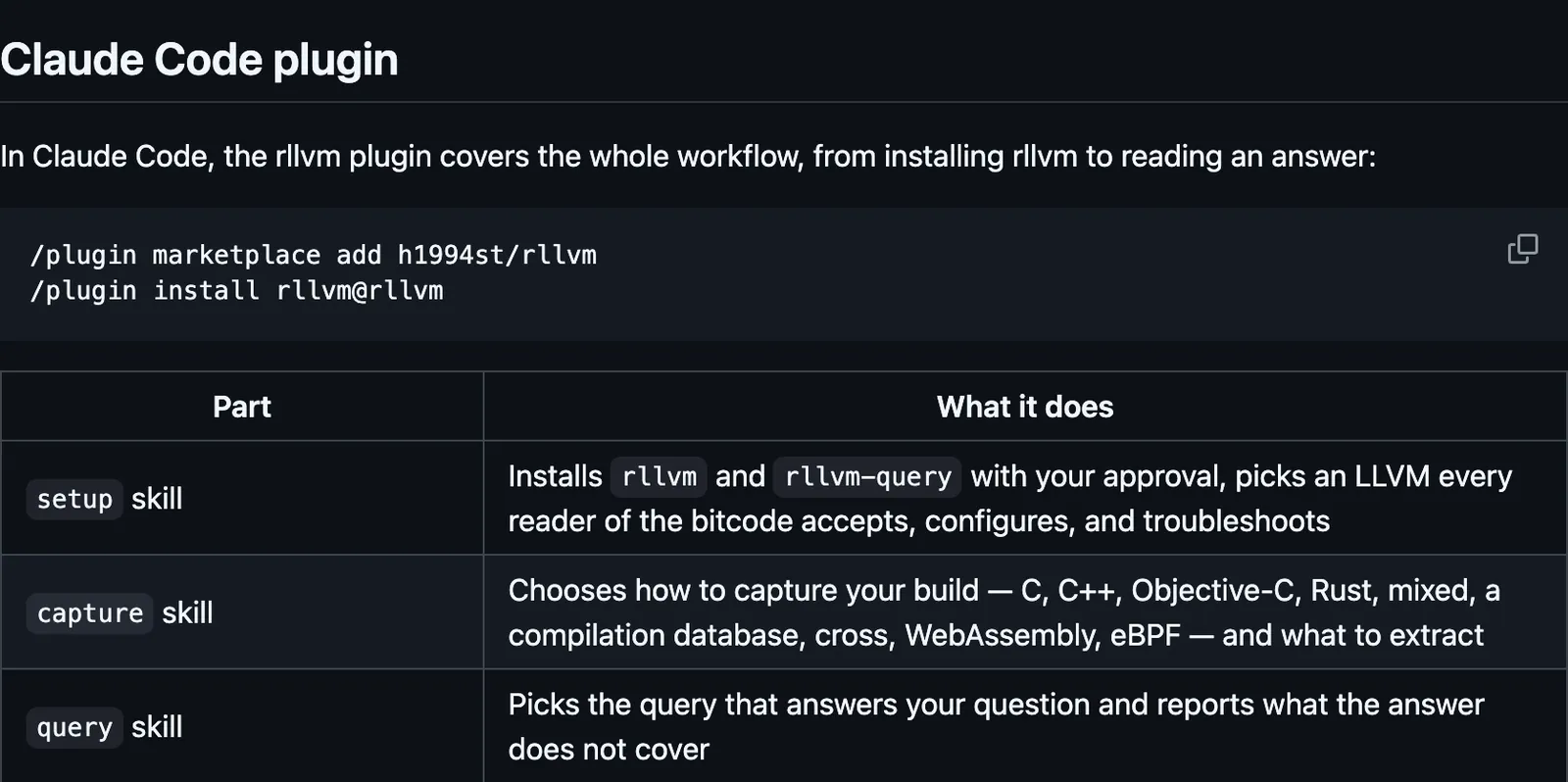
rllvm extracts whole-program LLVM bitcode from a build. You point the build at its compiler wrappers, build as usual, and pull one bitcode file back out of the finished binary. rllvm-query answers source-level questions about that bitcode. The repository README says this plugin covers the workflow in Claude Code, from installing rllvm to reading an answer. The same install includes a setup skill, a capture skill, a query skill, a complete-callgraph skill and /rllvm:complete-callgraph, the pane, and an MCP server. The setup skill installs rllvm and rllvm-query only with your approval, and picks an LLVM the readers of the bitcode accept. The capture skill chooses how to capture the build. The query skill picks the query and reports what the answer does not cover. complete-callgraph resolves unresolved indirect calls into a labeled call-graph overlay and never reports that overlay as proven. /overlay-view opens a read-only pane of each unresolved field, its candidates, and the overlay's edges with confidence and verification, including ones not saved yet, for the catalog that last answered. The MCP server is rllvm-query mcp, configured by the plugin, and it runs on this machine. Builds run as ordinary shell commands you approve, never inside that server. After a query tool finishes, the plugin runs its cache-check script. It notes once per session when the facts cache passes query_cache_warn_mb, which defaults to 1024 MB. The script needs jq, a program that reads JSON. The facts cache defaults to ~/.rllvm/cache. The overlay file sits beside the catalog. rllvm and rllvm-query are installed separately. The plugin example says the setup skill walks through that.
The plugin folder has no README. These lines are the repository README. The marketplace name is rllvm. The overlay pane is why this page files it under workflow. The skills and the MCP server are in the same install. The source says the pane is filled from the query tool's results, does not read the overlay file, and offers nothing to press. rllvm-query and the cache-check script are the local programs. A build you approve is Claude's own shell command. The catalog, the overlay file, and the facts cache stay on this machine.
Demo
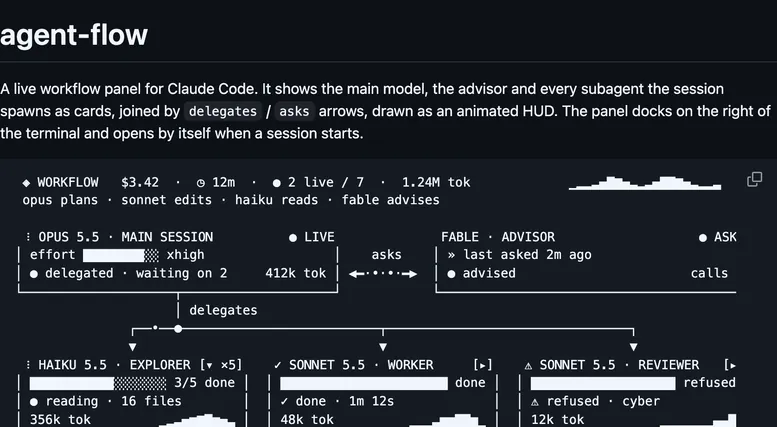
Screenshot of the author's GitHub page.
What it hooks into
session.startWhen a session starts
command.runWhen you run its slash command
tool.callAround a tool call, where it can hold one
ui.renderDraws into the sessionPane
Read from the on() calls in its hook modules. Open its source under Files to check what each one does.