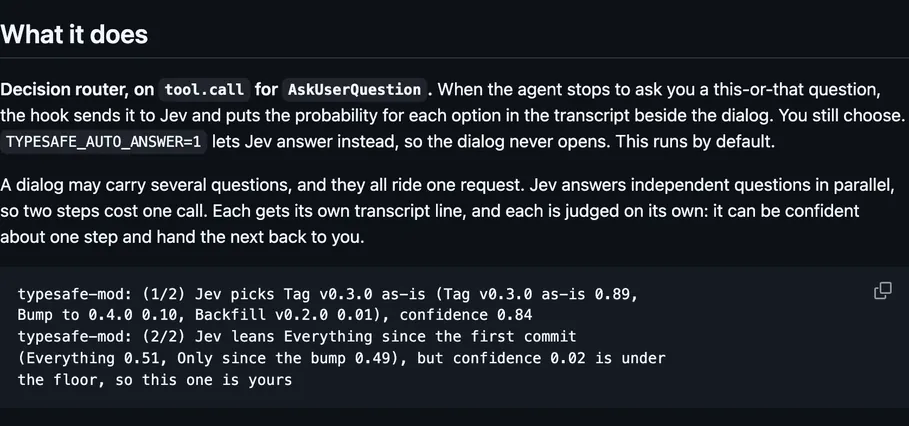
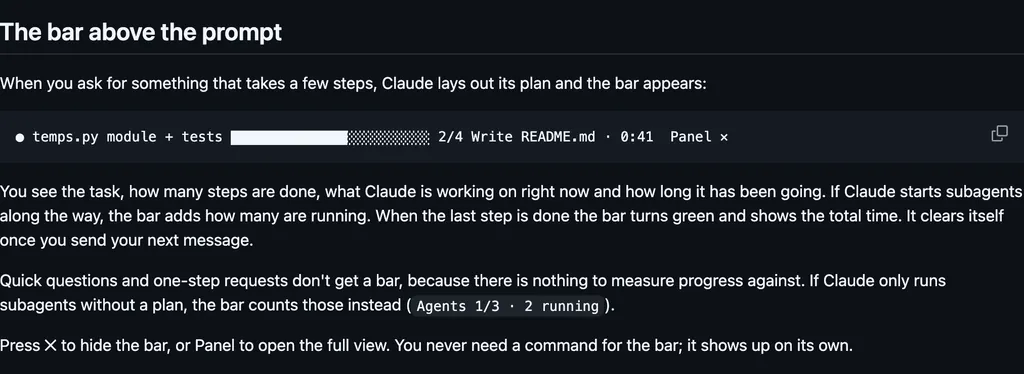
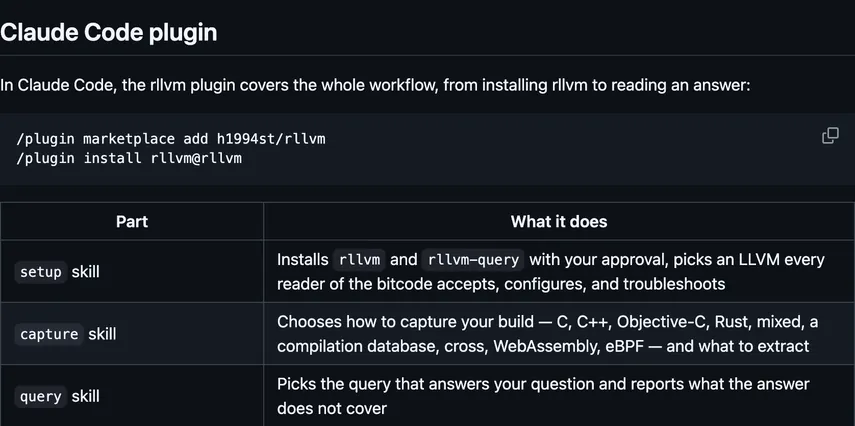
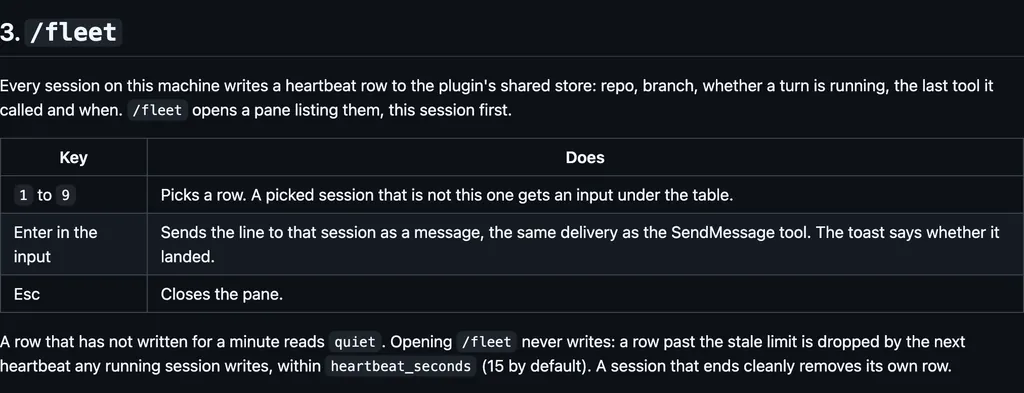
It runs inside the Claude Code process. The side panel is only what the author's README names. Read the repo before you install, or run claude plugin validate on the plugin folder.
Version
1.0.9
License
MIT
Repo stars
7
Last change
2026-10-16
What it can reach
Draws in the session
Reaches the network or an outside service
Sees tool calls
Calls another program on this machine
FlowCTL is a floating window on macOS or Windows, plus this plugin. The plugin watches the session and builds the graph. The app draws it. The graph is the agent's plan: one node per step, what is running, what comes next, and when a step needs you. It observes task tools, subagents, permission checks, and tool errors. A tool error flashes the step red. Repeated errors keep it red. A permission prompt or a question turns the step yellow. Clicking a node brings that terminal forward. When a session starts, the plugin opens the overlay if it is installed. Several sessions share one window, one page each. The latest graph per session stays in ~/.flowctl/sessions. The plugin hands the app each graph over a local socket, ~/.flowctl/overlay.sock, or on Windows 127.0.0.1 with a token from ~/.flowctl/overlay.json. The README says everything stays on your computer. A graph holds step titles, statuses, times, a short summary, and the first line of a tool error. The README says it never holds your prompts, file contents, or full command output. The only network call is /flowctl init downloading the app from this repository's GitHub Releases, and the same download updates the app. Open the overlay when a session starts is on by default. Update the overlay is on by default. Asking the agent to declare its plan is on by default, and you can turn that request off in the plugin's options. Without it, the graph is usually one node. Errors before red defaults to 3. Record events is off by default, and writes ~/.flowctl/recordings only when you turn it on. Hide when idle and the idle animation are on by default. Needs macOS 13 or later, or Windows 10 or 11 64-bit, and Claude Code 2.1.295 or later. Answer y to add the marketplace, and choose the user scope so it works in every project. The README says the plugin never changes what the agent does, apart from that optional request to declare a plan.
The plugin folder has no README. These lines are the repository README. The install line has no @suffix. /flowctl init is the second install line. The marketplace name is flowctl. The plan graph, what is running and what comes next, is why this page files it under workflow. The overlay app and the local socket are the local program. The download from GitHub Releases is the network access, and that is where /flowctl init goes. The plan request is added to the prompt, and it starts on.
Demo
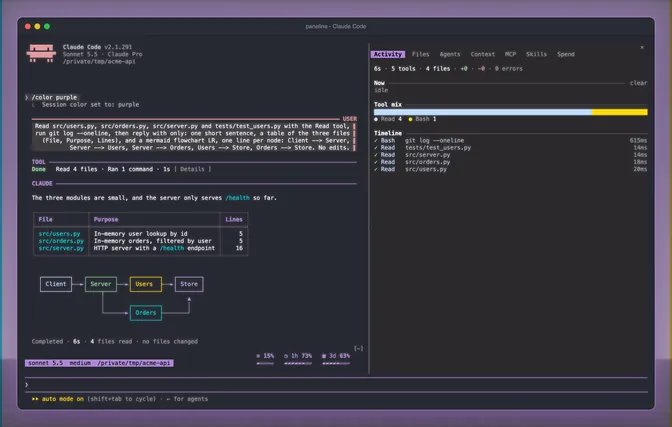
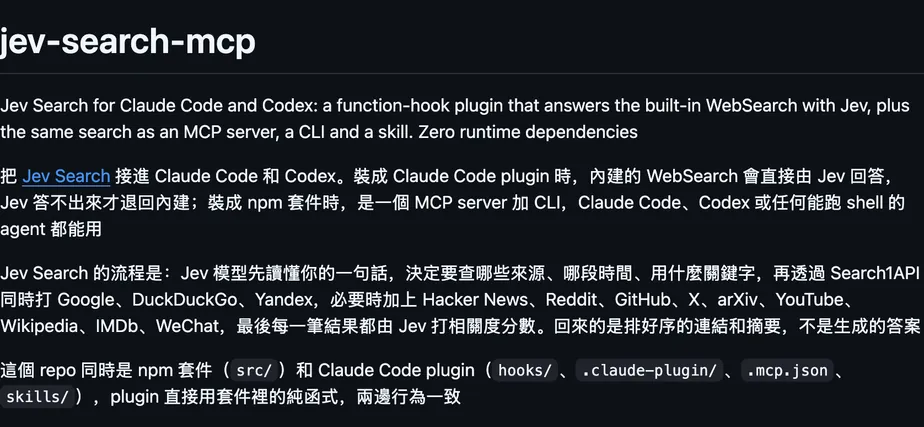
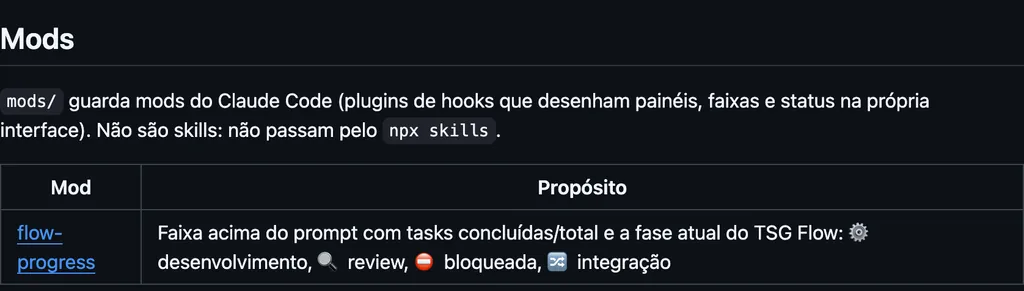
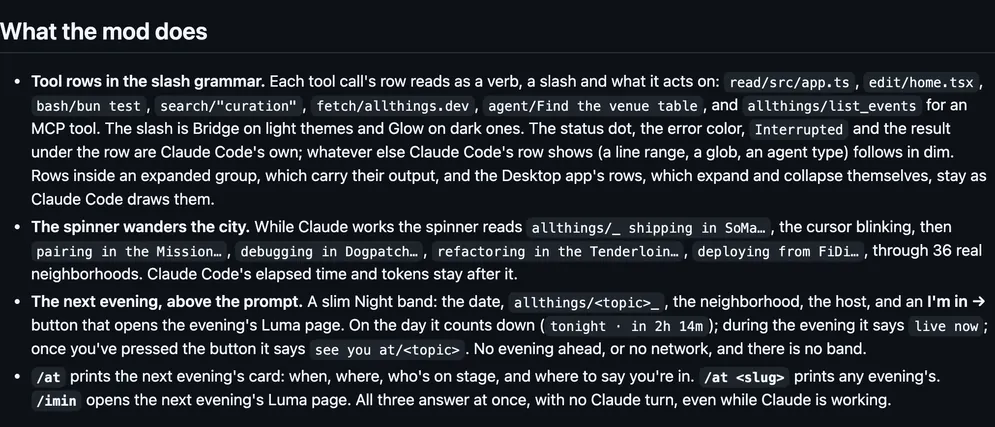
From the author's repo.
What it hooks into
session.startWhen a session starts
command.runWhen you run its slash command/flowctl
session.endWhen a session ends
prompt.submitWhen you send a prompt
prompt.composeWhile you write a prompt
turn.startWhen Claude starts a turn
turn.completeWhen a turn ends
tool.callAround a tool call, where it can hold one
tool.checkA Claude Code event
agent.spawnWhen a subagent starts
classic.*A Claude Code event
Read from the on() calls in its hook modules. Open its source under Files to check what each one does.
Slash commands 1
/flowctlInstall, update or remove the FlowCTL overlay app
Files
The author's source, 3 files. They load when you open them.