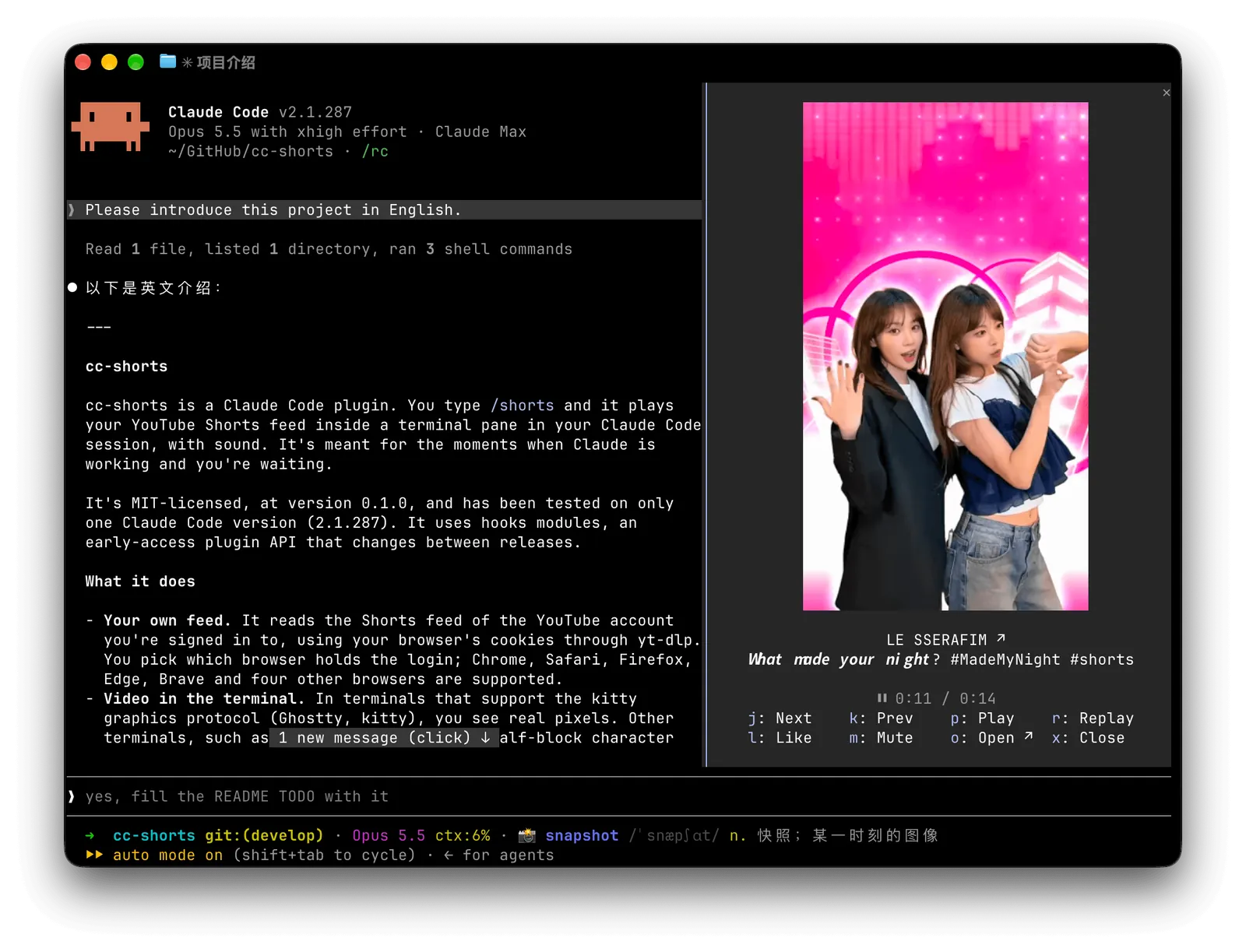
Plays your YouTube Shorts feed with sound in a terminal pane, through your browser's YouTube login, with keys for next, previous, pause, like, and mute.
It runs inside the Claude Code process. The side panel is only what the author's README names. Read the repo before you install, or run claude plugin validate on the plugin folder.
Version
0.1.0
License
MIT
Repo stars
3
Last change
2026-10-02
What it can reach
Draws in the session
Reaches the network or an outside service
Calls another program on this machine
macOS and Claude Code in a terminal; tested on 2.1.287 only. yt-dlp, ffmpeg with the audiotoolbox device, deno (recommended), and a browser signed in to YouTube; the first /shorts offers to have Claude install what is missing. A Chromium browser brings up a Keychain prompt when yt-dlp reads its cookies, and Safari needs Full Disk Access for your terminal. The author says it goes against YouTube's Terms of Service and puts the account at risk. Start a new session after installing; a clone loads with claude --plugin-dir.
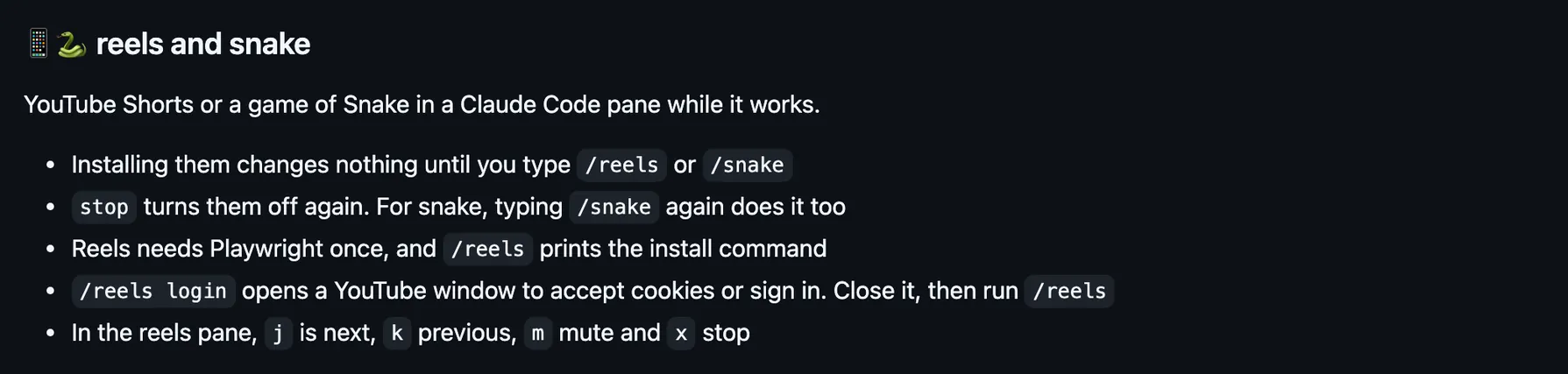
The marketplace, cc-shorts, holds only this plugin. Watching Shorts in the session is why this page files it under play. reels, by hamzafer, plays YouTube Shorts in a terminal pane while Claude works and pauses when the turn finishes. arcade, by ArbakovMaxim, offers NES games in a pane and videos in a browser window. This one plays your own Shorts feed, read through YouTube's unofficial web API with your browser's cookies: it adds a Short to your watch history after 10 seconds, likes on l, and downloads at most five ahead, 480 pixels wide, into a temporary folder it deletes when the pane closes. Ghostty and kitty show real pixels, other terminals half-blocks. While the pane has the keyboard it switches macOS to an English layout.
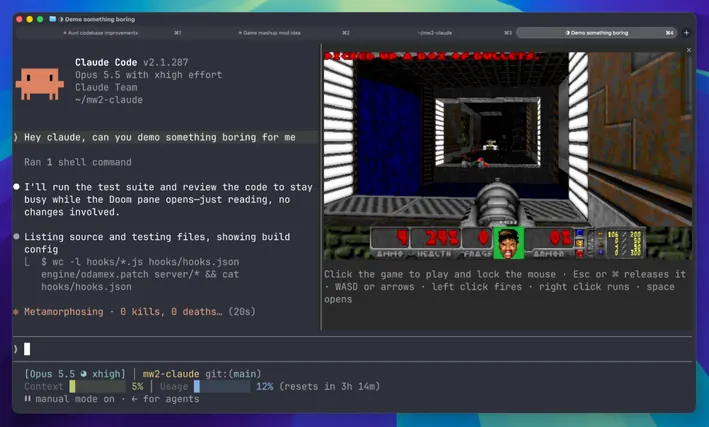
Demo
From the author's repo.
What it hooks into
session.startWhen a session starts
command.runWhen you run its slash command/shorts
ui.renderDraws into the sessionPane
ui.closeWhen its pane closes
session.endWhen a session ends
classic.SessionStartA Claude Code event
Read from the on() calls in its hook modules. Open its source under Files to check what each one does.
Slash commands 1
/shortsPlay YouTube Shorts in your Claude Code
Files
The author's README and source, 4 files. They load when you open them.