All shelves / Mods / Review
clarity
By CircularBlox
clarity is a Claude Code review mod by CircularBlox.
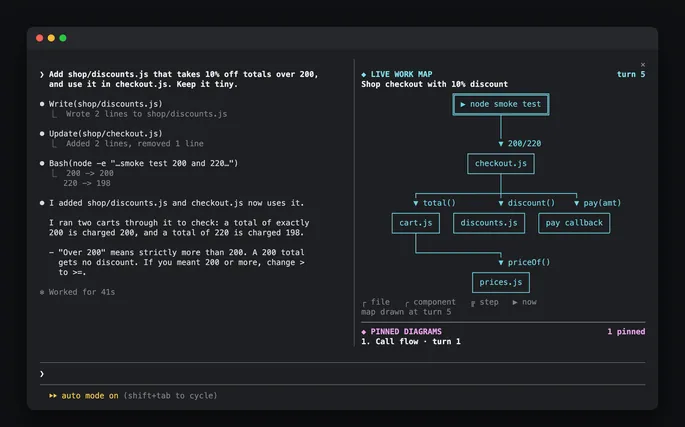
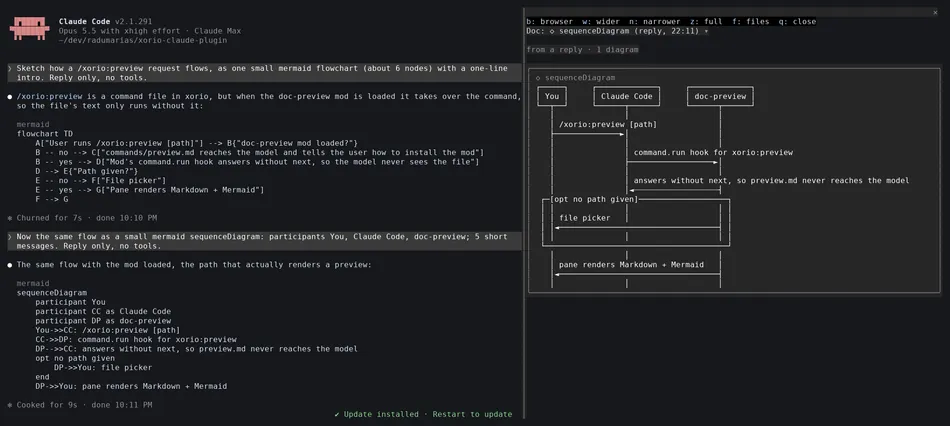
Boxes your prompts and Claude's replies, draws tool rows as colored badges, replaces the spinner with a status band, and adds a session panel and a sprout, Pip.
Draws
Install
The marketplace name is clarity.
/plugin install clarity --marketplace CircularBlox/ClarityIt runs inside the Claude Code process. The side panel is only what the author's README names. Read the repo before you install, or run claude plugin validate on the plugin folder.
- Version
- 1.0.0
- License
- MIT
- Repo stars
- 3
- Last change
- 2026-10-17
What it can reach
- Draws in the session
- Reads usage or context figures
- Reads this turn's file edits
- Sees tool calls
- Calls another program on this machine
Claude Code 2.1.287 or later, in the terminal; clicks work in the fullscreen layout. In the desktop app, VS Code, and mobile it steps aside and Claude Code draws as usual. Answer y to add the marketplace and pick a scope; it is on as soon as it installs, and /clarity opens its settings. From a shell: claude plugin install clarity --marketplace CircularBlox/Clarity. The author says it works best without other mods that restyle the transcript. The session panel docks from about 110 columns when you open it. Picking a terminal font writes only the font lines to your editor's settings.json.
The marketplace, clarity, holds only this plugin. Restyling the transcript is why this page files it under review. skins, by hellosverre, redraws tool rows, code, diffs, tables, math, and Mermaid charts as cards with fifteen themes. glowup, by NovusEdge, draws a side pane of changed files and restyles the transcript in a pack you pick. This one frames each prompt and reply with you and claude labels, folds long replies and back-to-back tool calls into one strip, keeps failures in a red box, and ends a long turn with a While you were away card. Its status band shows what Claude is doing, tokens, the plan step, agents, and context, and warns past 80% of a plan limit. Pip walks on the band and the panel; the colors include a colorblind set.
Demo
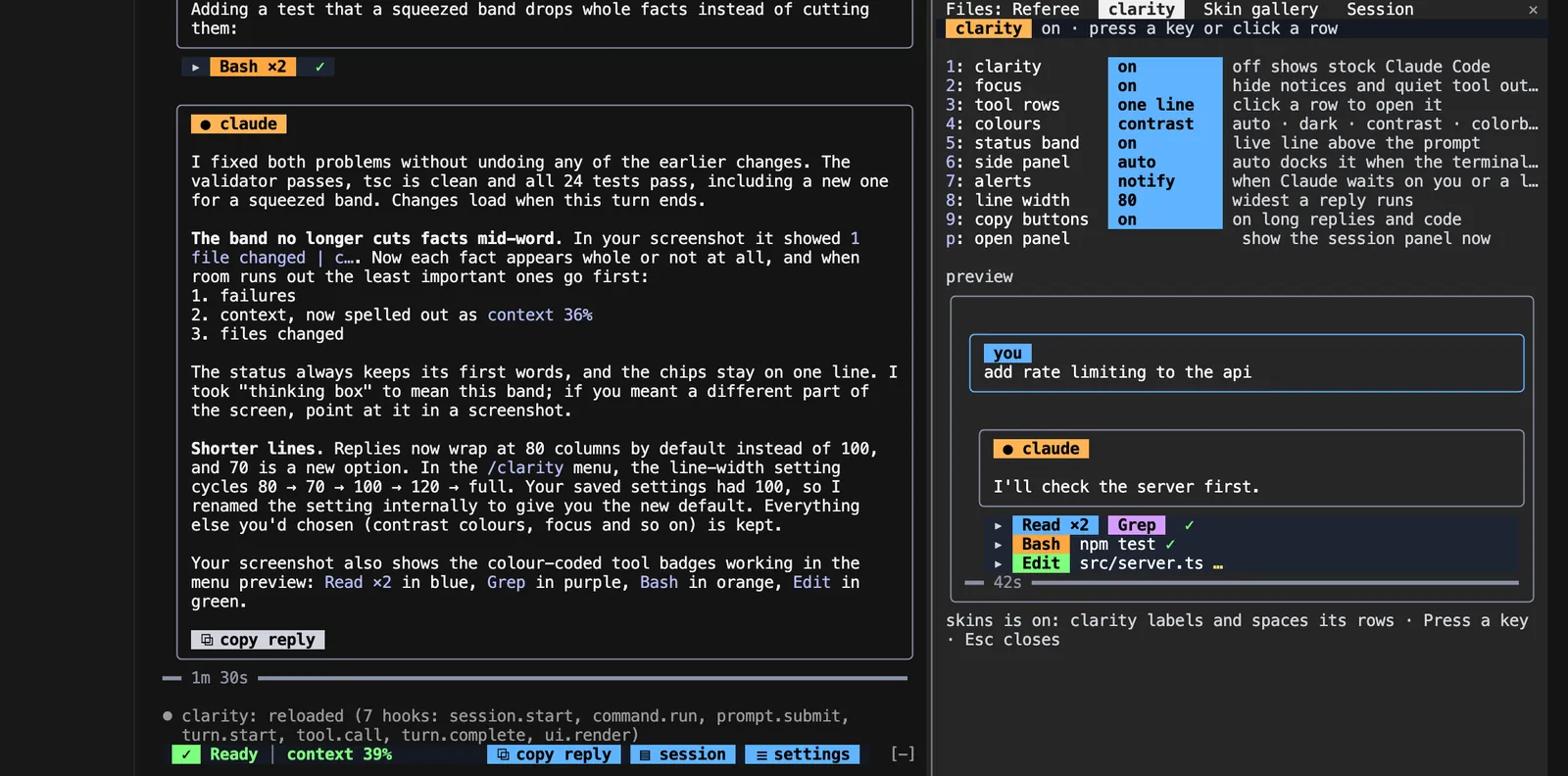
What it hooks into
session.startWhen a session startscommand.runWhen you run its slash command/clarityprompt.submitWhen you send a promptturn.startWhen Claude starts a turnturn.stepAt each step of a turntool.checkA Claude Code eventtool.callAround a tool call, where it can hold onesession.compactWhen the context is compactedturn.completeWhen a turn endsui.renderDraws into the sessionPaneAbovePromptUserMessageAssistantMessageToolUseToolResultToolGroupTurnDurationCommandOutputAskUserQuestionSpinnerInfoNoticeui.scrollA Claude Code eventPane
Read from the on() calls in its hook modules. Open its source under Files to check what each one does.
Slash commands 1
/clarityReadable transcript: opens the clarity menu (or: panel, on, off, focus, tools, status)
Files
The author's README and source, 4 files. They load when you open them.
Facts
- Author
- CircularBlox
- Category
- Review
- Marketplace
- clarity
- Version
- 1.0.0
- License
- MIT
- Repo stars
- 3
- Last change
- 2026-10-17
- Language
- TypeScript
- Files
- 26