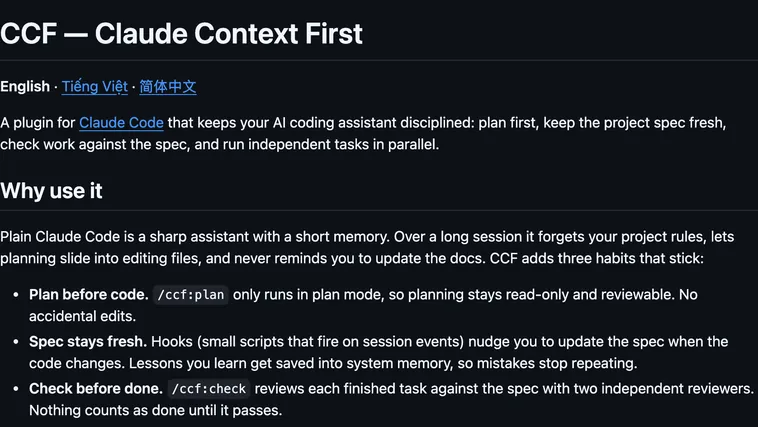
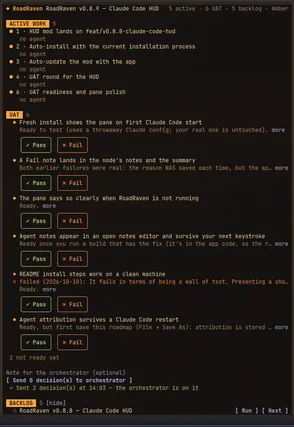
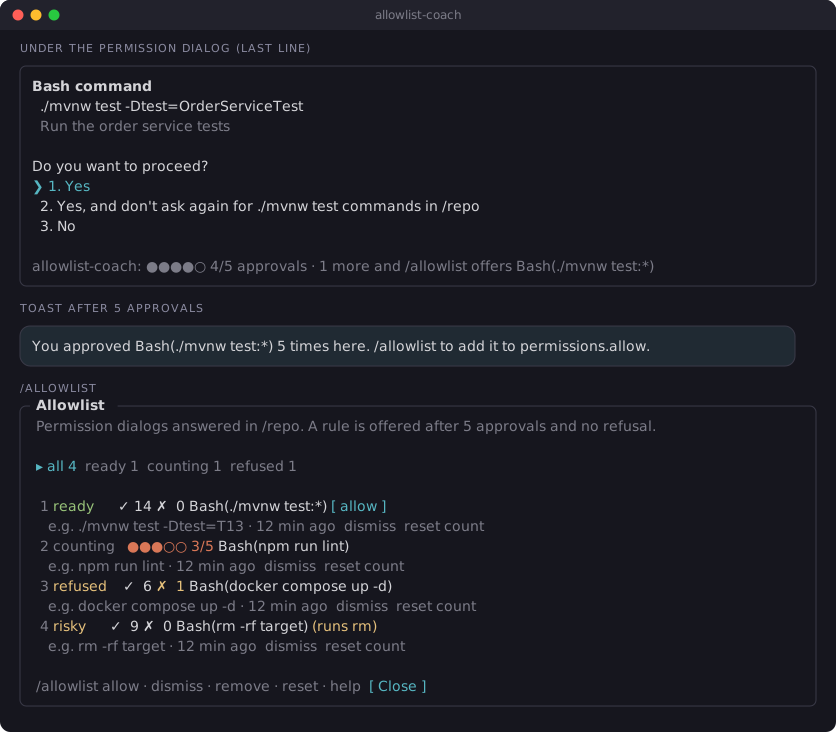
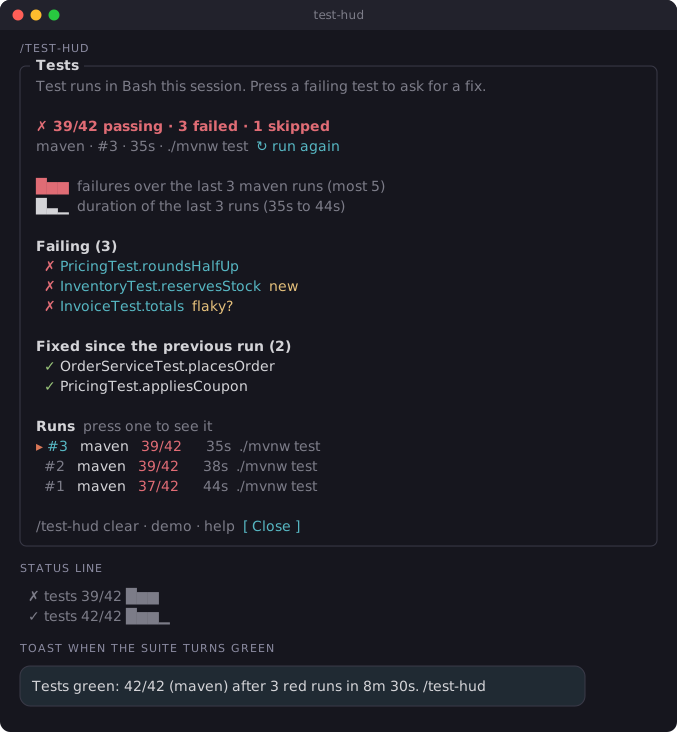
It runs inside the Claude Code process. The side panel is only what the author's README names. Read the repo before you install, or run claude plugin validate on the plugin folder.
Version
0.2.0
License
MIT
Repo stars
12
Last change
2026-10-18
What it can reach
Draws in the session
Reads usage or context figures
Sees tool calls
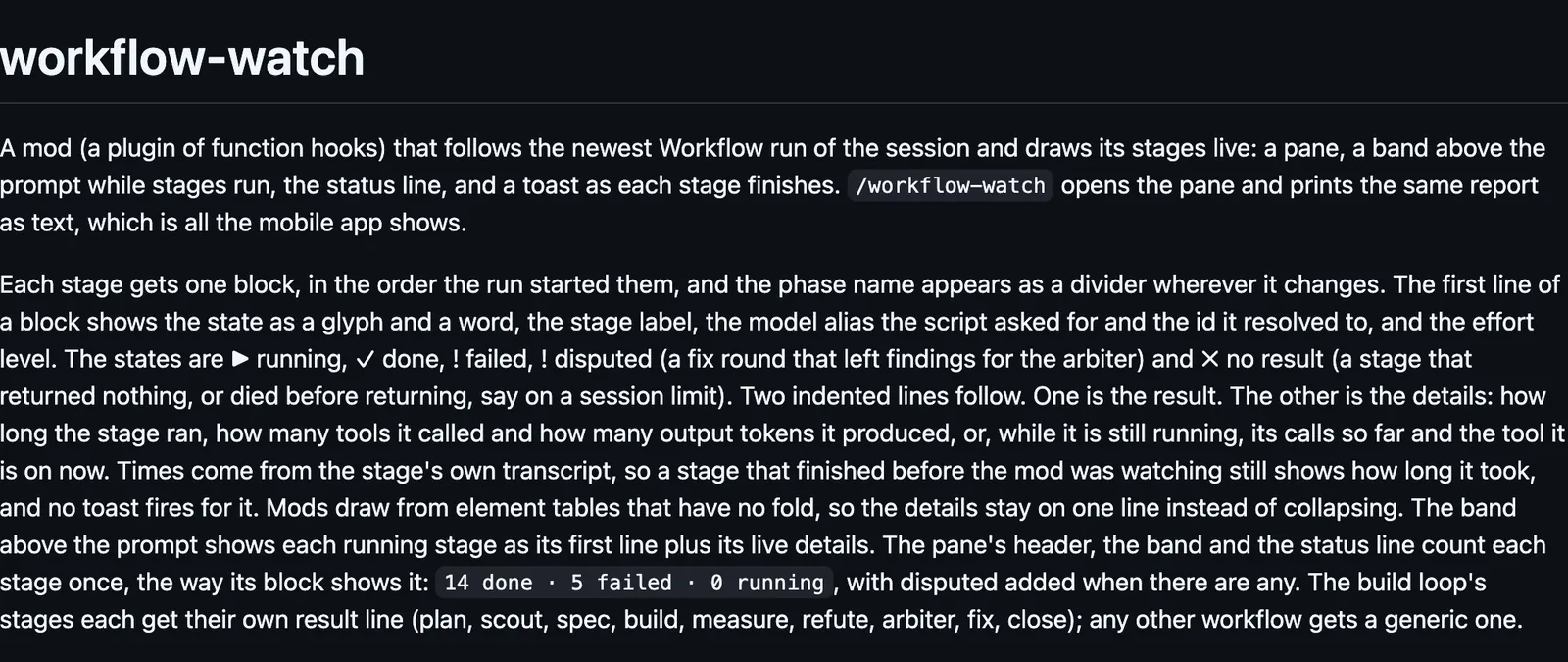
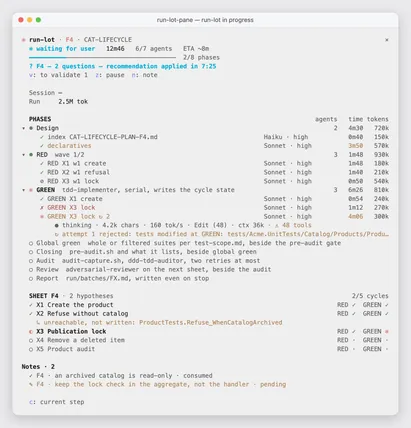
The pane needs 144 columns, or /workflow-watch to seat it narrower. /workflow-watch also prints the same report as text, which is all the mobile app shows. It reads Claude Code's own workflow files under ~/.claude/projects every two seconds: the stage journal, and each stage's model, effort, tokens, and tool calls. That layout is internal. When it moves, the mod shows nothing rather than guessing. Each stage is one block: running, done, failed, disputed, or no result. A stage that finished before the mod was watching still shows its time, and no toast fires for it.
The install name is workflow-watch. This page adds the author's name. The marketplace name is alonbaron. The marketplace also holds alon-skills. This one installs on its own. The marketplace source is ./mods/workflow-watch. The live stages are why this page files it under workflow. plan-progress draws live progress bars above the prompt, one row per task with its stages, steps, and the subagents under it. workflow-conductor draws a board where you plan an agent workflow, sends that plan to Claude when you press r, and shows the run's progress and token cost. Nothing else on the shelf follows a Claude Code Workflow run's own journal.
Demo
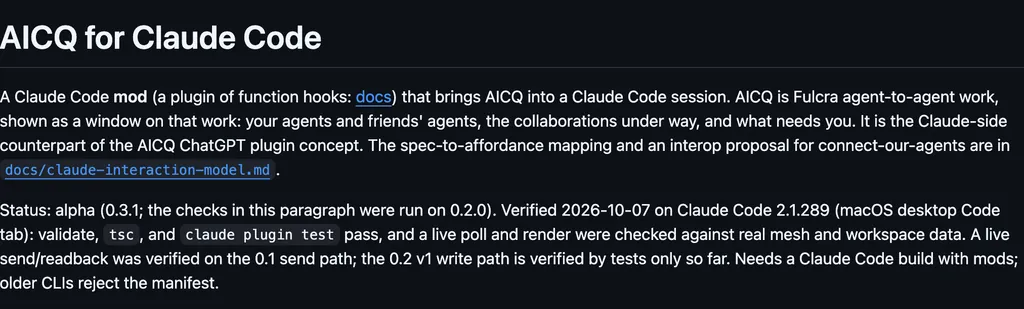
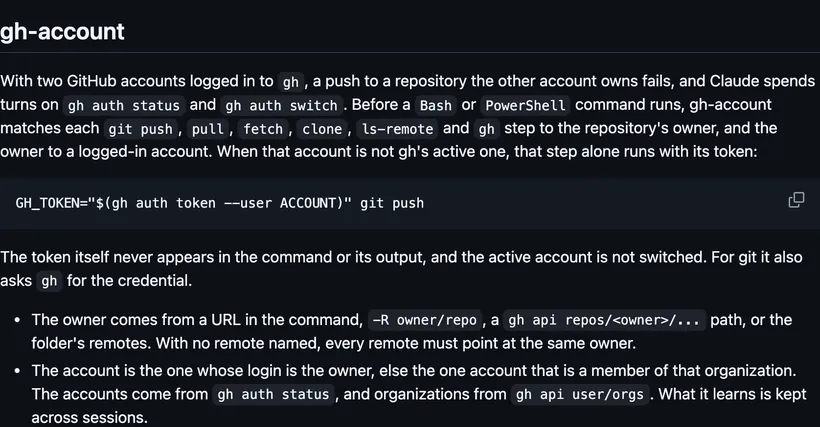
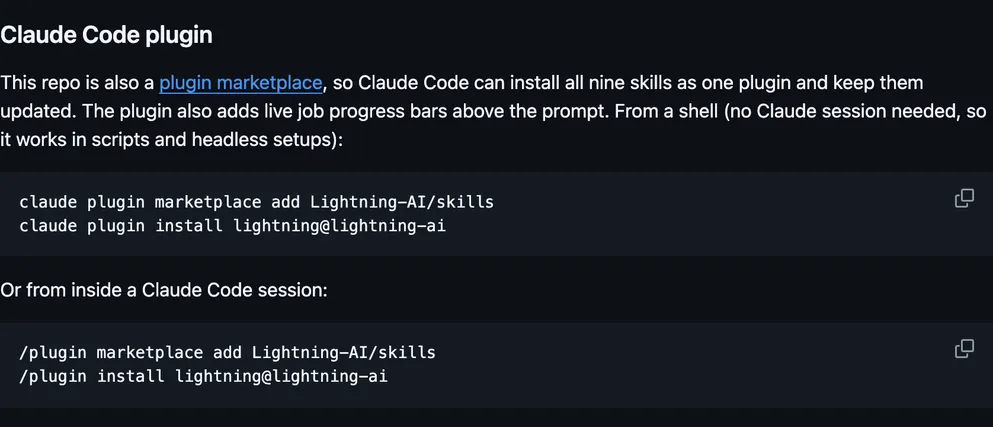
Screenshot of the author's GitHub page.
What it hooks into
session.startWhen a session starts
command.runWhen you run its slash command/workflow-watch
ui.renderDraws into the sessionPaneAbovePrompt
Read from the on() calls in its hook modules. Open its source under Files to check what each one does.
Slash commands 1
/workflow-watchLive view of the running Workflow: each stage, its model, effort and tokens, what it is doing, its result
Files
The author's README and source, 4 files. They load when you open them.