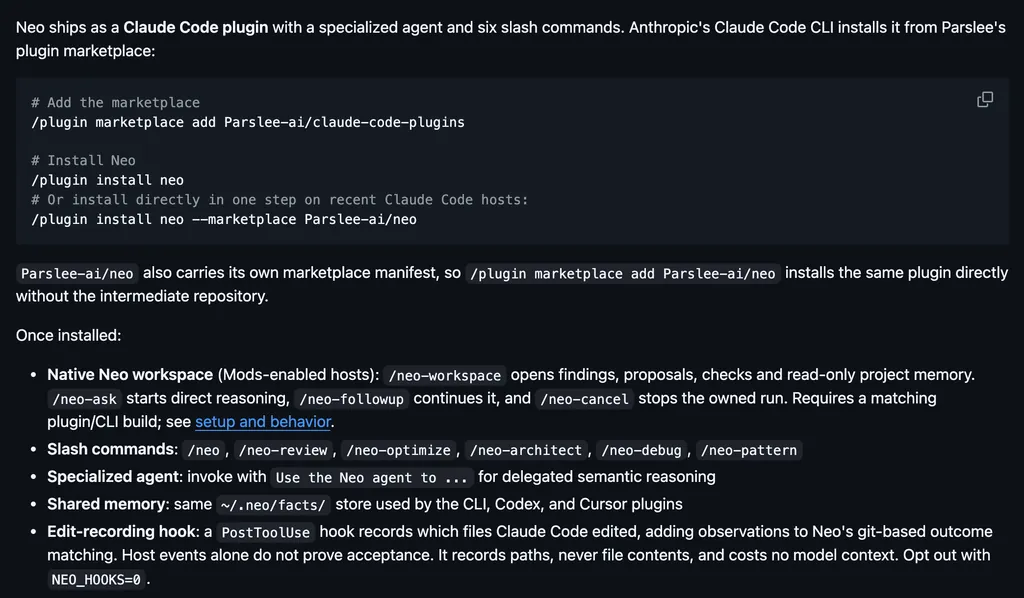
It runs inside the Claude Code process. The side panel is only what the author's README names. Read the repo before you install, or run claude plugin validate on the plugin folder.
Version
0.3.0
License
MIT
Repo stars
5
Last change
2026-10-28
What it can reach
Draws in the session
Sees tool calls
Runs a command when you press
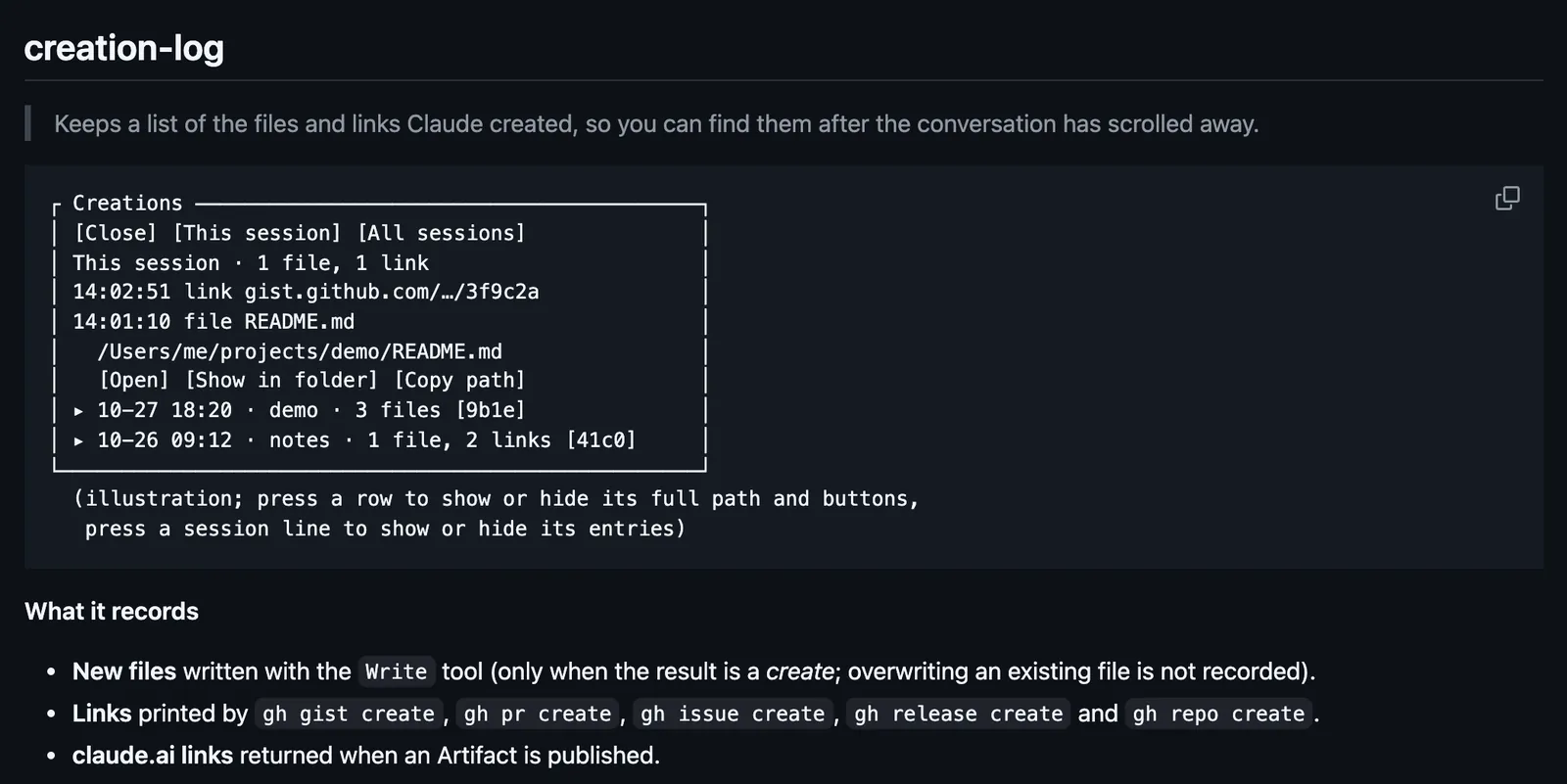
The first time, Claude Code asks Add marketplace? for github:Uginim/claude-code-mods: answer y, then pick a scope. From a shell, claude plugin install creation-log --marketplace Uginim/claude-code-mods does the same. The pane opens when a session starts, and /creations closes it or opens it again. It records new files written with the Write tool, links printed by gh gist, pr, issue, release, and repo create, and claude.ai links from published Artifacts; files created by shell commands are not recorded. The list is shared by all your sessions and keeps the latest 500 entries. The hooks module API is early access, and the screen has been reported to stop responding with a pane open.
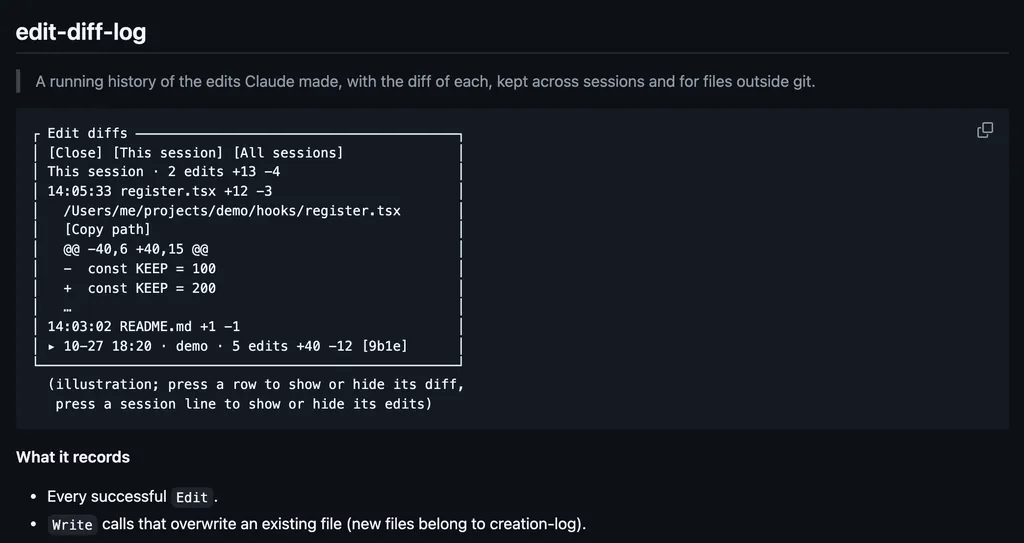
The marketplace name is claude-code-mods. It also holds edit-diff-log and table-export; each installs on its own. Finding what Claude made is why this page files it under review. files-touched draws one line for files Claude changed this session. changes-receipt opens a receipt of the files created, edited, and deleted in a tracked turn. This one keeps only what Claude created, files and links both, across sessions, with buttons to open each one. In the source, the pane is a Pane render, and a failed Open or Copy shows a toast.
Demo
Screenshot of the author's GitHub page.
What it hooks into
session.startWhen a session starts
command.runWhen you run its slash command/creations
tool.callAround a tool call, where it can hold oneWriteBashArtifact
ui.renderDraws into the sessionPane
Read from the on() calls in its hook modules. Open its source under Files to check what each one does.
Slash commands 1
/creationsOpen or close the pane of files and links Claude created
Files
The author's source, 3 files. They load when you open them.