All shelves / Mods / Review
image-peek
By karanb192
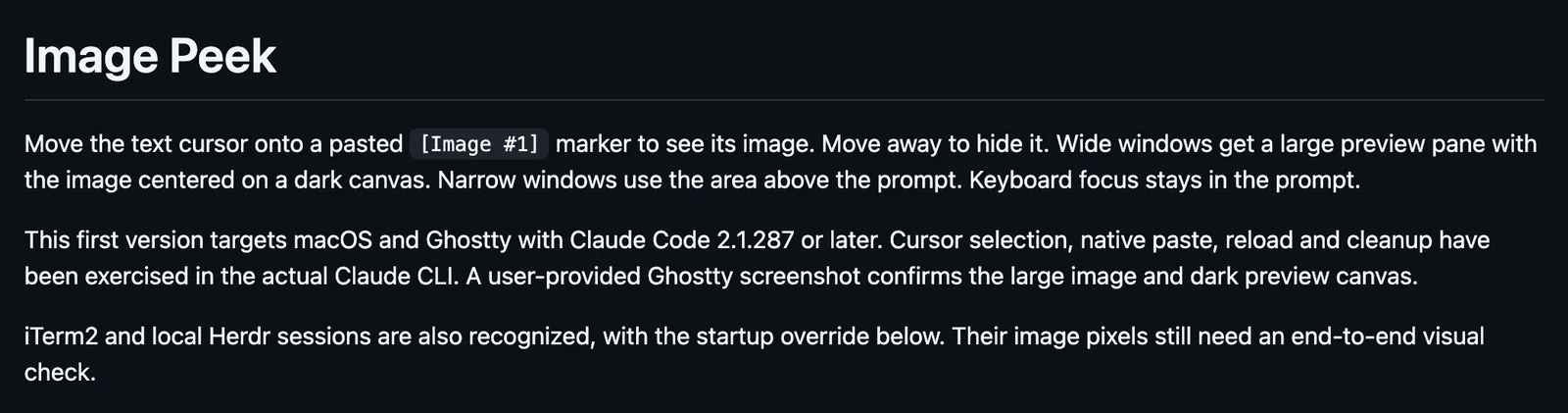
image-peek is a Claude Code review mod by karanb192.
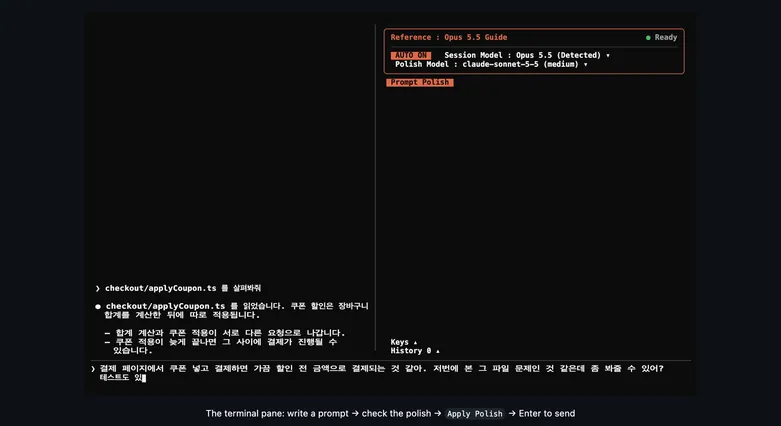
Shows a pasted image while the text cursor sits on its [Image #N] marker, in a large pane on a wide window or above the prompt, on macOS in Ghostty.
Draws
Install
The marketplace name is claude-code-mods.
claude plugin marketplace add karanb192/claude-code-mods
claude plugin install image-peek@claude-code-mods
It runs inside the Claude Code process. The side panel is only what the author's README names. Read the repo before you install, or run claude plugin validate on the plugin folder.
- Version
- 0.1.0
- License
- MIT
- Repo stars
- 43
- Last change
- 2026-10-03
What it can reach
- Draws in the session
- Calls another program on this machine
Needs macOS, Ghostty, and Claude Code 2.1.287 or later. Start a new Claude session in Ghostty after installing. If you already added the marketplace, run claude plugin marketplace update claude-code-mods first. iTerm2 3.7.3 or later and Herdr 0.9.1 or later work when Claude starts with CLAUDE_CODE_FORCE_TERMINAL_IMAGES=1, and the author says their pixels still need a visual check. The preview follows the text cursor, not the pointer, and keyboard focus stays in the prompt. Claude Code gives a mod the marker but not the image, so it reads the Mac clipboard when a new marker appears, checking the draft every 120 ms. Paste one image at a time and wait for its preview, because a clipboard change before the capture shows the newer image. PNG and TIFF clipboard images work. File paths and drag-and-drop do not. It keeps the latest 24 captures per session as temporary files, and removes them at clear, resume, compaction, and exit. /image-peek off and /image-peek on stop and resume capture. The author says it sends nothing, and runs only uname and osascript with its bundled clipboard helper. A checkout starts with claude --plugin-dir ./plugins/image-peek.
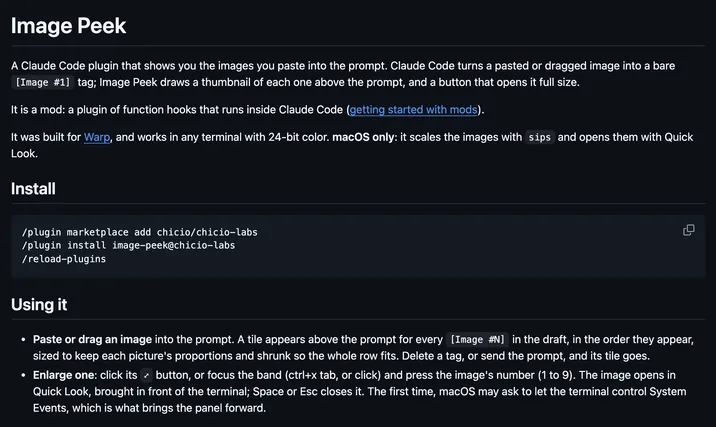
The install name is image-peek. This page adds the author's name. The marketplace is karanb192/claude-code-mods, and its name, claude-code-mods, is the same string hamzafer, arasovic, and ray-amjad use. The marketplace also holds mod-builder, fable-pin, and cache-tax. This one installs on its own. The image preview is why this page files it under review. image-peek, by arasovic, draws thumbnails of the images you paste above the prompt, and larger pictures under the sent message. image-preview opens a pasted image by the pointer on hover, in a small window or in the terminal. This one shows the one image whose marker the text cursor is on, as large as the window allows.
Demo
What it hooks into
session.startWhen a session startsprompt.editWhen you edit the promptprompt.fillA Claude Code eventcommand.runWhen you run its slash commandsession.endWhen a session endssession.compactWhen the context is compactedui.renderDraws into the sessionAbovePromptPaneui.closeWhen its pane closes
Read from the on() calls in its hook modules. Open its source under Files to check what each one does.
Files
The author's README and source, 5 files. They load when you open them.
Facts
- Author
- karanb192
- Category
- Review
- Marketplace
- claude-code-mods
- Folder
- plugins/image-peek
- Version
- 0.1.0
- License
- MIT
- Repo stars
- 43
- Last change
- 2026-10-03
- Language
- JavaScript
- Files
- 10