All shelves / Mods / Usage
session-info
By dougcunha
session-info is a Claude Code usage mod by dougcunha.
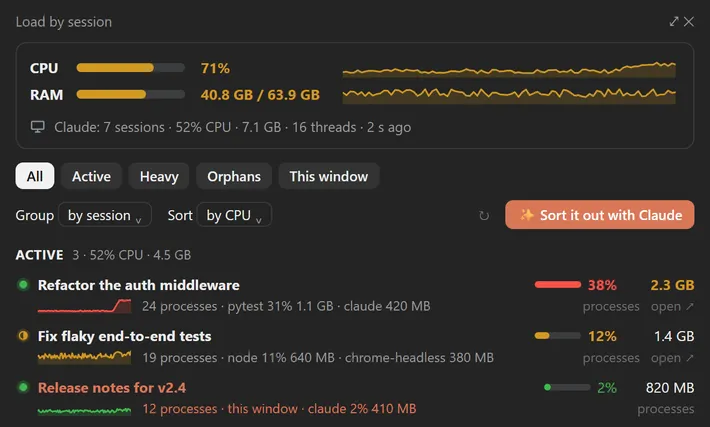
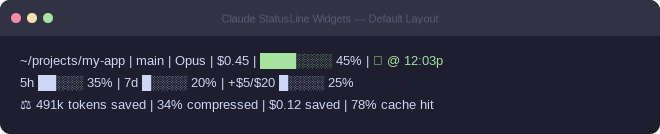
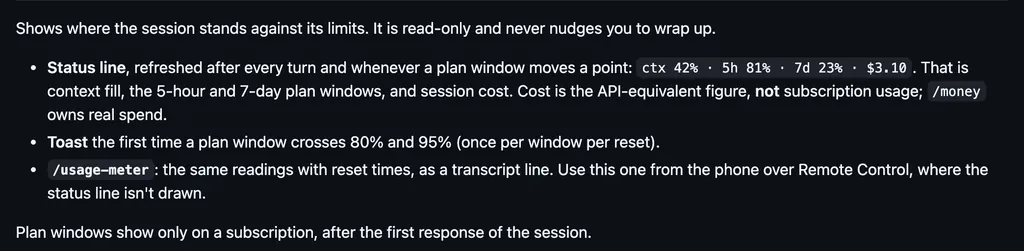
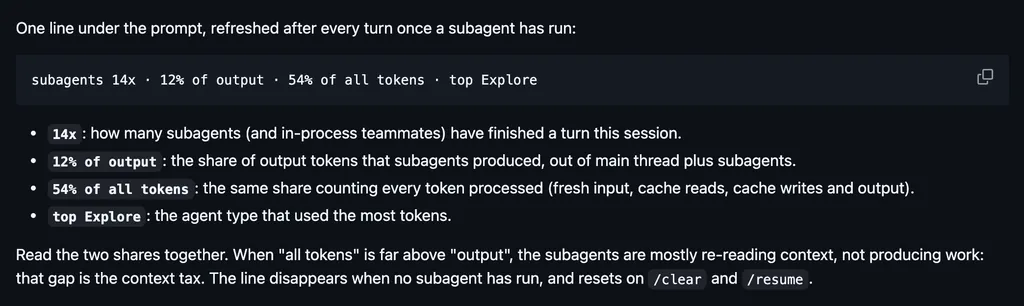
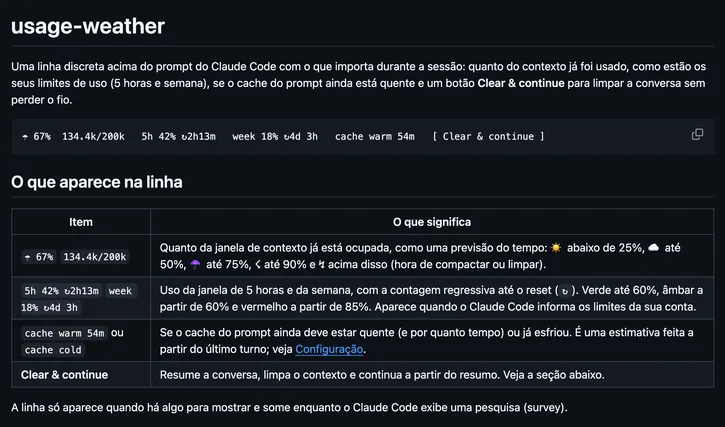
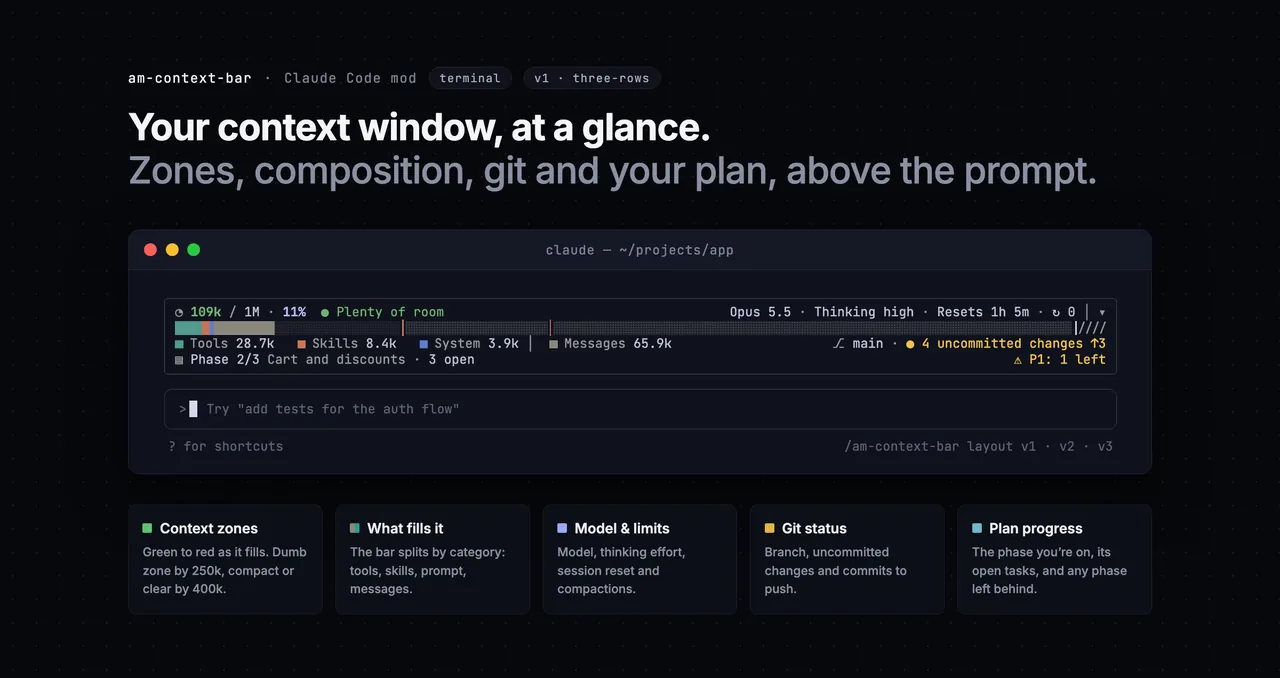
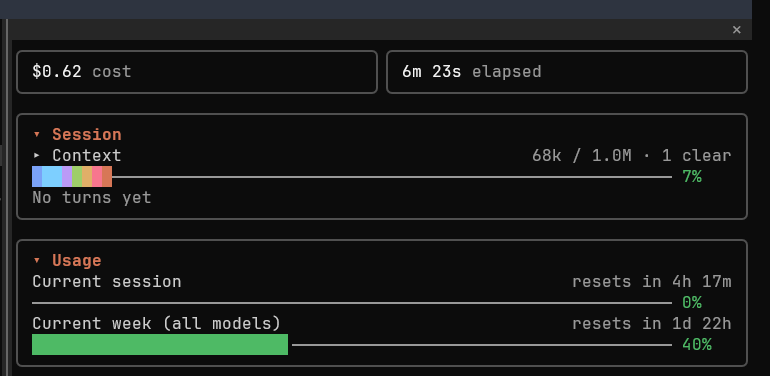
Opens a pane of the session: context, cost, prompt cache, plan usage, agents, checks, CI runs, and Git, and holds a prompt that would rewrite an expired cache.
DrawsHolds a command
Install
The marketplace name is claude-mods.
/plugin install session-info --marketplace dougcunha/claude-modsIt runs inside the Claude Code process. The side panel is only what the author's README names. Read the repo before you install, or run claude plugin validate on the plugin folder.
- Version
- 0.37.4
- License
- MIT
- Repo stars
- 4
- Last change
- 2026-10-28
What it can reach
- Draws in the session
- Holds a command
- Reads usage or context figures
- Sees tool calls
- Reaches the network or an outside service
- Calls another program on this machine
- Runs a command when you press
Answer y to add the marketplace, then pick a scope; with it added, /plugin install session-info@claude-mods. Built and tested on Claude Code 2.1.296, and the function-hooks API is early access. Open it with /session-info. The CI section needs the GitHub CLI logged in, and the Jira section a connected Atlassian MCP server. Mouse clicks work in the fullscreen terminal. Where an organization manages Claude Code, some events don't reach plugins you install, so auto-continue and resume tracking don't work there. Keep warm costs a cache read of the whole context per ping. With checkUpdates on, it asks GitHub once a day for the published version.
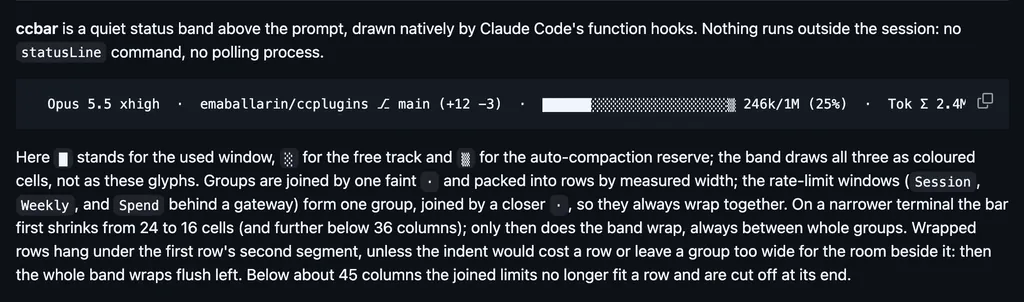
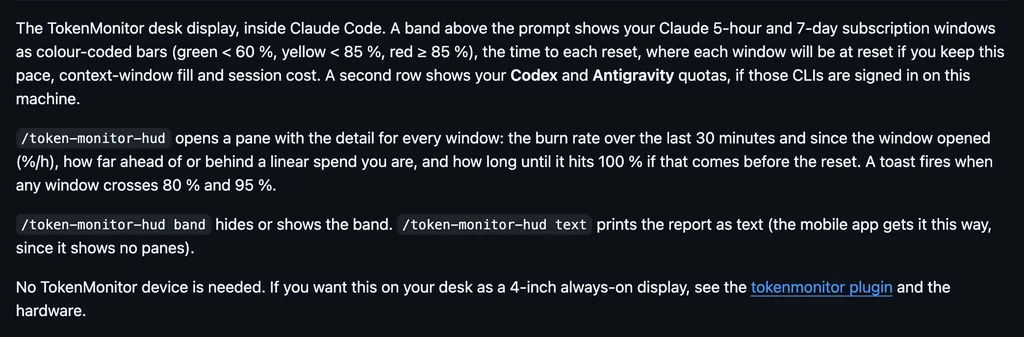
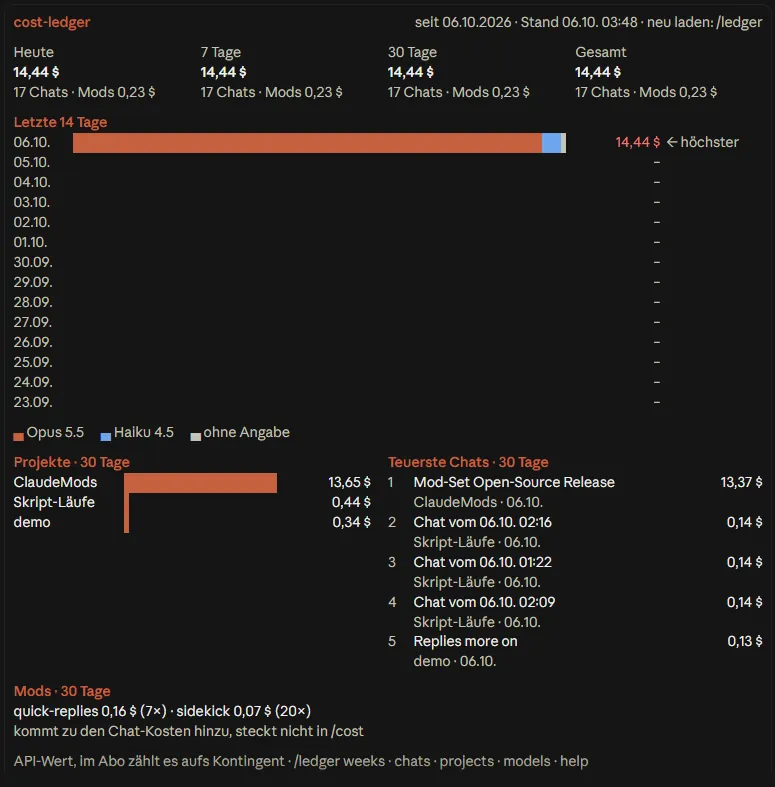
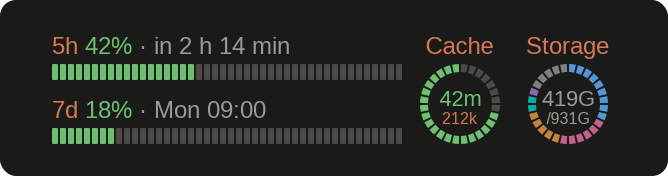
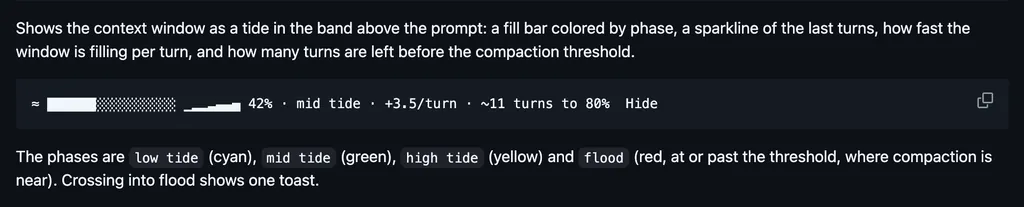
The marketplace, claude-mods, holds dougcunha's four mods: session-info, topic-guard, feature-progress, and visual-review. The context, cost, and cache rows are why this page files it under usage. keepalive-alexandernicholson draws a prompt-cache bar for each conversation and can keep an idle cache warm. cache-timer draws a countdown until the prompt cache expires. This one puts twelve sections in one pane, from the last turn's tokens and refused calls to background commands, build and test results, GitHub Actions runs, Jira issues, and a treeview of the files the session changed, and adds a todo_write tool and an Autopick switch that answers a question you left with its recommended option. In the source, the build guard is a tool.call hook on Bash and PowerShell that answers with the earlier result instead of running the command; it starts off. The band is an AbovePrompt render and the pane a Pane render.
Demo
What it hooks into
config.describeA Claude Code eventsession.startWhen a session startsclassic.SessionStartA Claude Code eventclassic.PostModelSwitchA Claude Code eventui.renderDraws into the sessionAbovePromptPanesession.endWhen a session endscommand.runWhen you run its slash command/session-info/changes/autopick/compactprompt.submitWhen you send a promptsession.appendWhen an entry is written to the transcriptprompt.composeWhile you write a prompttool.callAround a tool call, where it can hold oneSkillBashPowerShellAskUserQuestionclassic.StopA Claude Code eventskill.promptA Claude Code eventturn.startWhen Claude starts a turntool.checkA Claude Code eventturn.stepAt each step of a turnsession.measureWhen usage is measuredturn.completeWhen a turn endsprompt.suggestA Claude Code eventagent.spawnWhen a subagent startssession.compactWhen the context is compactedui.scrollA Claude Code eventPane
Read from the on() calls in its hook modules. Open its source under Files to check what each one does.
Slash commands 3
/session-infoShow the session, plan usage and the files this session created, modified or deleted/changesSame as /session-info/autopickPick the recommended option of a question left unanswered: status, on, off, <minutes>
Files
The author's README and source, 4 files. They load when you open them.
Facts
- Author
- dougcunha
- Category
- Usage
- Marketplace
- claude-mods
- Folder
- session-info
- Version
- 0.37.4
- License
- MIT
- Repo stars
- 4
- Last change
- 2026-10-28
- Language
- TypeScript
- Files
- 72