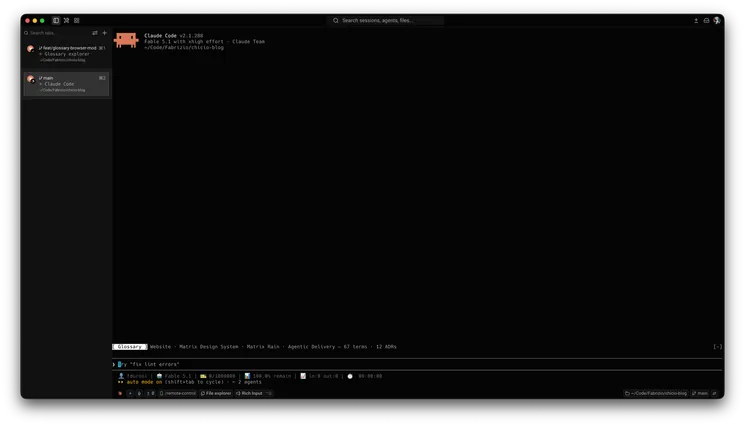
It runs inside the Claude Code process. The side panel is only what the author's README names. Read the repo before you install, or run claude plugin validate on the plugin folder.
Version
0.1.0
License
MIT
Repo stars
6
Last change
2026-10-04
What it can reach
Draws in the session
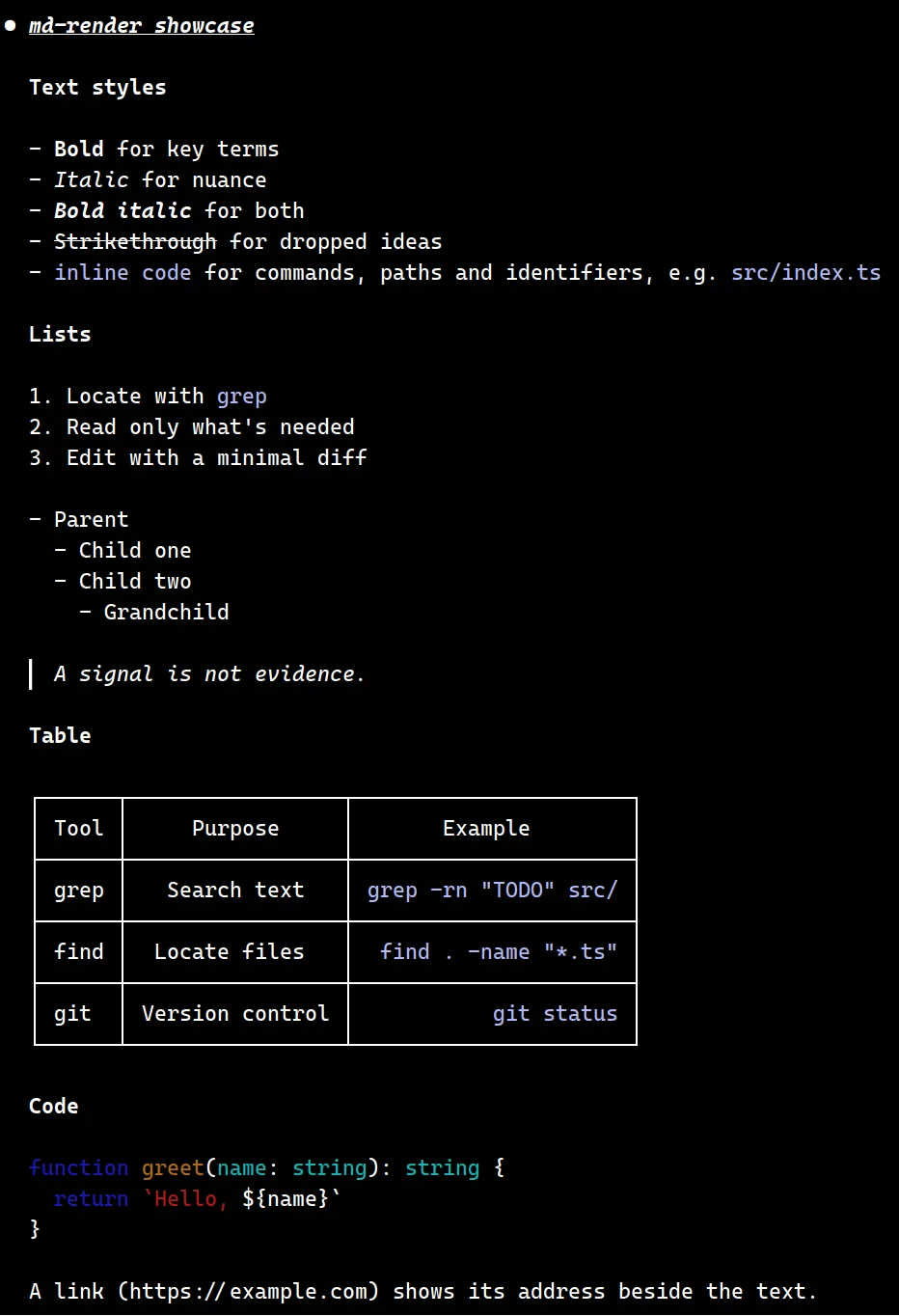
A heading is bold purple, bold text is bold orange, italic is amber, bold italic stays both, strike keeps the strike, inline code is green, and list markers are orange with nested lists indented. A quote gets a dim bar and italic text. A link is the text followed by the dim address. Fenced code and tables stay Claude Code's own renderer. Images and anything else stay plain text. An unclosed mark, or a fence that is still streaming, stays plain text until it closes. If the message text cannot be read, or parsing throws, the default rendering is used. The reply streams as plain text drawn by Claude Code and is restyled when the message completes. The README says a mod cannot change the streamed text. Colors and the style mapping sit in CONFIG at the top of hooks/register.tsx. A style's color is a key of that map or a raw color. To try it for one session, the README runs claude --plugin-dir on a checkout.
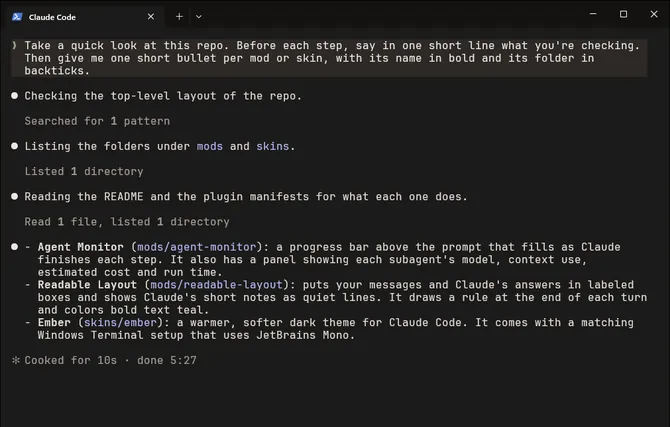
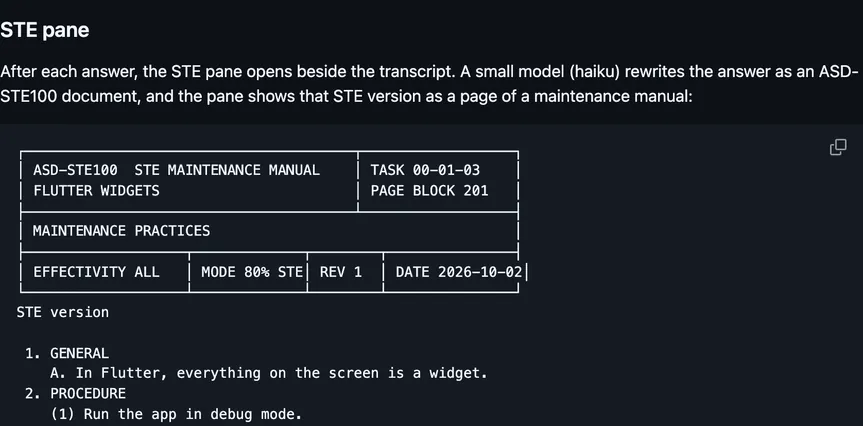
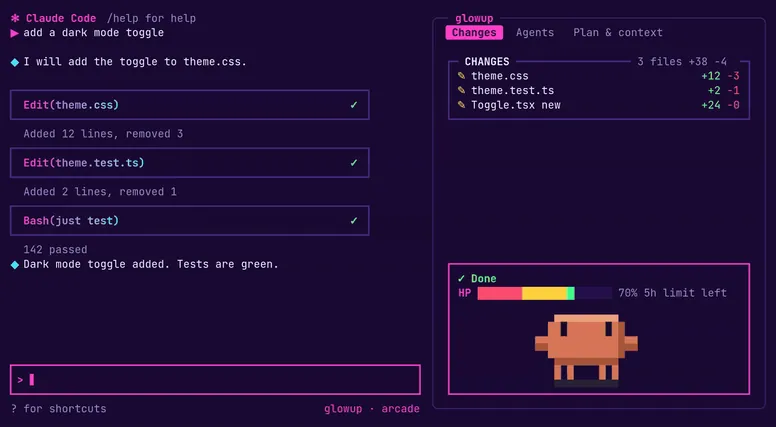
The install name is md-render. This page adds the author's name. The marketplace name is md-render-marketplace. The plugin is the repo root. The restyled assistant message is why this page files it under review. prismantis redraws Claude's replies in the terminal: colored tables, code, charts, flowcharts, and one quiet line per tool call. This one restyles the finished assistant message in place and leaves fenced code and tables to Claude Code.
Demo
From the author's repo.
What it hooks into
ui.renderDraws into the sessionAssistantMessage
Read from the on() calls in its hook modules. Open its source under Files to check what each one does.
Files
The author's README and source, 4 files. They load when you open them.