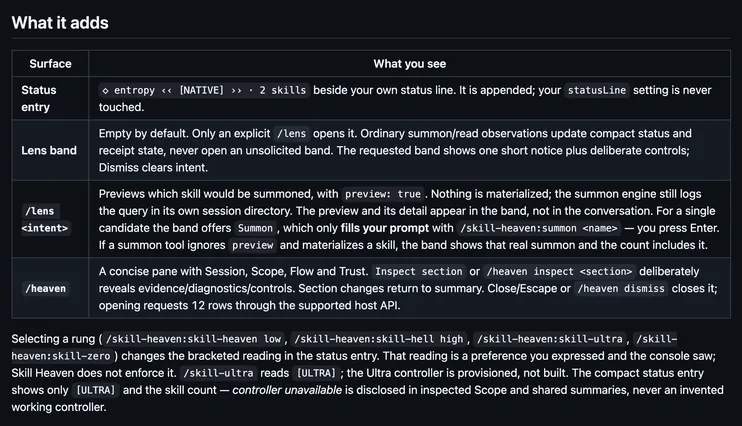
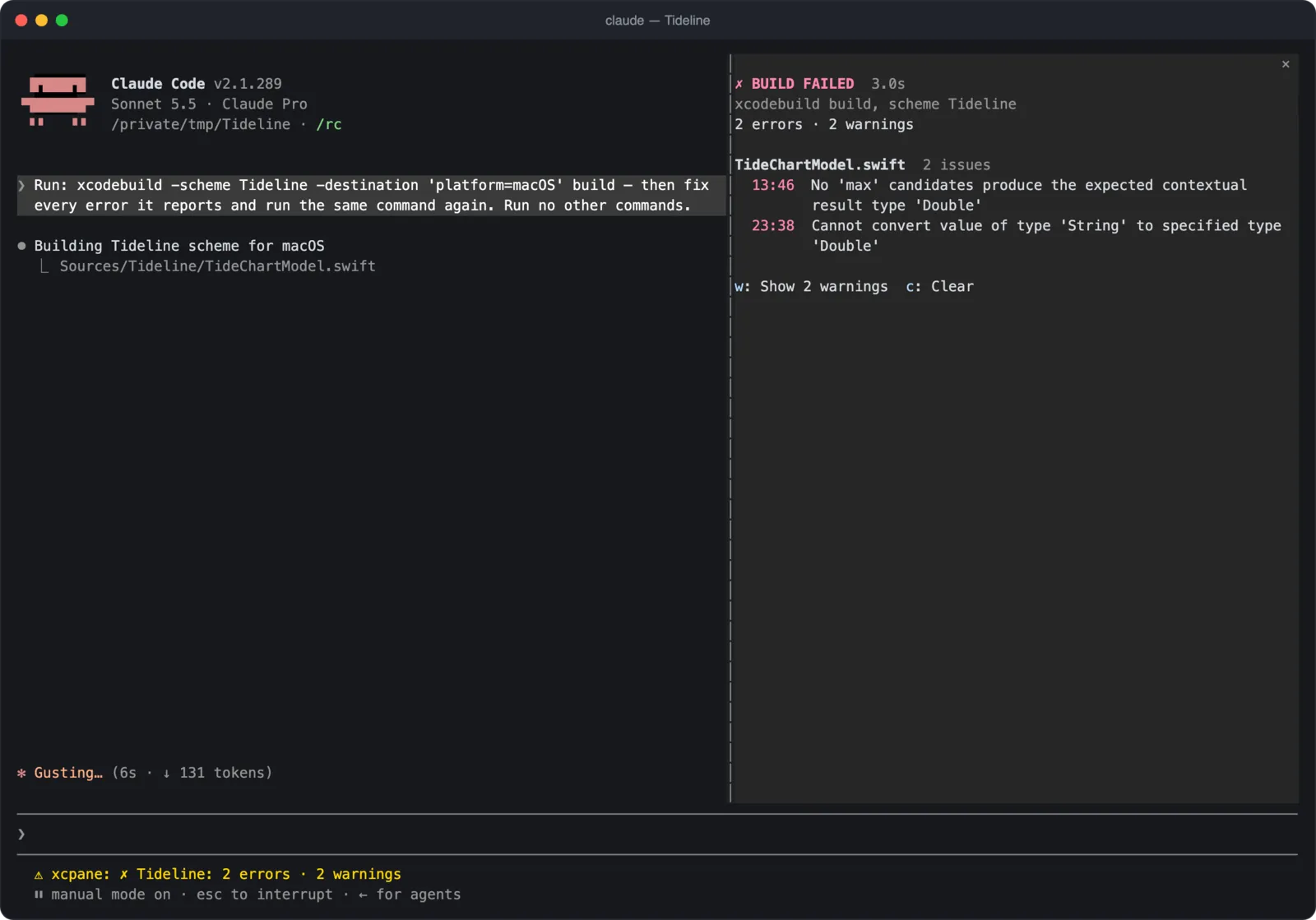
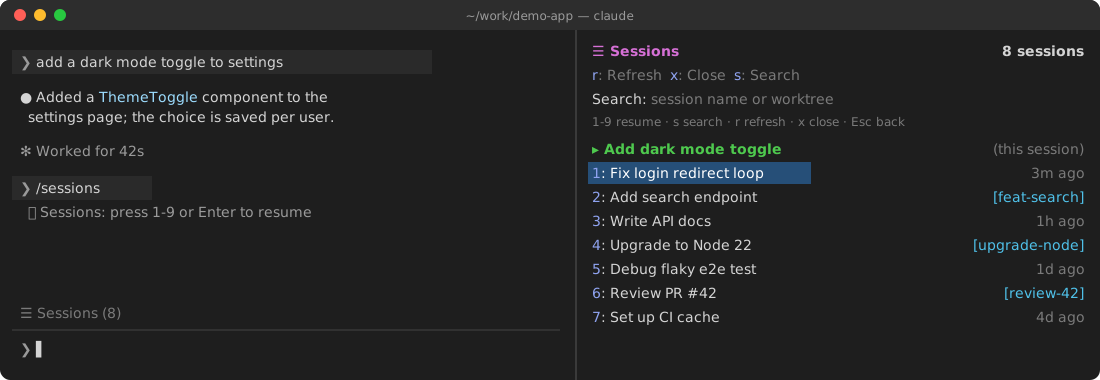
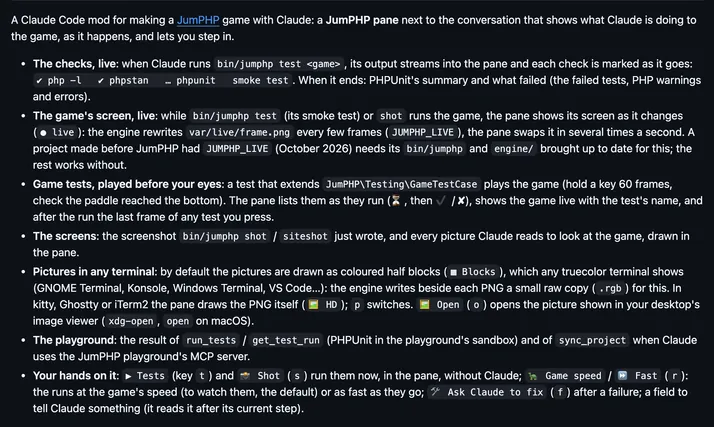
It runs inside the Claude Code process. The side panel is only what the author's README names. Read the repo before you install, or run claude plugin validate on the plugin folder.
Version
0.6.0
License
MIT
Repo stars
5
Last change
2026-10-28
What it can reach
Draws in the session
Runs a command when you press
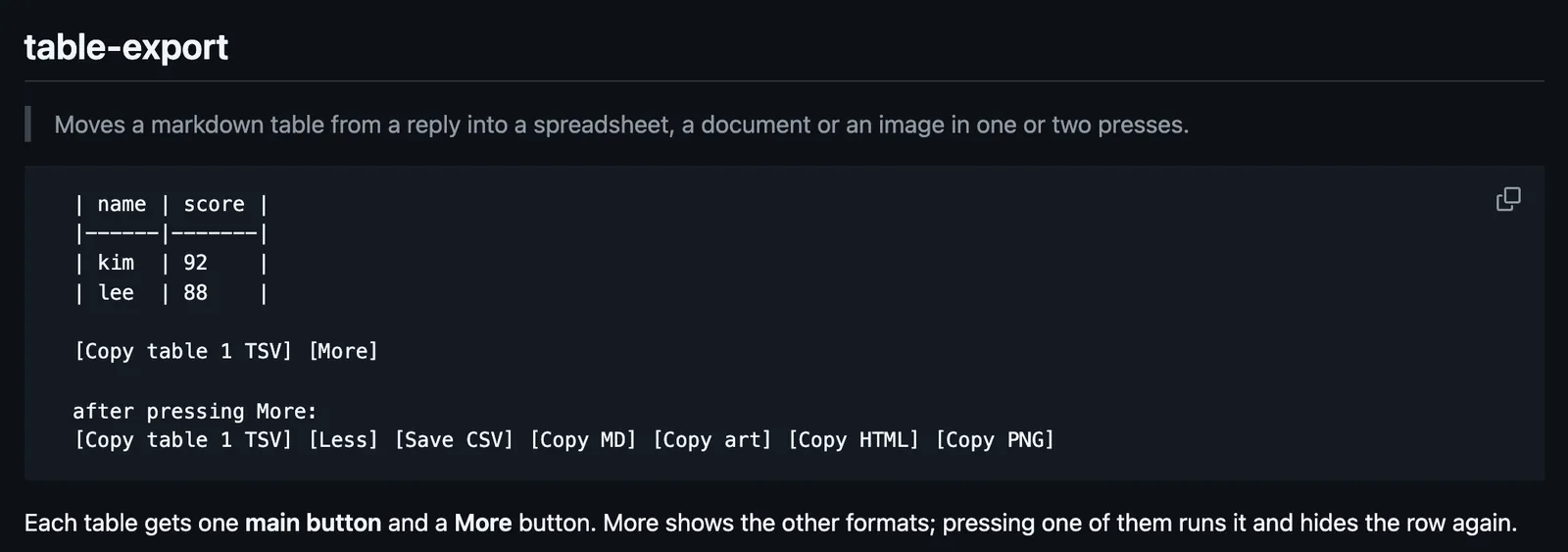
The first time, Claude Code asks Add marketplace? for github:Uginim/claude-code-mods: answer y, then pick a scope. From a shell, the README gives the line for creation-log; the same claude plugin install form takes table-export. Each table gets a main button and More, which shows the other formats. html and png use macOS (osascript); elsewhere html copies the HTML source as text and png is not copied. In /config, defaultFormat picks the main button's format, tsv by default, and saveDir the CSV folder, ~/Downloads when empty. The text after the first table is drawn again by the mod's markdown element, so it may look slightly different. Tables inside fenced code blocks get no buttons. The hooks module API is early access.
The marketplace name is claude-code-mods. It also holds creation-log and edit-diff-log; each installs on its own. Pressing a button to move a table on is why this page files it under workflow. prismantis redraws Claude's replies with colored tables. crayon redraws every reply in themed color with boxed tables. This one leaves the table as it is and adds buttons that copy or save it for a spreadsheet, a document, or an image, where the built-in /copy takes the whole reply as markdown. In the source, the buttons come from an AssistantMessage render, and each copy or save ends in a toast.
Demo
Screenshot of the author's GitHub page.
What it hooks into
ui.renderDraws into the sessionAssistantMessage
Read from the on() calls in its hook modules. Open its source under Files to check what each one does.
Files
The author's source, 3 files. They load when you open them.