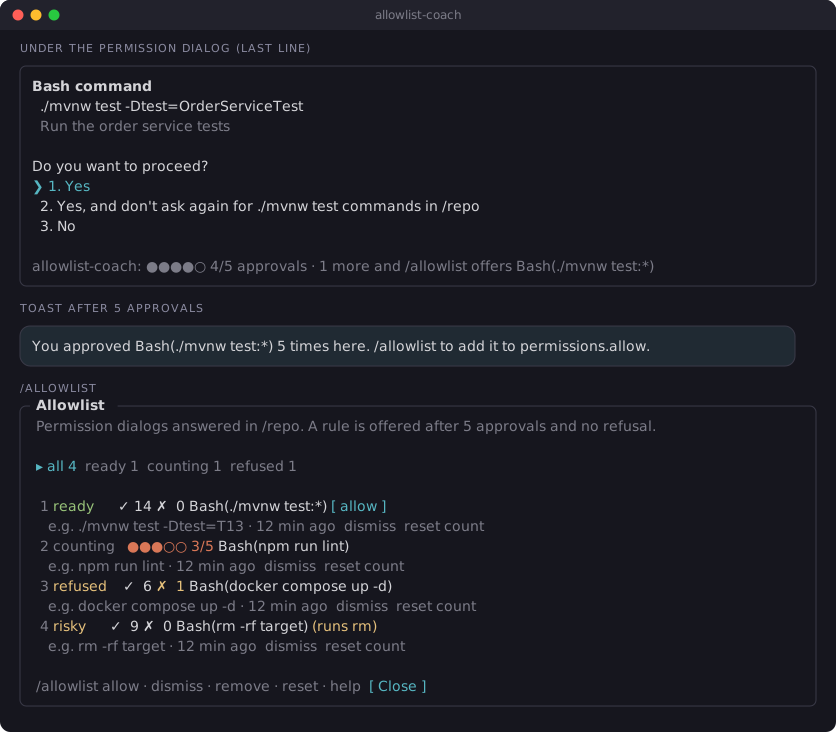
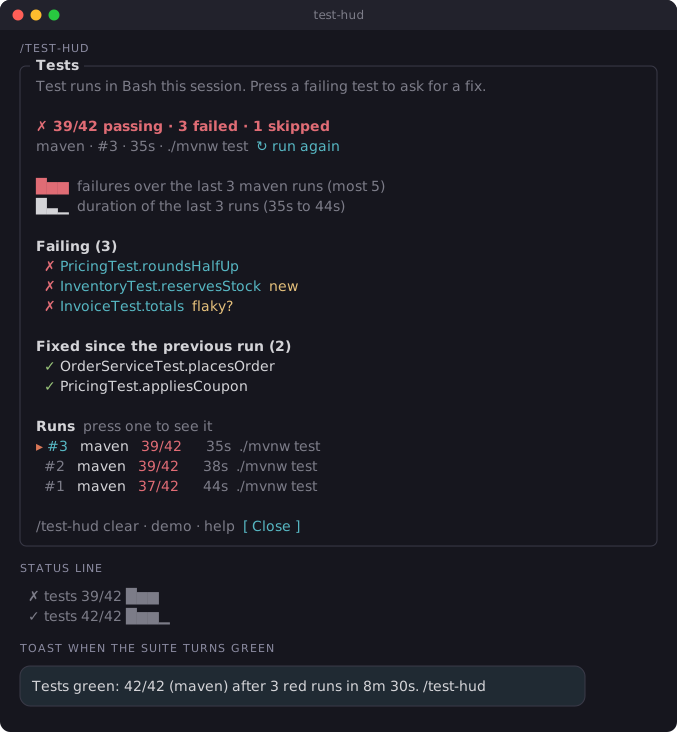
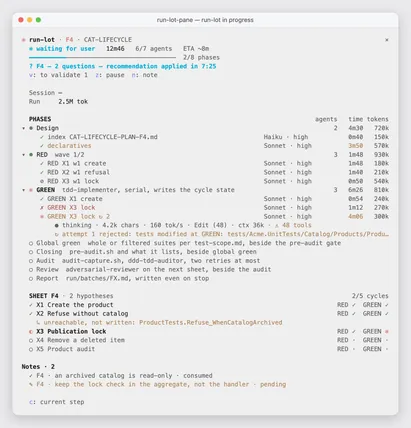
It runs inside the Claude Code process. The side panel is only what the author's README names. Read the repo before you install, or run claude plugin validate on the plugin folder.
Version
0.1.0
License
MIT
Repo stars
13
Last change
2026-10-04
What it can reach
Draws in the session
Reaches the network or an outside service
Sees tool calls
Runs a command when you press
Calls another program on this machine
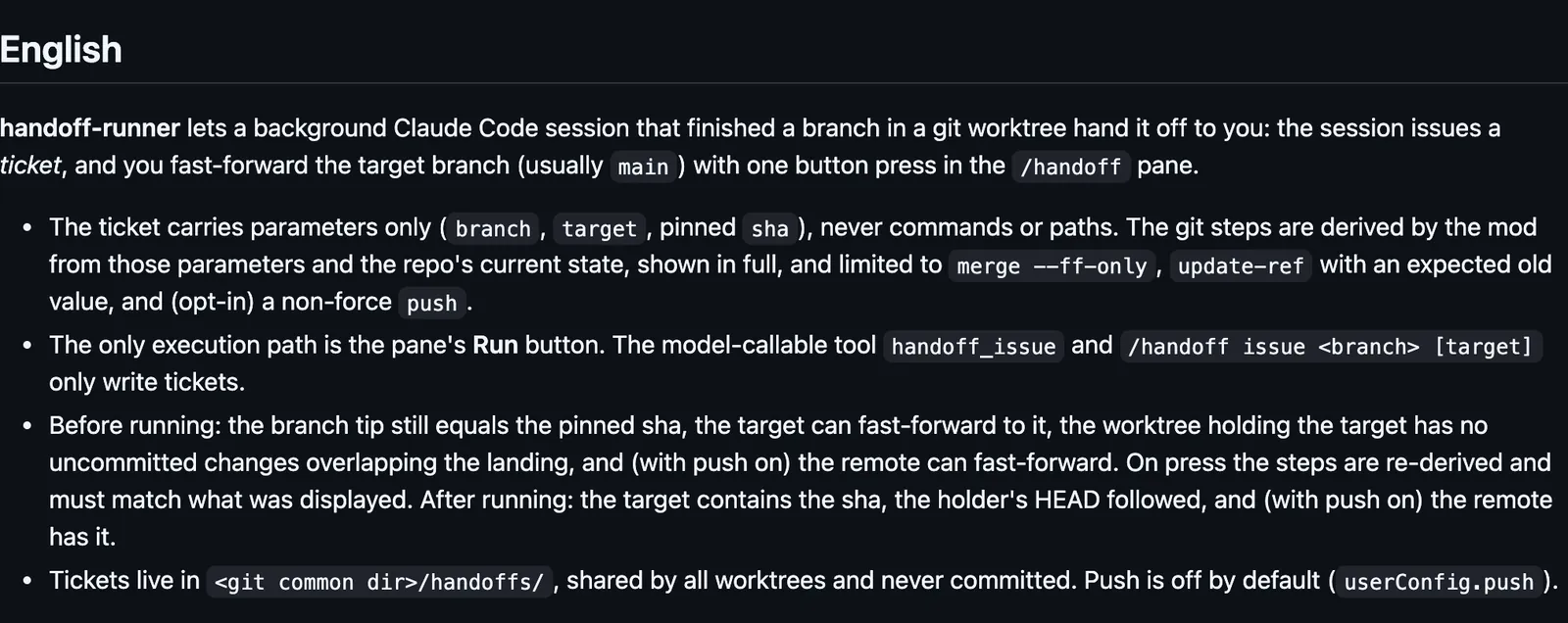
The pane's labels are in Traditional Chinese. Needs Claude Code 2.1.287 or later. /handoff opens the pane. A background session can issue a ticket with a branch, a target (main if you leave it out), and the commit pinned at that moment. The ticket carries no command and no path. The git steps are derived when the pane checks, shown in full, and limited to a fast-forward merge, an update of the ref with the expected old value, and, only if you turn push on, a push that is not a force push. Push is off by default, and that push is the only network call. The only way to run those steps is the run button in the pane. On that press the steps are derived again and must match the pane, then checked after. The model can issue a ticket and cannot land the branch. Tickets live under the repository's git common directory in handoffs/, shared by every worktree and never committed. The button is there in the terminal and in the desktop app's Code tab. claude -p can issue a ticket and has no pane.
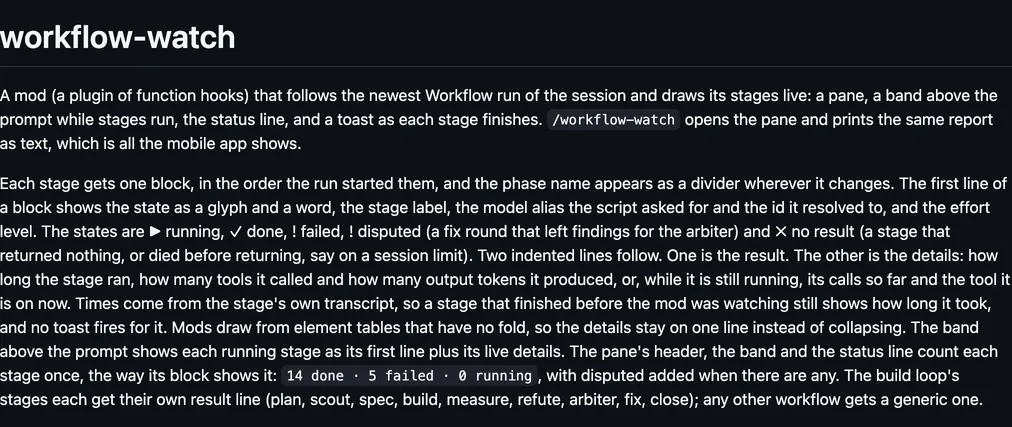
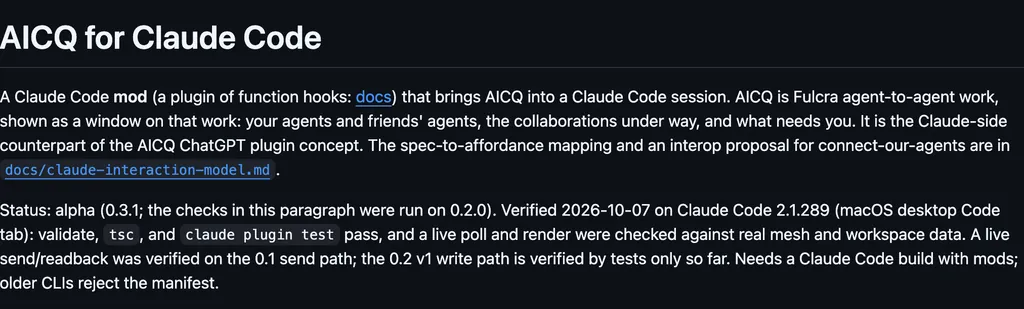
The install name is handoff-runner. This page adds the author's name. learning-hacker-claude-mod is a collection of Claude Code mods by Learning Hacker, shared as-is, without support. The marketplace name is learning-hacker-claude-mod. The marketplace also holds dispatch-board, dispatch-relay, and working-memory. This one installs on its own. The marketplace source is ./plugins/handoff-runner. The button that lands the branch is why this page files it under workflow. project-pane-szotasz draws a side pane of this repo's git, pull requests, CI, deploys, and Supabase, and fast-forwards the branch when you press Sync. gh-status-oborchers draws the branch's pull request, issues, and Actions above the prompt, and a confirmed press sends a merge or a review to GitHub. This one lands a branch another worktree finished, from a ticket you approve.
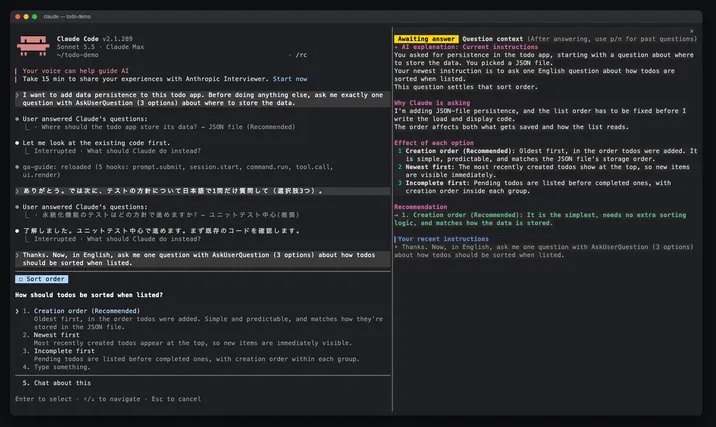
Demo
Screenshot of the author's GitHub page.
What it hooks into
session.startWhen a session starts
tool.callAround a tool call, where it can hold onemcp__handoff-runner__handoff_issue
command.runWhen you run its slash command/handoff
ui.closeWhen its pane closes
ui.renderDraws into the sessionAbovePromptPane
Read from the on() calls in its hook modules. Open its source under Files to check what each one does.
Slash commands 1
/handoff交接單面板:檢查、執行、撤單
Files
The author's README and source, 4 files. They load when you open them.