All shelves / Mods / Usage
sessclone
By NotTahaAli
sessclone is a Claude Code usage mod by NotTahaAli.
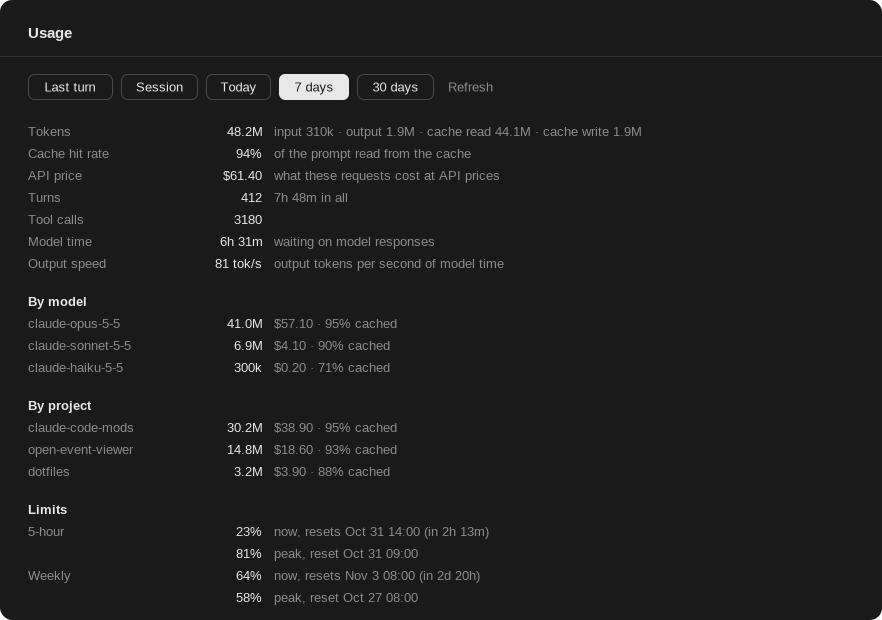
Reports each turn's tokens, model, and timings to a SessClone dashboard, with a line above the prompt that shows whether this session is synced.
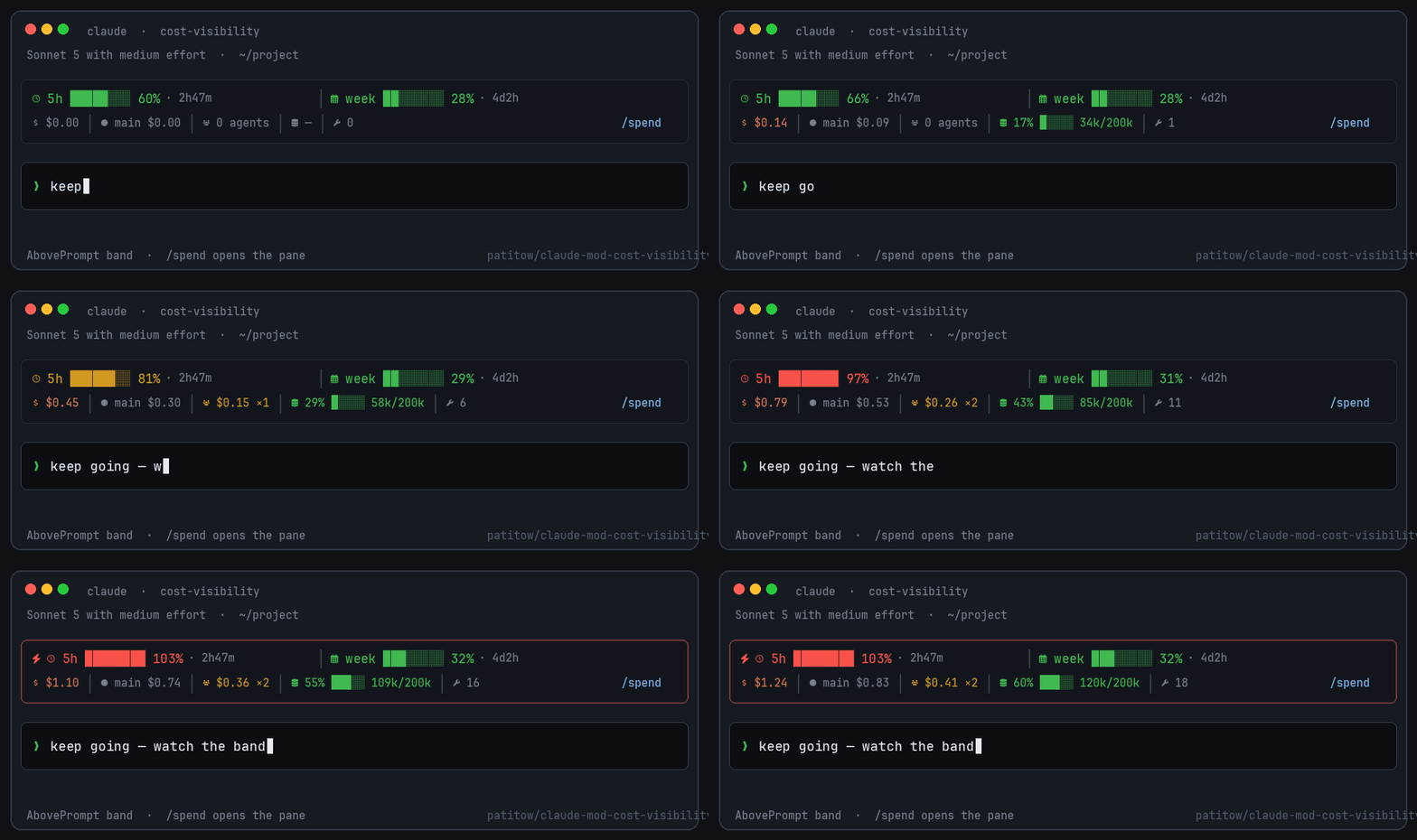
Draws
Install
The marketplace name is sessclone.
/plugin marketplace add NotTahaAli/sessclone
/plugin install sessclone@sessclone
It runs inside the Claude Code process. The side panel is only what the author's README names. Read the repo before you install, or run claude plugin validate on the plugin folder.
- Version
- 0.5.0
- License
- AGPL-3.0
- Repo stars
- 3
- Last change
- 2026-10-12
What it can reach
- Draws in the session
- Reads usage or context figures
- Reaches the network or an outside service
- Calls another program on this machine
Claude Code asks for an API key, made in the dashboard under Keys, and a deployment URL, left empty for the hosted service at sessclone.com. Both are optional, and a Claude Code cloud environment can supply the key. Restart Claude Code; the next session says whether it connected and to which Org, and turns from before the install are backfilled from the transcripts Claude Code still keeps. Node 22.18 or newer (or 23.6+, or 24). The mod needs Claude Code 2.1.287 or newer; where mods cannot load, /sessclone:status and /sessclone:sync do the same. The raw transcript, which contains prompts and code, is uploaded only when your Member settings on the deployment turn transcript upload on, and it is off by default. To change an answer, run /plugin configure sessclone and start a new session.
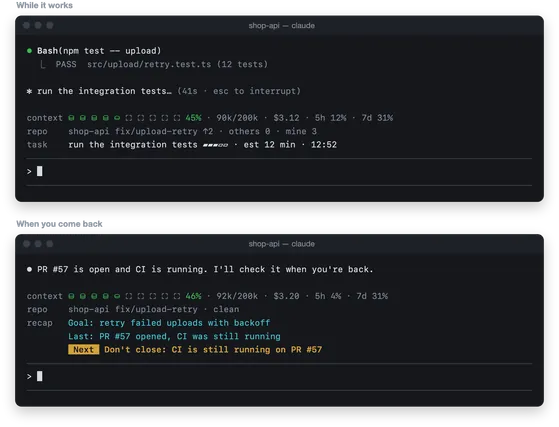
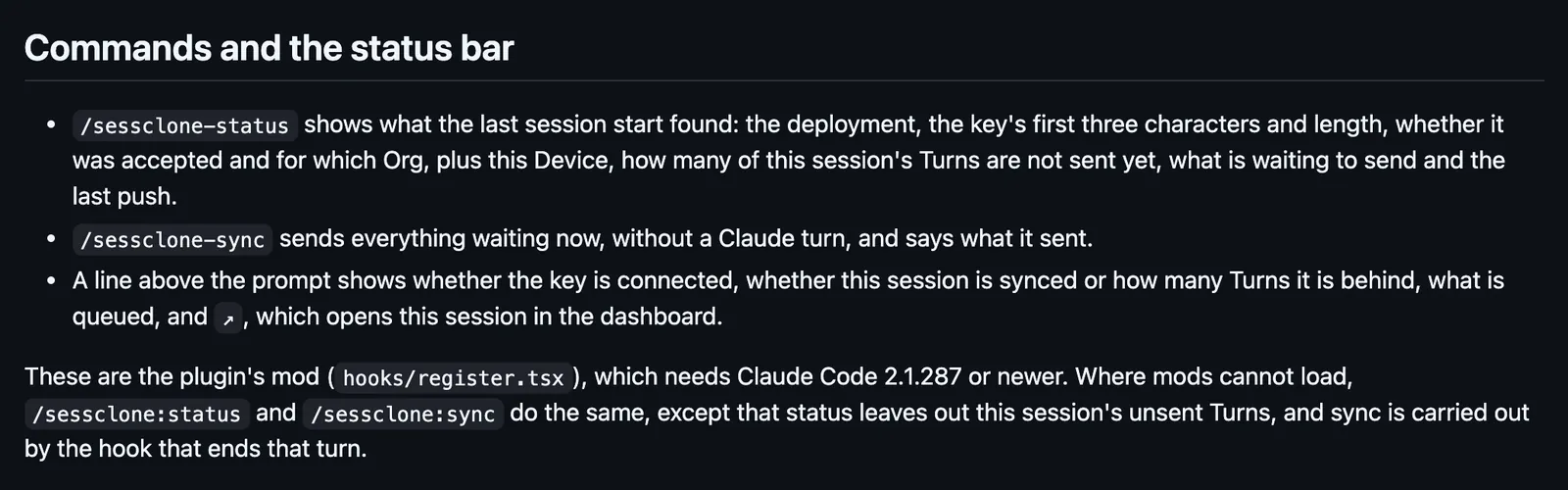
The marketplace, sessclone, holds only this plugin, which the README calls the SessClone Collector. Spend per person, Project, Device, and Session is why this page files it under usage. swarmery-link, by atretyak1985, reports turns, tool calls, context, and cost to a local swarmery dashboard. delta, by zed-industries, records the session and its Git checkout to Delta for a teammate to join. This one sends, over HTTPS with your key, each turn's token counts by kind, the model, timings, the working directory, the git branch, and the git remote reduced to a Project key, and the README says no prompt, no reply, and no file contents go with them. /sessclone-status shows the deployment, the key's first three characters and length, and what is waiting to send, and /sessclone-sync sends it now. The line above the prompt shows whether the key is connected, how many Turns this session is behind, and ↗, which opens the session in the dashboard.
Demo
What it hooks into
session.startWhen a session startssession.attachA Claude Code eventclassic.SessionStartA Claude Code eventclassic.StopA Claude Code eventcommand.describeA Claude Code eventcommand.runWhen you run its slash command/sessclone-status/sessclone-syncui.renderDraws into the sessionAbovePrompt
Read from the on() calls in its hook modules. Open its source under Files to check what each one does.
Slash commands 2
/sessclone-statusShows whether the sessclone Collector is connected, which Org it reports to, and what is waiting to send./sessclone-syncSends everything the sessclone Collector has waiting now, instead of at the next session start.
Hooks 5
SessionStartnodeStopFailurenodeStopnodeStopnodeSessionEndnode
Files
The author's README and source, 5 files. They load when you open them.
Facts
- Author
- NotTahaAli
- Category
- Usage
- Marketplace
- sessclone
- Folder
- packages/plugin
- Version
- 0.5.0
- License
- AGPL-3.0
- Repo stars
- 3
- Last change
- 2026-10-12
- Language
- TypeScript
- Files
- 56