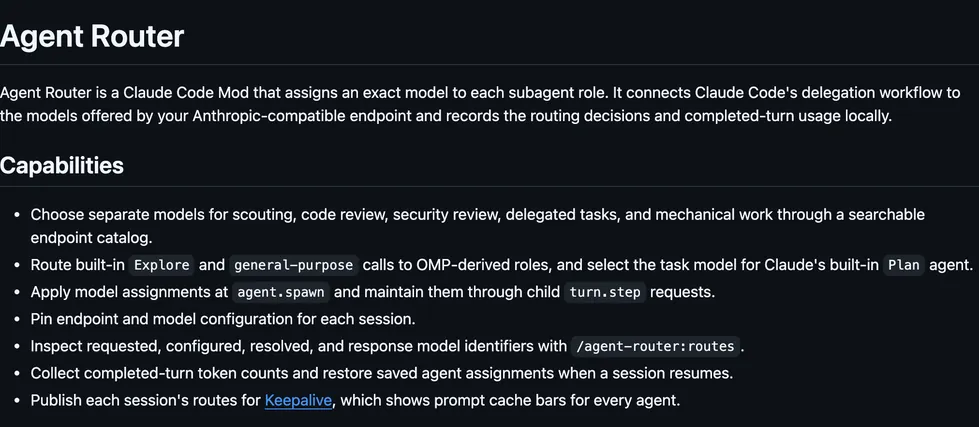
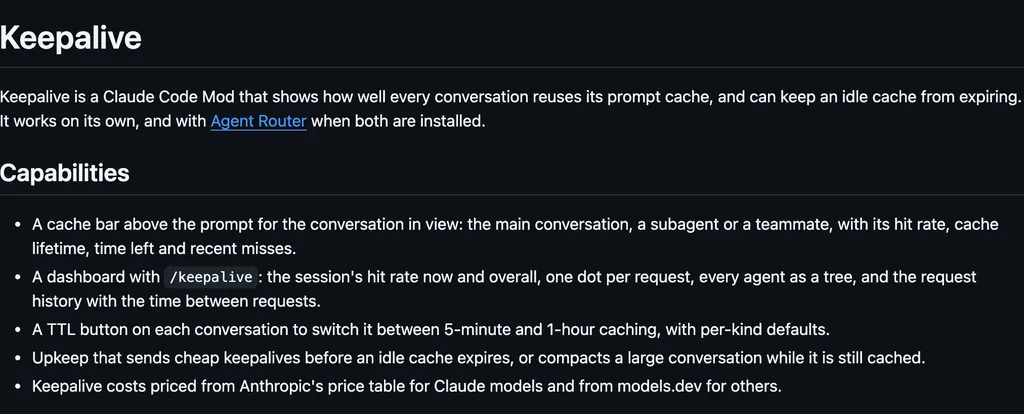
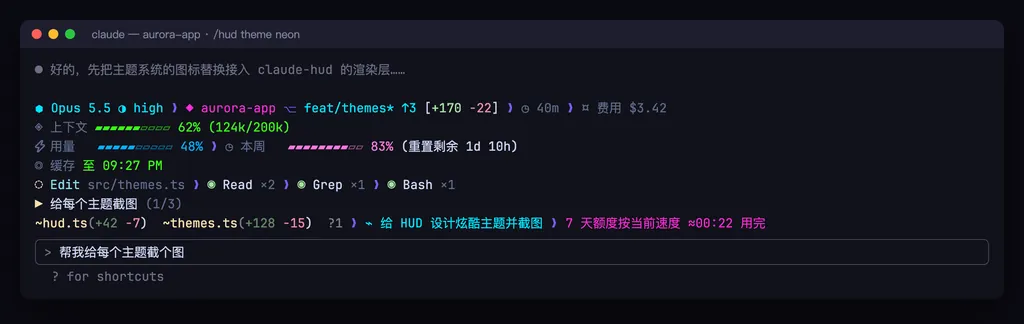
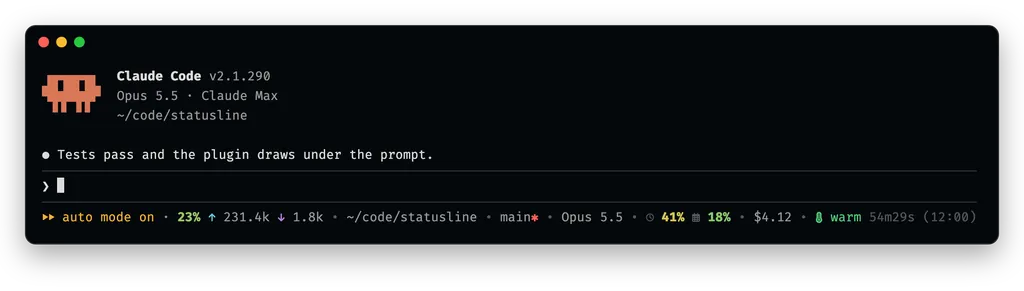
It runs inside the Claude Code process. The side panel is only what the author's README names. Read the repo before you install, or run claude plugin validate on the plugin folder.
Version
0.1.0
Repo stars
9
Last change
2026-10-16
What it can reach
Draws in the session
Reads usage or context figures
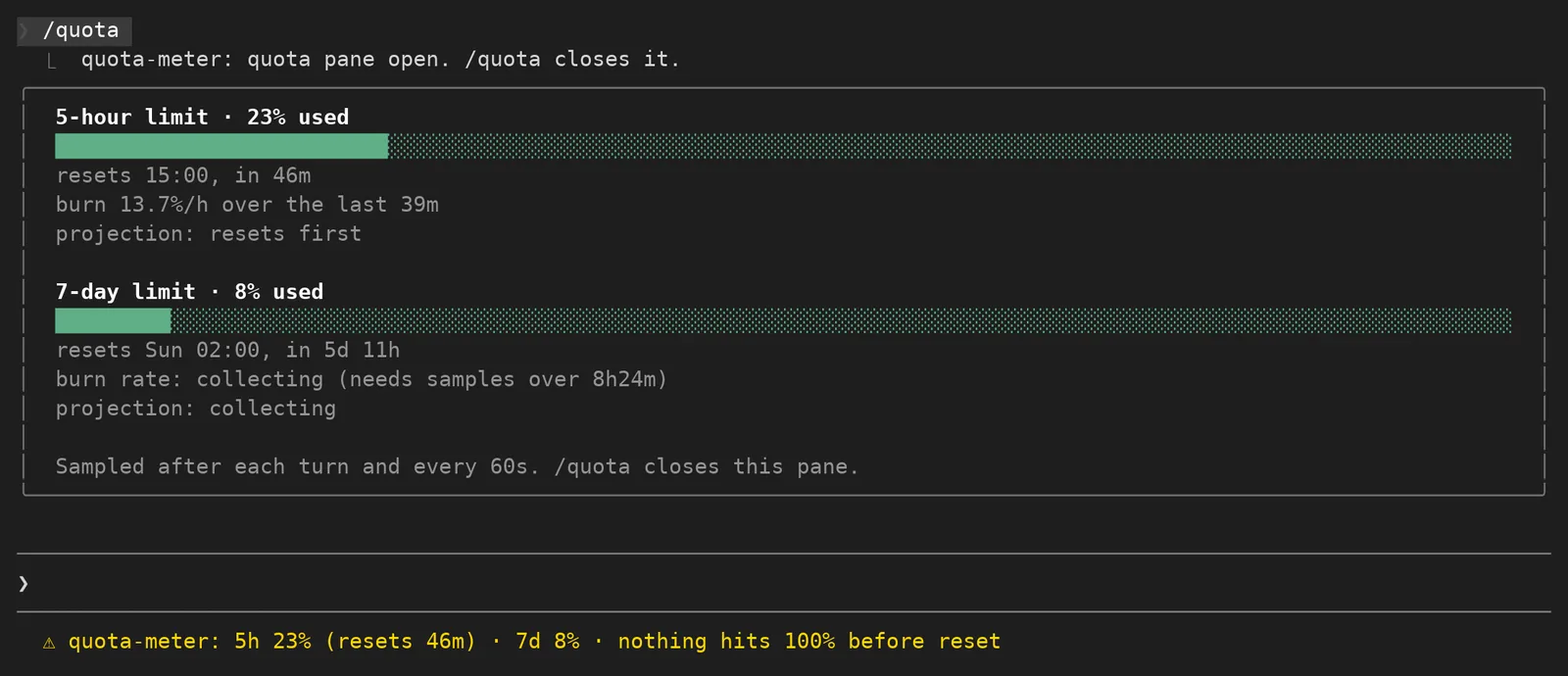
Needs Claude Code 2.1.269 or newer, in an interactive terminal. Restart Claude Code. quota-meter needs a Claude subscription: Pro, Max, Team, or Enterprise. The README turns function hooks on by setting CLAUDE_CODE_ENABLE_FUNCTION_HOOKS to 1 under env in ~/.claude/settings.json; the official docs say 2.1.287 and later ignore that flag. A line is pinned under the prompt for the whole session. It shows the windows Claude Code reports, a countdown to each reset, and one ending: a window fills before it resets, nothing hits 100 percent before the reset, or the pace is still collecting. A window that is still collecting is left out of that ending, and it never hides a window that has a rate. When no windows are reported the line reads no plan limits reported yet. That is normal for an API-key session, and for the first seconds before Claude has answered once. /quota opens and closes a pane with one block per window: the bar, the reset as a clock time and a countdown, the burn, and the projection. A rate is quoted once the readings span 5 percent of the window, which is 15 minutes for the 5-hour window and about 8.4 hours for the 7-day one. Until then the line and the pane say collecting. The 7-day window can stay on collecting for that long, and the pane prints the span a rate was measured over. Restarting Claude Code inside the same window keeps the rate. From 110 columns the pane docks beside the transcript. Narrower, it sits above the prompt. A checkout starts with CLAUDE_CODE_ENABLE_FUNCTION_HOOKS=1 claude --plugin-dir plugins/quota-meter.
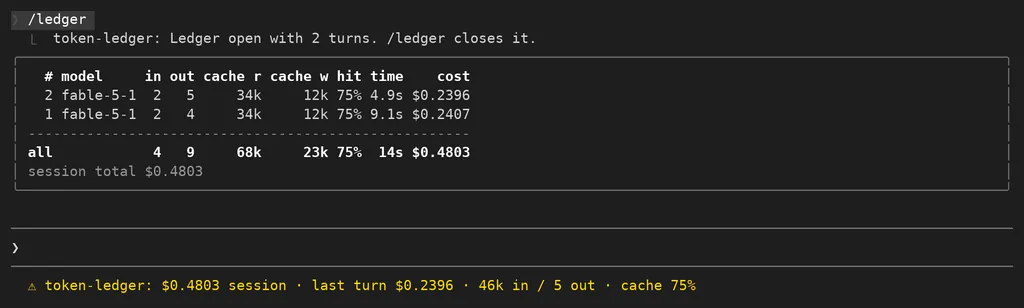
The marketplace name is claude-mods. The same marketplace also lists context-lens, token-ledger, and budget-guard. This page installs quota-meter. usage-meter draws the 5-hour and 7-day limits with the reset countdown and what this session cost. cost-meter adds context fill, a per-turn cost, and, once you set a budget, asks before the next tool call. session-meter adds the pace and the last 30 tool calls. pro-hud draws the plan, the context, and this turn in the desktop app. This one pins the plan windows and whether the current pace fills them before they reset. The readings are the ones Claude Code already reports, so this page does not list network access.
Demo
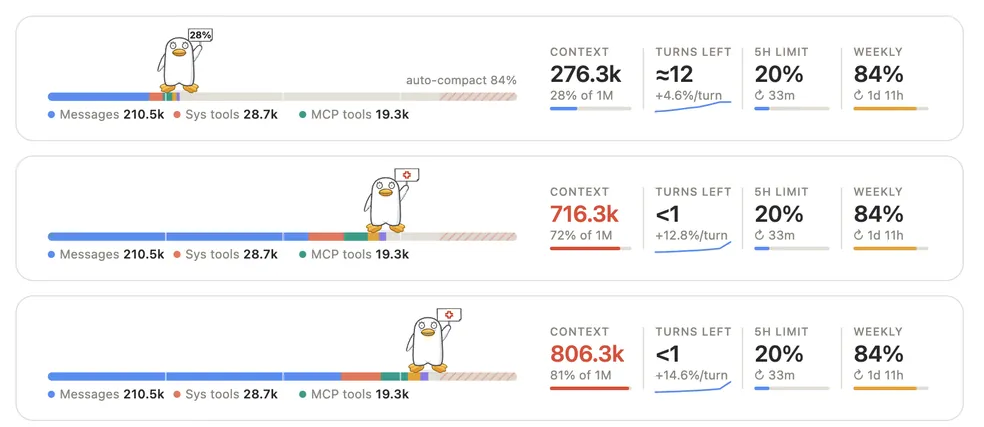
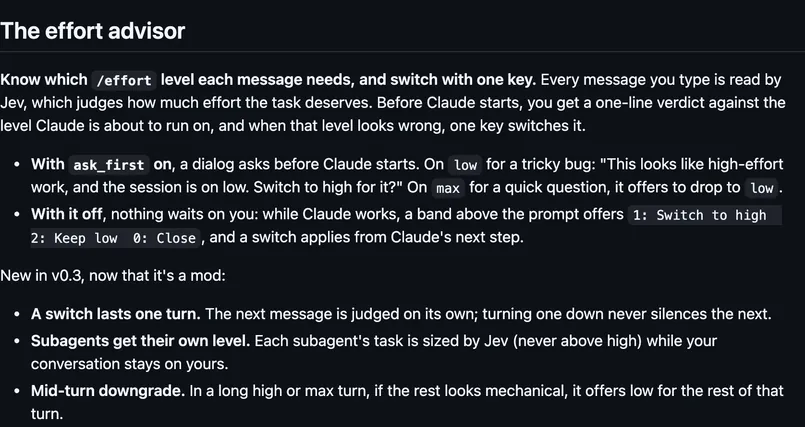
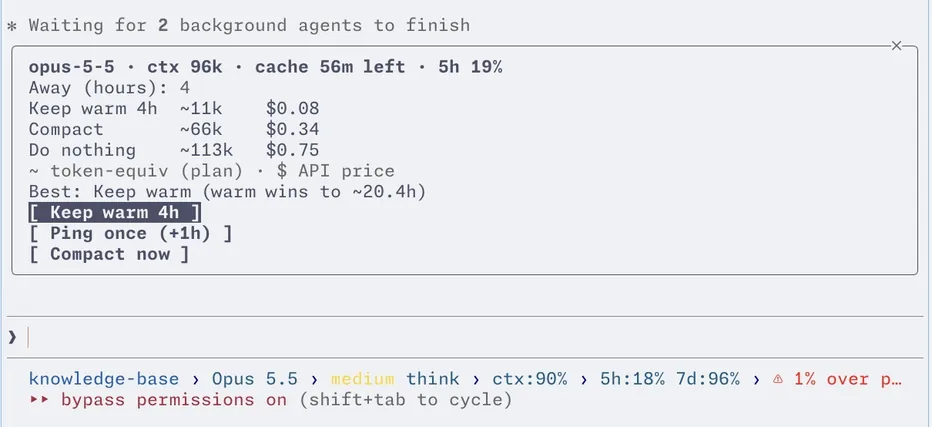
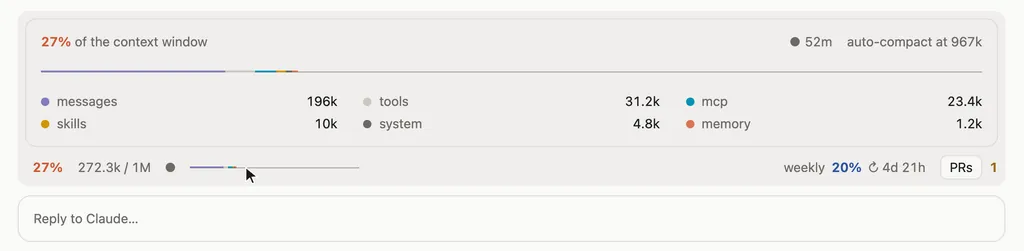
From the author's repo.
What it hooks into
session.startWhen a session starts
turn.completeWhen a turn ends
command.runWhen you run its slash command
ui.closeWhen its pane closes
ui.renderDraws into the sessionPane
Read from the on() calls in its hook modules. Open its source under Files to check what each one does.
Files
The author's README and source, 4 files. They load when you open them.