ClaudeCodeMod

All shelves / Mods / Review

compost

By JoshuaOliphant

compost is a Claude Code review mod by JoshuaOliphant.

For compost, a skill workflow from spec to review, draws compost:deepen's design candidates as cards you can explore here or in a new session.

Draws

Install

The marketplace name is oliphant-plugins.

In Claude Code
/plugin marketplace add joshuaoliphant/claude-plugins
/plugin install compost@oliphant-plugins
Open the repo

It runs inside the Claude Code process. The side panel is only what the author's README names. Read the repo before you install, or run claude plugin validate on the plugin folder.

Version
0.22.0
Repo stars
7
Last change
2026-10-18

What it can reach

  • Draws in the session
  • Reaches the network or an outside service
  • Sees tool calls
  • Runs a command when you press
  • Calls another program on this machine

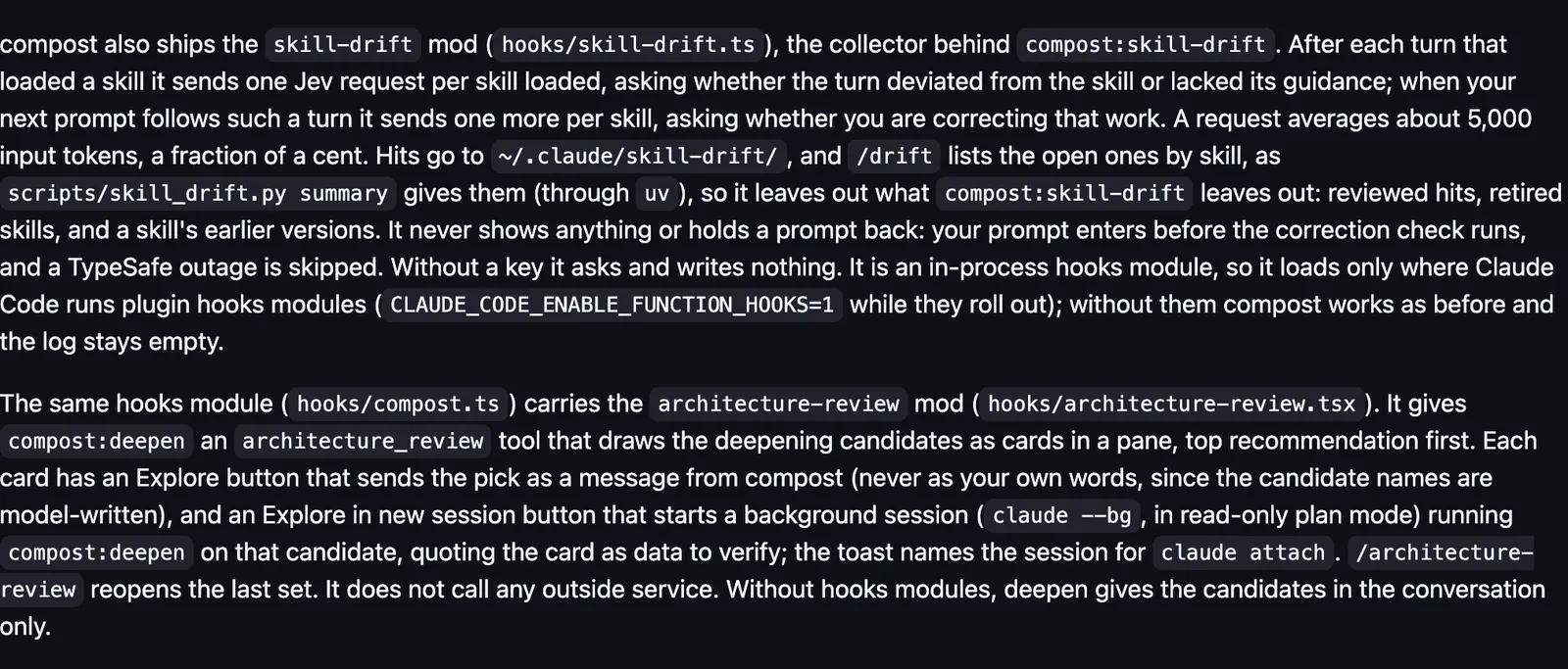
compost is one software-engineering workflow of skills: spec, slice, implement, build, verify, review, and finish, tracked in the repo's issue tracker. Run /compost:setup in each repo. With your yes it turns off the collections compost replaces, and the README says turning those off deletes nothing, while uninstalling an install its marketplace no longer lists cannot be undone. The pane shows the candidates, top recommendation first. Explore sends the pick as a message from compost, never as your own words, because the candidate names are model-written. Explore in new session starts claude --bg in read-only plan mode running compost:deepen on that candidate. /architecture-review reopens the last set. Many steps send typed questions to TypeSafe Jev (https://docs.typesafe.ai), with the key from TYPESAFE_API_KEY or the macOS Keychain item typesafe. Without a key the skill makes the call itself. The skill-drift mod sends one Jev request per loaded skill after each turn that loaded one, and the README says a request averages about 5,000 input tokens, a fraction of a cent. /drift lists the hits saved in ~/.claude/skill-drift/. compost:review opens a diff in a local page.

The install name is compost. The marketplace name is oliphant-plugins. The marketplace also holds mochi-creator, understand, and superfan. This one installs on its own. The cards of design candidates are why this page files it under review. pi-review hands a code review to a panel of read-only Pi reviewers, and draws their progress in a live pane. Nothing else on the shelf draws a pane of module-design candidates. In the source, skill drift posts to https://api.typesafe.ai/v1/systemone.

Demo

The compost README on its two mods: skill-drift sends one Jev request per loaded skill, and architecture-review draws deepening candidates as cards with Explore buttons.
Screenshot of the author's GitHub page.

What it hooks into

  • session.startWhen a session starts
  • tool.callAround a tool call, where it can hold one
  • command.runWhen you run its slash command
  • ui.renderDraws into the sessionPane
  • skill.promptA Claude Code event
  • turn.completeWhen a turn ends
  • prompt.submitWhen you send a prompt

Read from the on() calls in its hook modules. Open its source under Files to check what each one does.

Hooks 1

  • Stopuv run --quiet "${CLAUDE_PLUGIN_ROOT}/scripts/stop_guard.py"

Files

The author's README and source, 6 files. They load when you open them.
Facts

Author
JoshuaOliphant
Category
Review
Marketplace
oliphant-plugins
Repo
JoshuaOliphant/claude-plugins
Folder
plugins/compost
Version
0.22.0
Repo stars
7
Last change
2026-10-18
Language
Python
Files
156

Same repo on other shelves

Marketplaces

  1. 1148JoshuaOliphant/claude-pluginsJoshuaOliphant/claude-plugins7

Other mods in Review

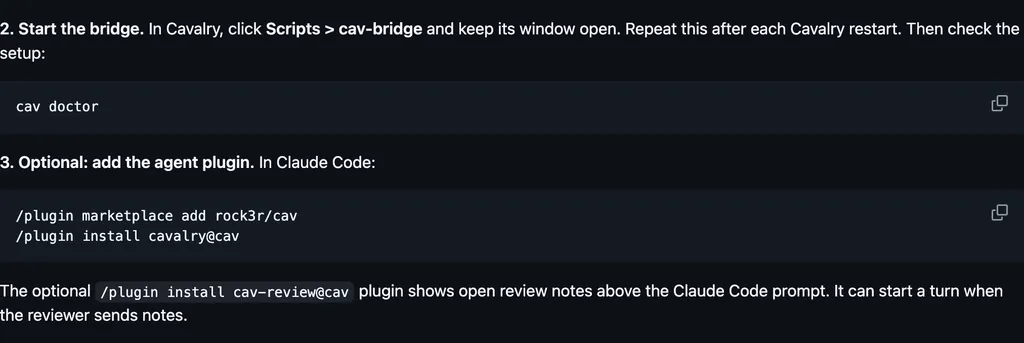
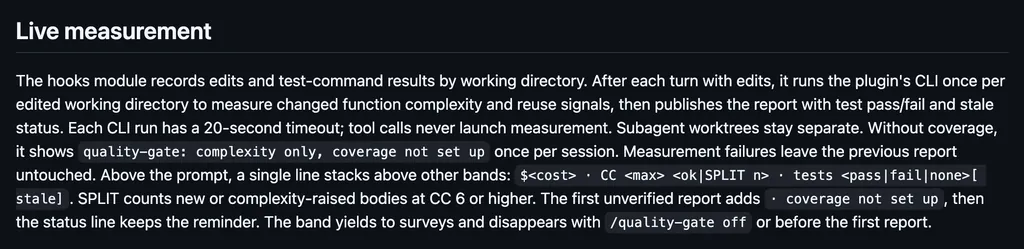
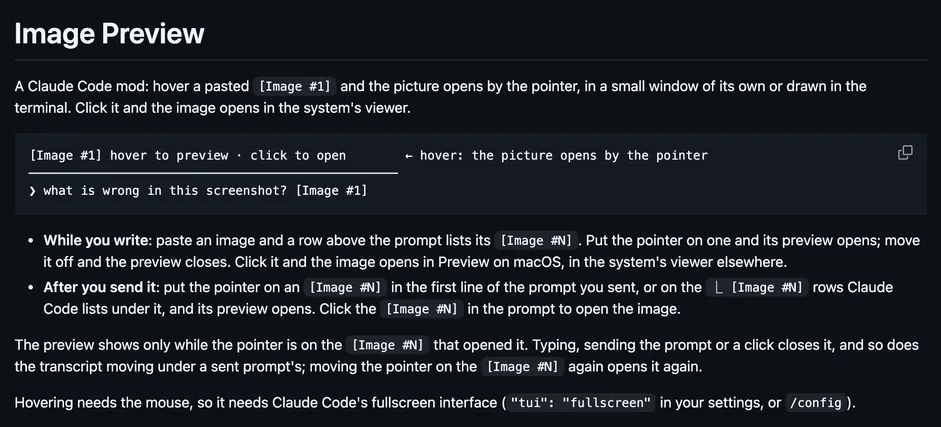
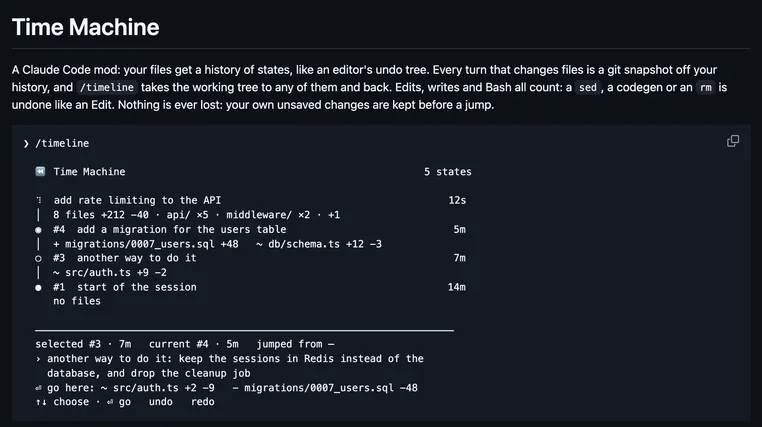
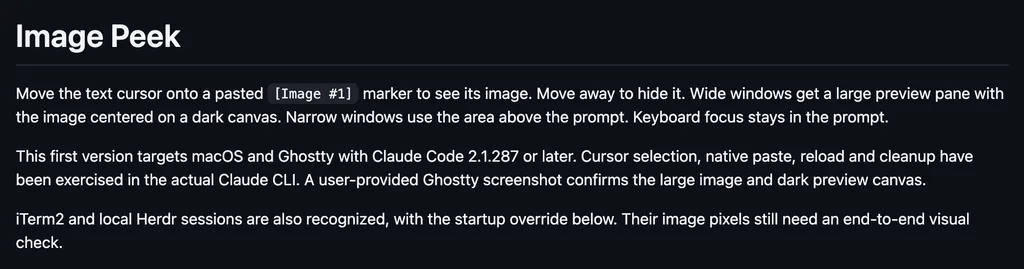
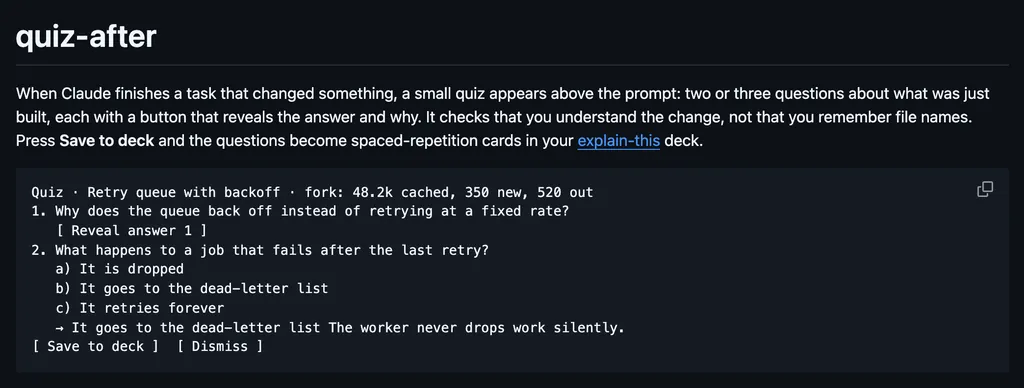
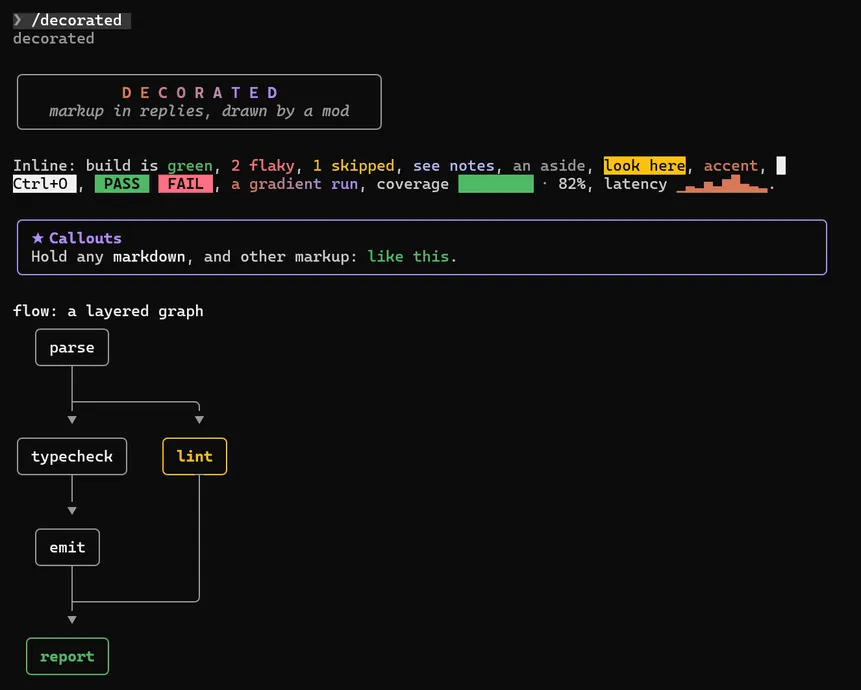
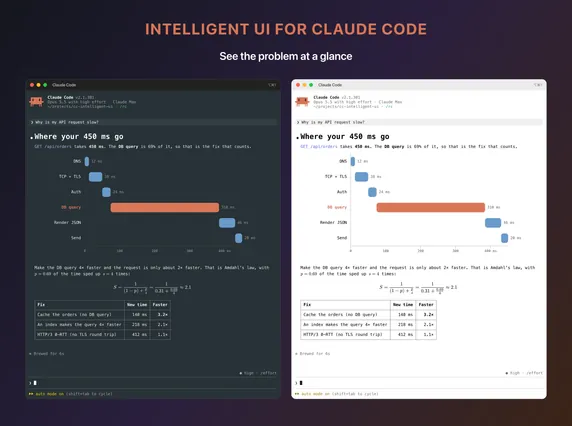
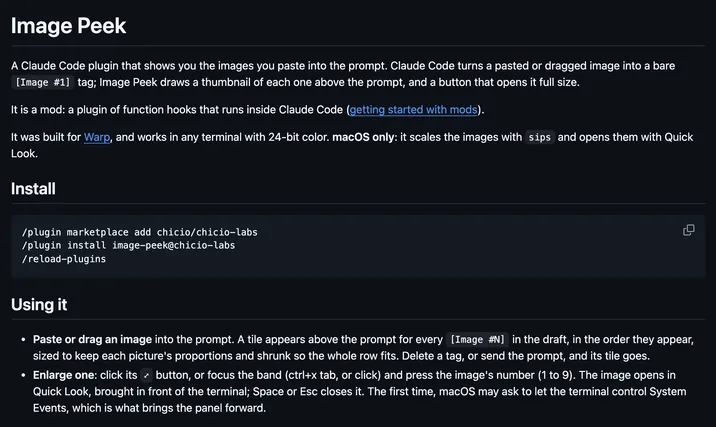
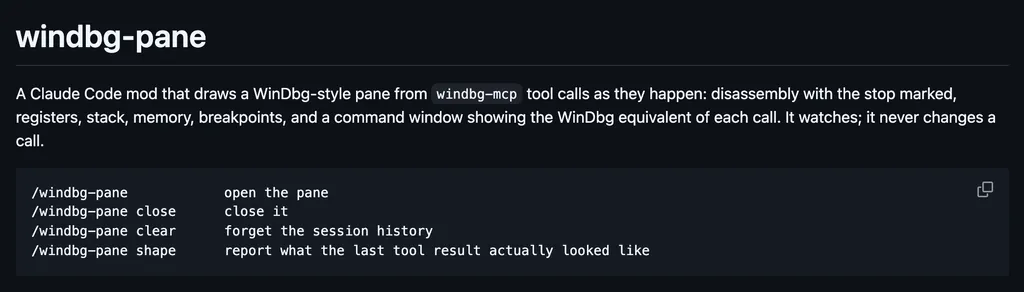
cav-reviewrock3rFor cav, which builds motion graphics in Cavalry from a terminal, shows open review notes above the prompt and can start a turn when the reviewer sends notes.textfoldchenxiachanFolds each reply to one of five levels, from every word to the answer in one sentence, picked with a key or from the row above the prompt.quality-gateEigenwiseAfter each turn with edits, measures the complexity of the functions Claude changed, and draws it above the prompt with the cost and test status.image-previewmidudevOpens a pasted [Image #N] by the pointer when you hover it, in a small window or drawn in the terminal, and a click opens the system's viewer.time-machineDiegoMartySnapshots the working tree with git at each turn that changes files, Bash included, and /timeline opens a pane to move the files to any state and back.image-peekkaranb192Shows a pasted image while the text cursor sits on its [Image #N] marker, in a large pane on a wide window or above the prompt, on macOS in Ghostty.quiz-afterDannyMac180When Claude finishes a task that changed something, draws a quiz of two or three questions about the change above the prompt, each with a button for the answer.tool-cardsbradtraversyReplaces each tool-use row with a card: the tool's icon, an action title, its state, and the time, with the output folded behind Details until a call fails.decoratedthomas-whitaker1Teaches Claude a small tag language and draws it in the reply: colored badges, callouts, bar and braille charts, heat maps, flow and sequence diagrams, and SVG.cc-intelligent-uirazorback16Draws each answer from Claude as a typeset picture made with Typst: rendered Markdown, LaTeX math, charts, and diagrams, in kitty, Ghostty, or iTerm2.image-peekchicioDraws a tile above the prompt for each image you paste, real pixels in kitty and Ghostty and block characters in Warp, and opens one full size in Quick Look.windbg-paneglslangDraws a WinDbg-style pane from windbg-mcp tool calls as they happen: disassembly with the stop marked, registers, stack, memory, breakpoints, and commands.
All 145 in Review