It runs inside the Claude Code process. The side panel is only what the author's README names. Read the repo before you install, or run claude plugin validate on the plugin folder.
Version
0.1.3
License
MIT
Repo stars
381
Last change
2026-10-15
What it can reach
Draws in the session
Reads usage or context figures
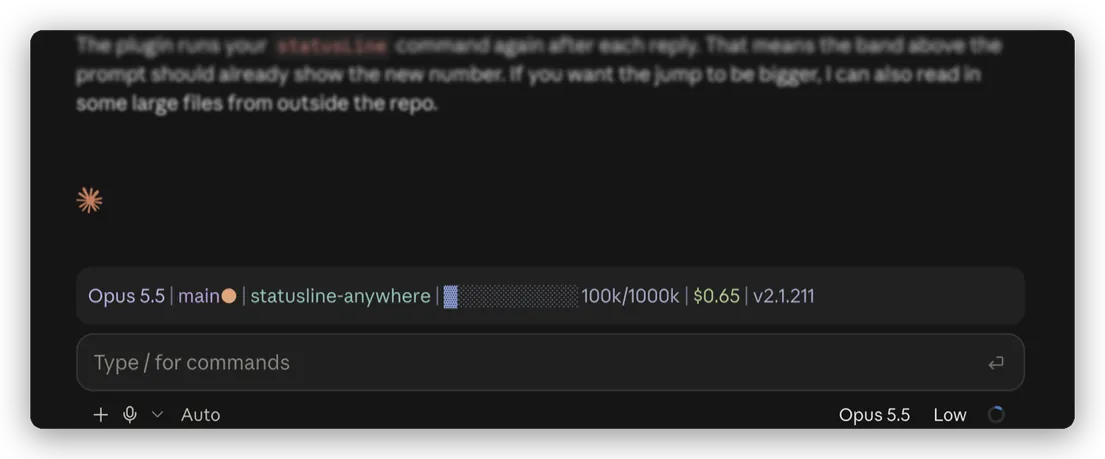
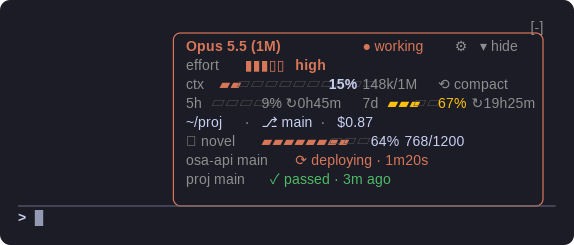
Claude Code 2.1.287 or later. The author says to restart after installing. One bar the width of the band splits the window by what fills it: system prompt, tools, MCP tools, memory files, skills, and messages, then free space and the compaction buffer. Each used category has its own color, messages in orange. The header shows the tokens in use, the window, where auto-compaction runs, and the percent, which turns yellow at 70% of the compaction point and red at 90%. The legend lists each category's tokens and share of the window. It refreshes after each of the main agent's turns and after a compaction, from the same breakdown /context draws, estimated locally with no extra API calls. Tool schemas loaded on demand are left out, as /context leaves them out. /context-bar shows or hides the bar, and the choice is kept across sessions. Its line stacks with the other hamzafer lines.
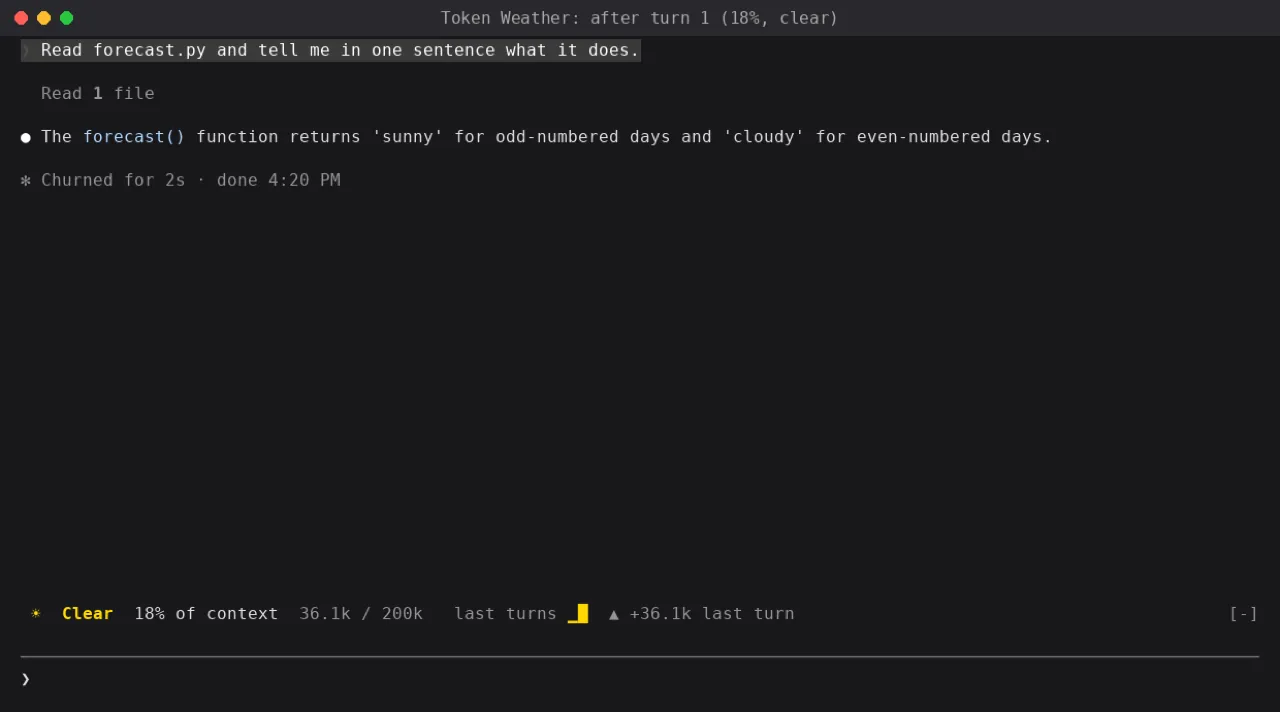
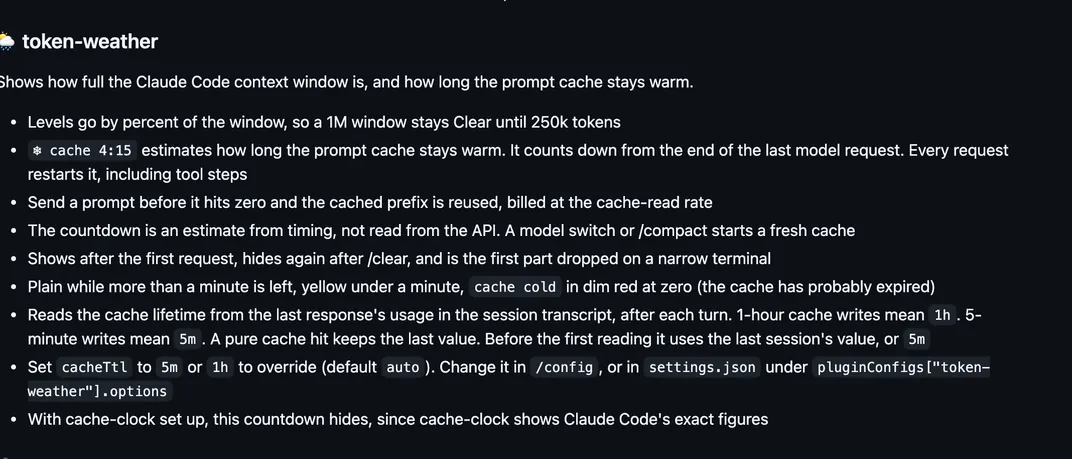
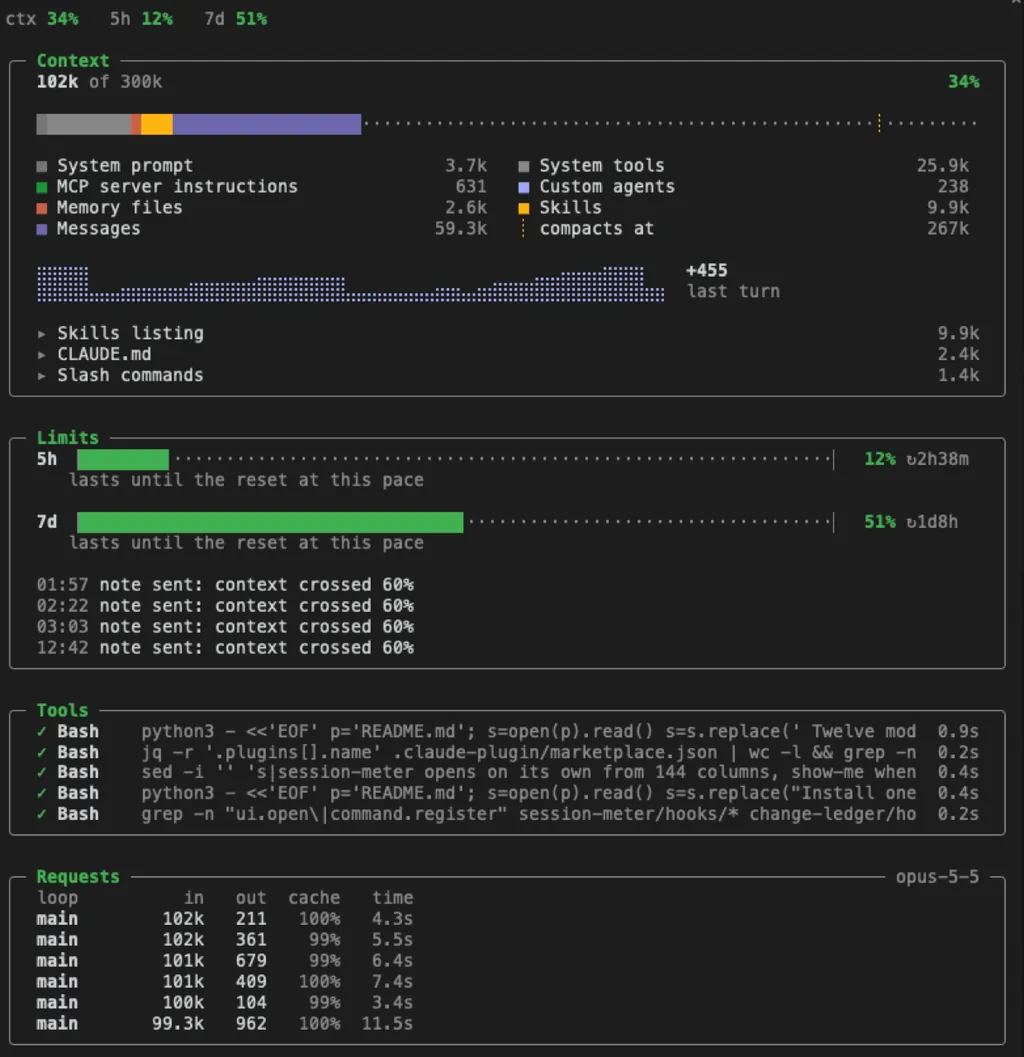
The marketplace, claude-code-mods, holds all of hamzafer's mods. This one installs on its own, or from the checklist that npx claude-code-mods@latest opens. The author pairs it with his token-weather, which tracks the trend and the cache while this one shows what the tokens are. The context window is why this page files it under usage. usage-header-szotasz draws the context window above the prompt with a color per category, and the 5-hour and weekly limits under it. context-lens, by Arunjay4213, pins how full the window is and what the last turn added, and /context-lens opens the breakdown by category. This one is one stacked bar, with the compaction point marked.
Demo
From the author's repo.
What it hooks into
session.startWhen a session starts
turn.completeWhen a turn ends
session.compactWhen the context is compacted
command.runWhen you run its slash command/context-bar
ui.renderDraws into the sessionAbovePrompt
Read from the on() calls in its hook modules. Open its source under Files to check what each one does.
Slash commands 1
/context-barShow or hide the context window bar above the prompt
Files
The author's source, 3 files. They load when you open them.