All shelves / Mods / Review
Claude Code review mods
145 mods
Review mods draw this turn's edits, a running review, a diagram, or the Markdown Claude changed. By their READMEs, 42 read this turn's file edits, 31 reach the network or an outside service, and 13 send session text to a model outside your Claude login.
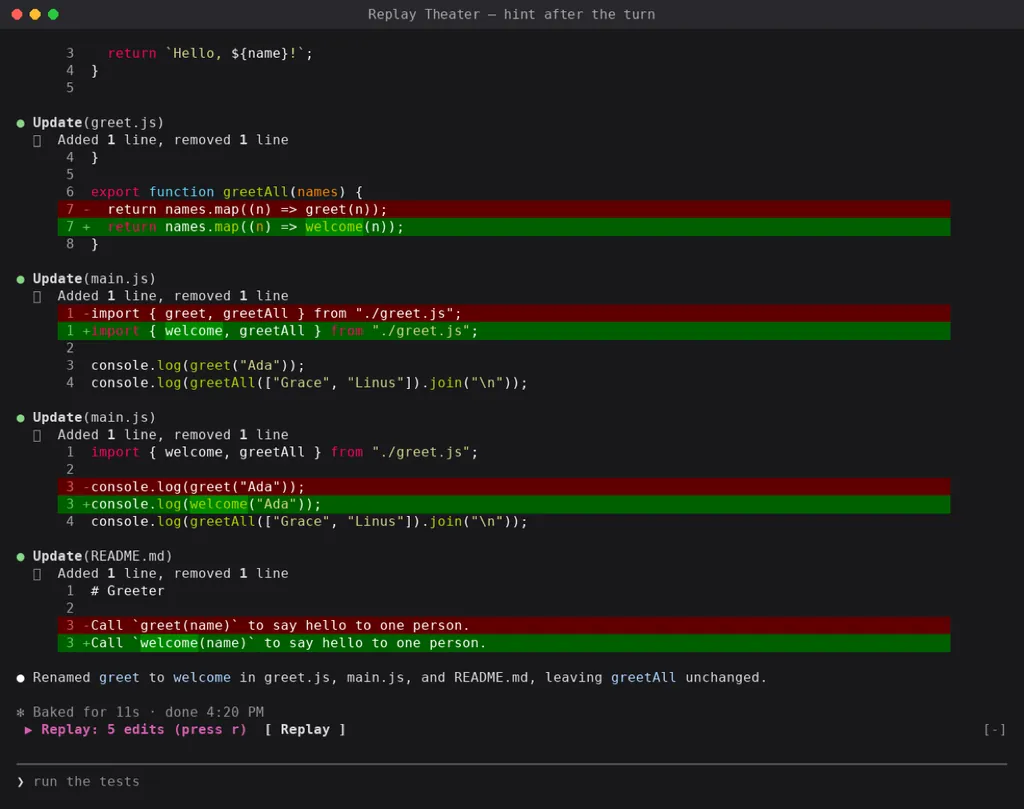
claude plugin install <mod>@<marketplace>Run in a terminal. Some mods need a restart.- 1replay-theaterAnthropicAdds /replay. Steps through the files Claude edited last turn, one diff at a time.Draws
- 2review-watchhamzaferDraws one line above the prompt per running code review, with the model, the target, the elapsed time, and Codex's latest output. A toast lists the findings.Draws
- PaidCategory pin30 daysThe first row in Review, marked as paid.Book
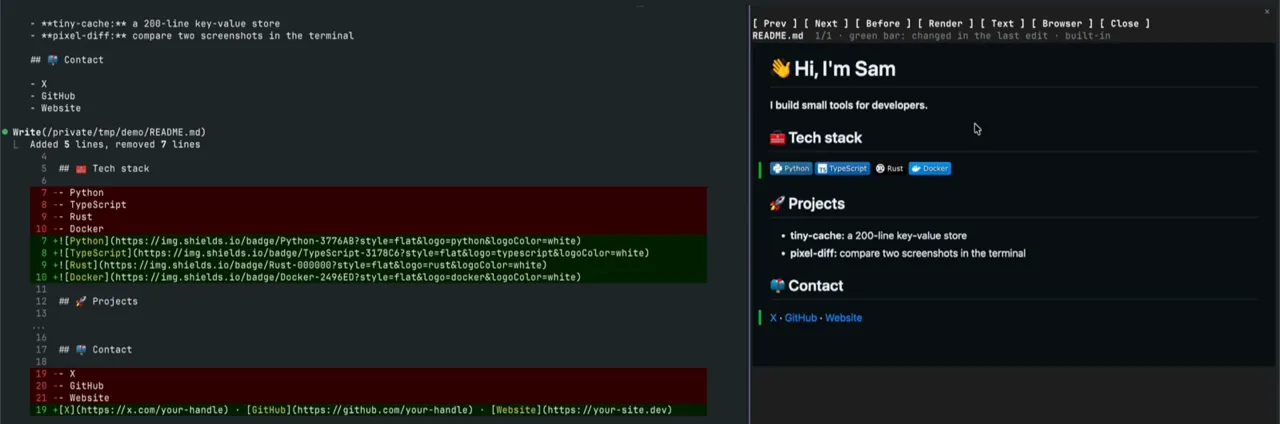
- 3md-previewhamzaferWhen Claude edits Markdown, draws the before and after beside the session, rendered the way GitHub does.Draws
- 4files-touchedSingh-APDraws one line above the prompt for files Claude changed this session, with lines added and removed. /touched pane lists them, and a press inserts @path.Draws
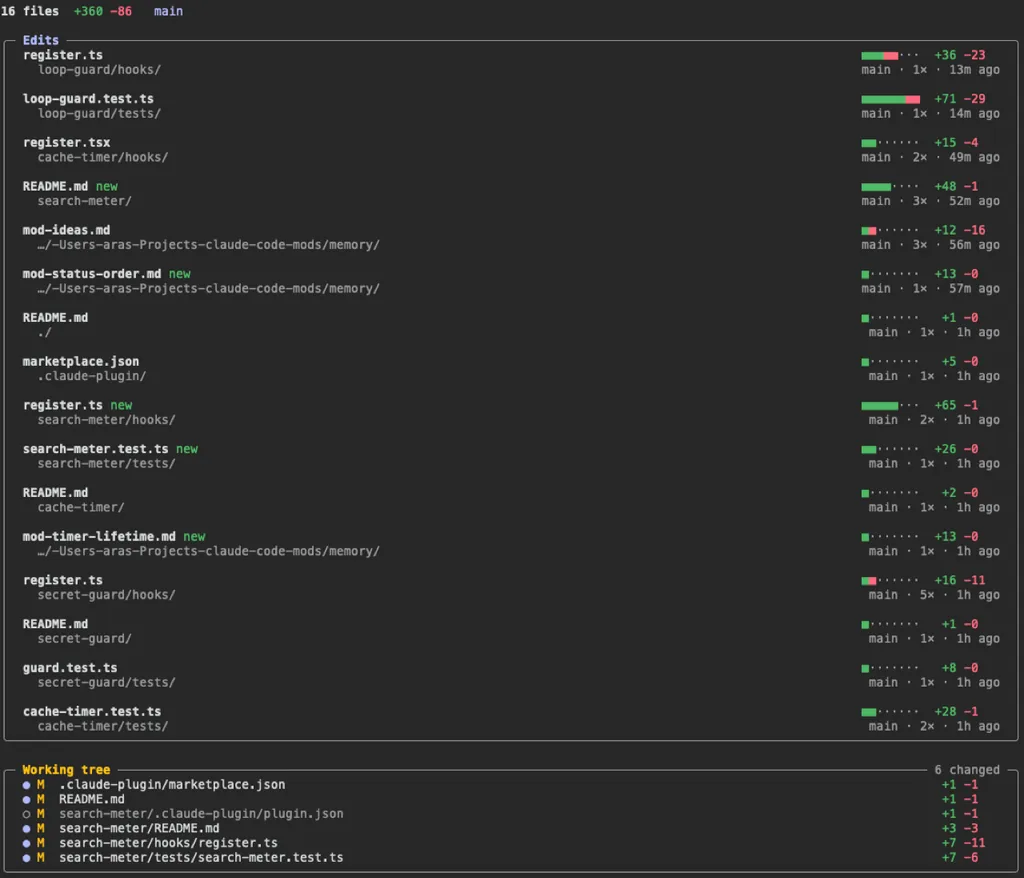
- 5change-ledgerarasovicDraws a pane of every file this session touched, with lines added and removed and which agent edited it, beside the git working tree.Draws
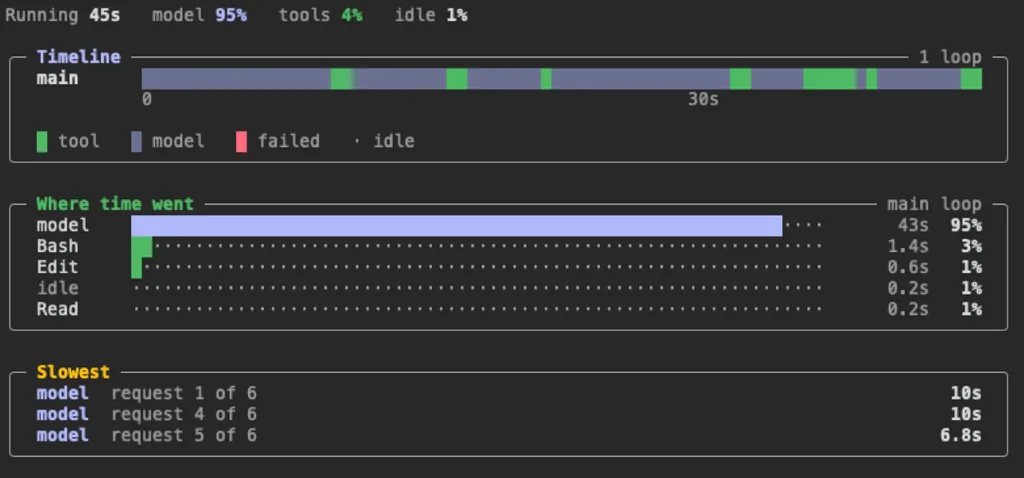
- 6turn-timelinearasovicDraws the current turn as a timeline: one lane for the main loop, one per subagent, the split between model, tools, and idle, and the three slowest steps.Draws
- 7show-mearasovicDraws each mermaid diagram in an answer as a picture in a pane once the turn ends. /show-me asks for an answer in diagrams.Draws
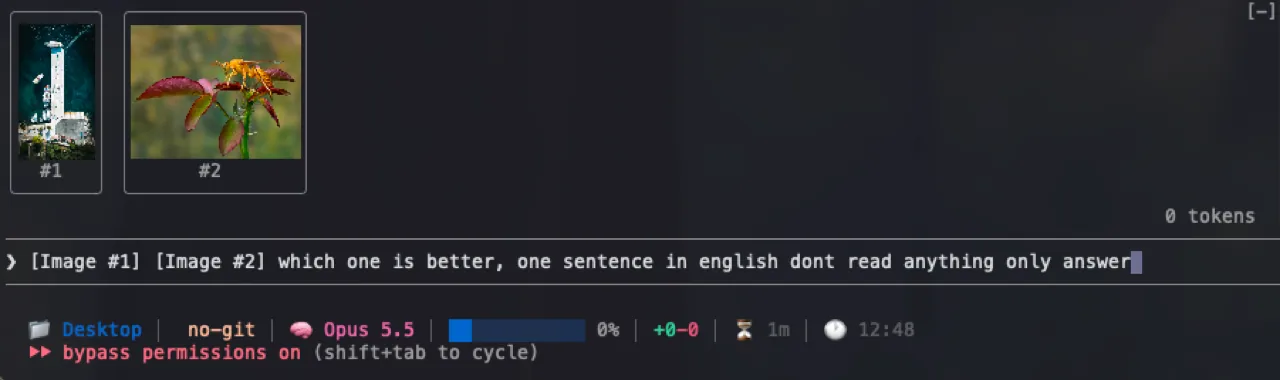
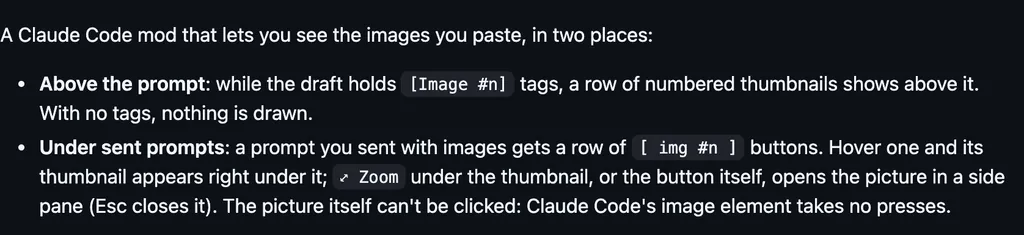
- 8image-peekarasovicDraws thumbnails of images you paste, above the prompt while you write, and larger pictures under the message once it is sent.Draws
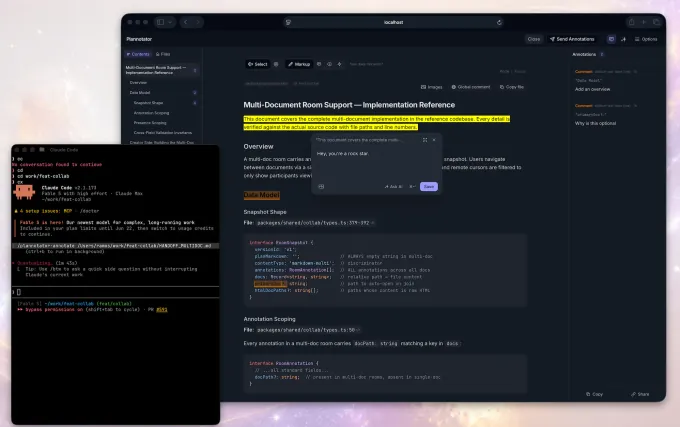
- 9plannotatorbacknotpropOpens Claude's plan in a review UI where you mark it up, sends your annotations back, and shows what changed when the plan comes back.Draws
- 10filetreedata-goblinDraws an IDE-style file tree beside the transcript that lights up what Claude reads, writes, and commits, and follows it through the folders.Draws
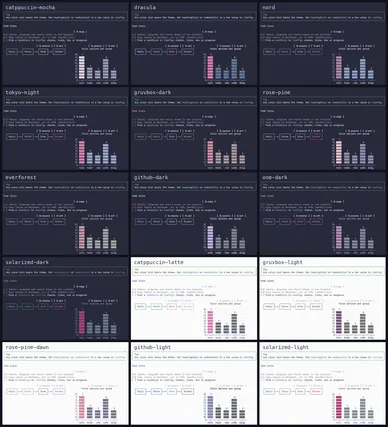
- 11skinshellosverreRedraws tool rows, code, diffs, tables, math, and Mermaid charts as cards, with a usage band, a calm mode, and fifteen themes; /skin swaps them live.Draws
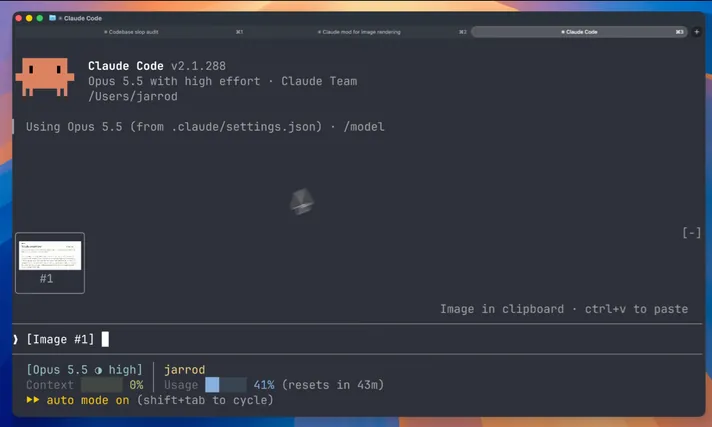
- 12image-viewjarrodwattsDraws thumbnails of the images you paste, in the band above the prompt, instead of bare [Image #1] tags.Draws
- 13crit-tuitomasz-tomczykOpens a pane where you comment on lines of the conversation, the diff, or a file, sends the review to Claude in one go, and threads Claude's replies.Draws
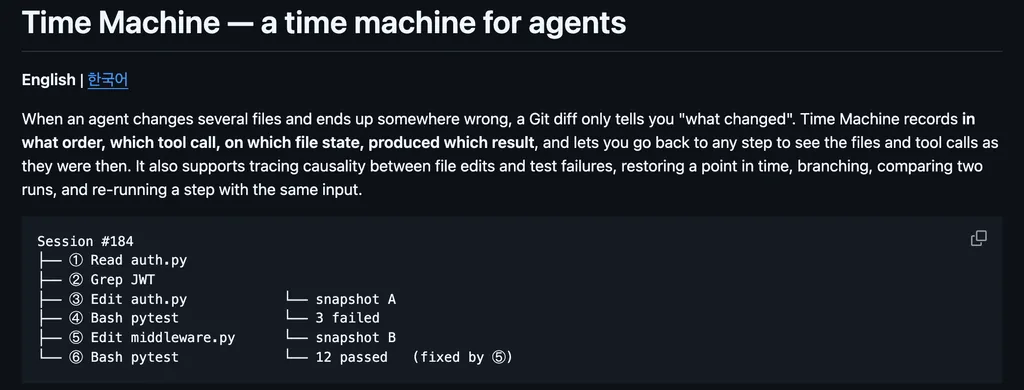
- 14time-machineYeonwooSungDraws a branching timeline of Claude's tool calls with a git snapshot after each change, to diff steps, trace a test failure, restore files, or re-run a step.Draws
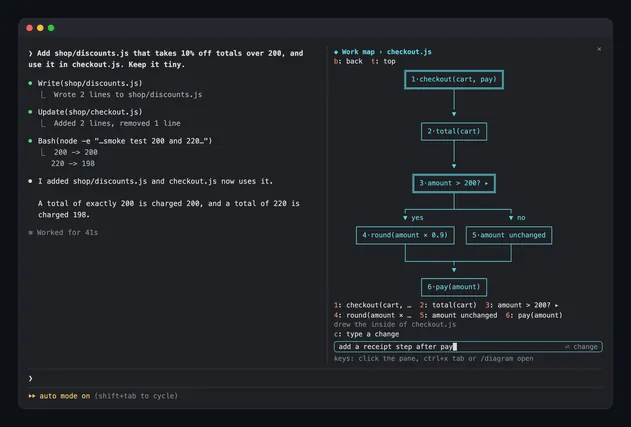
- 15diagram-paneray-amjadPins every diagram Claude draws in a side pane, keeps a live map of the work, and lets you open boxes and change them.Draws
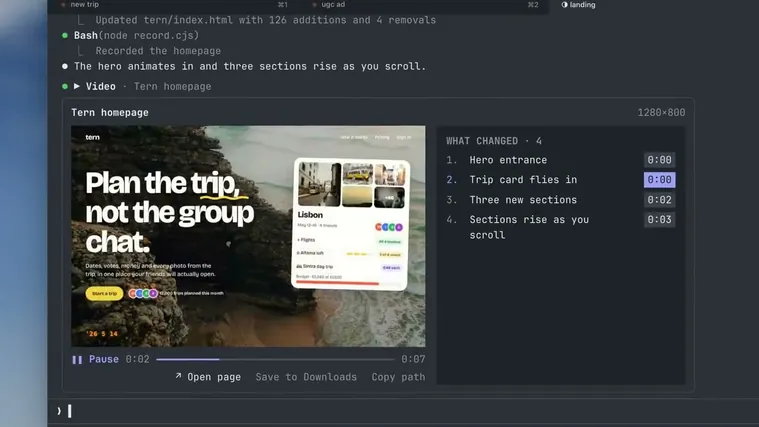
- 16show-your-workiamumeransariShows Claude's finished work in the terminal: screenshots, videos of it clicking through your app, and before-and-after QA recordings.Draws
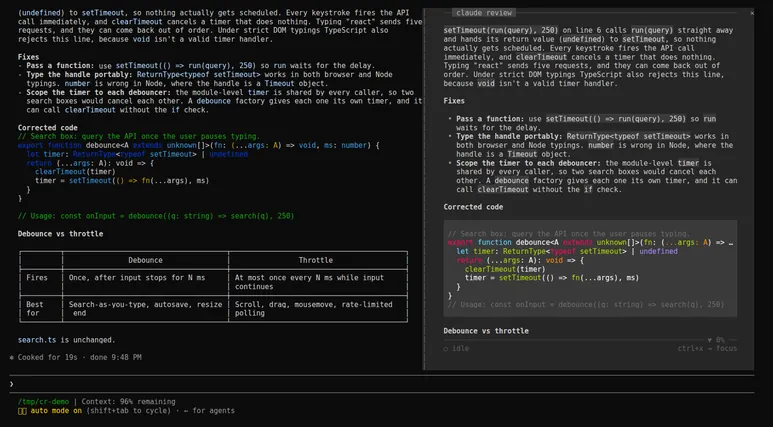
- 17review-paner3al1tymDocks the session's latest reply in a calm reading pane beside the conversation, following the live turn, with its plan, question, and tasks one key away.Draws
- 18prismantisNahumLitvinRedraws Claude's replies in the terminal: colored tables, code, charts, flowcharts, and one quiet line per tool call.Draws
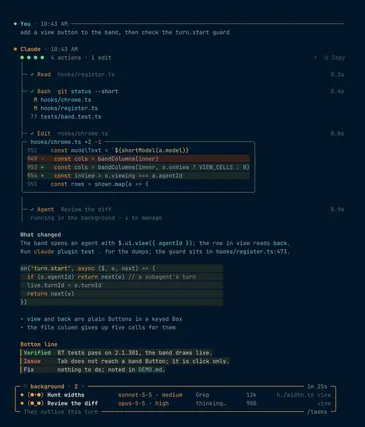
- 19glassrashedInt32Redraws the terminal transcript as colored commands, diff cards, a tool tree, and a band of running subagents above the prompt.Draws
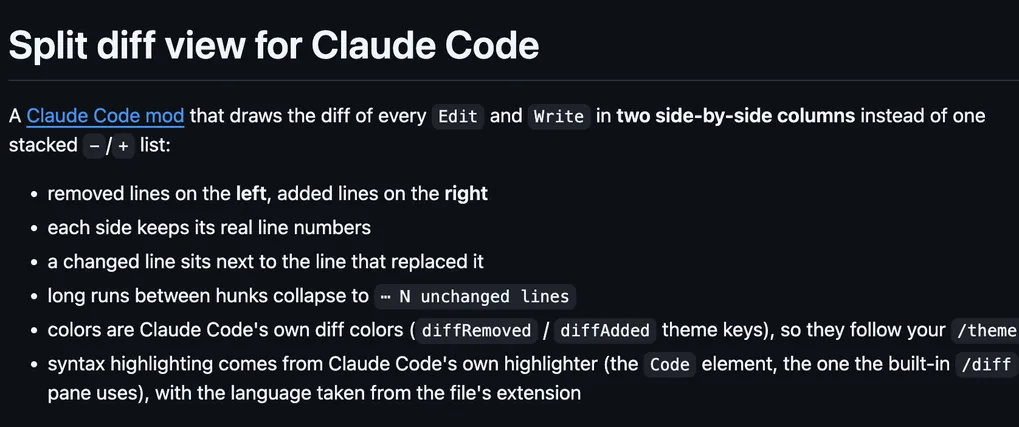
- 20cc-split-diff-viewneteye-platformDraws Edit and Write diffs, and the files a Bash command updates, in two columns, removed lines left and added lines right, in Claude Code's own diff colors.Draws
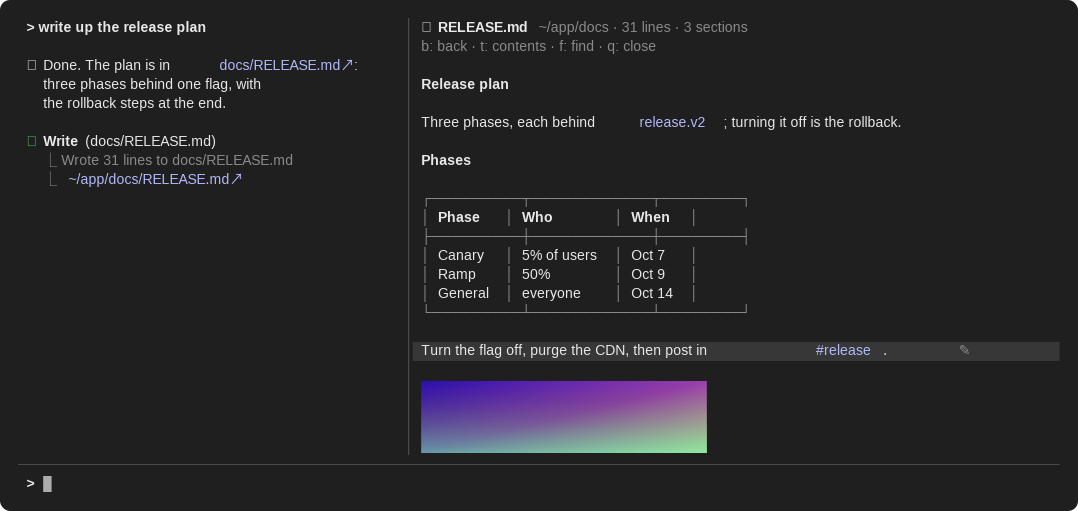
- 21mdviewxuanji86Opens a clicked Markdown path as a rendered pane beside the conversation, pictures included, and sends an edit when you type one in a block.Draws
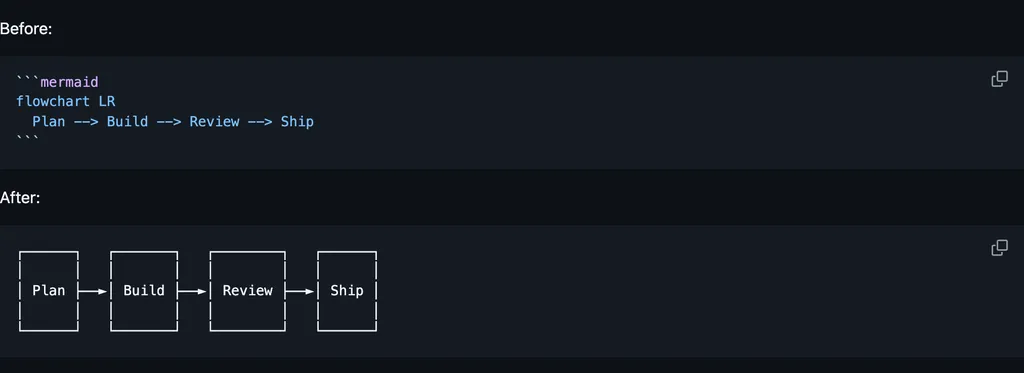
- 22mermaid-modngothanhlucDraws mermaid blocks in Claude's replies as Unicode diagrams in place, and leaves the stored message as Mermaid source.Draws
- 23accountable-reviewwyeworksShows a review run on the status line, then publishes a review agenda for a pull request as a private Claude Artifact page.Draws
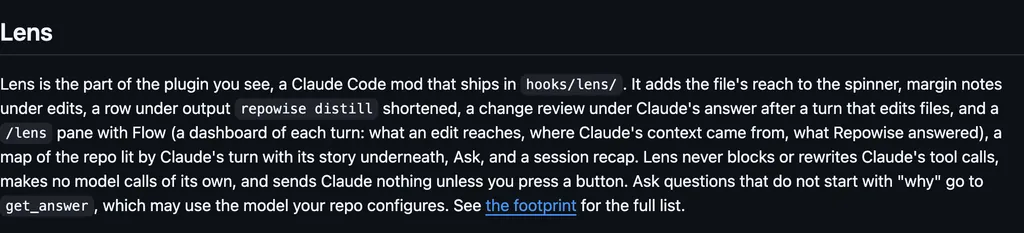
- 24repowiserepowise-devDraws margin notes under edits, a change review under the answer, and a /lens pane of what an edit reaches.Draws
- 25hal-grammar-checkvintaDraws grammar corrections above the prompt while you type, with explanations in your language: English by default, or Chinese, Japanese, or Korean.Draws
- 26sc-modskylesnowschwartzDraws mermaid diagrams in replies as text, jump buttons above the prompt, and a copy button under each reply.Draws
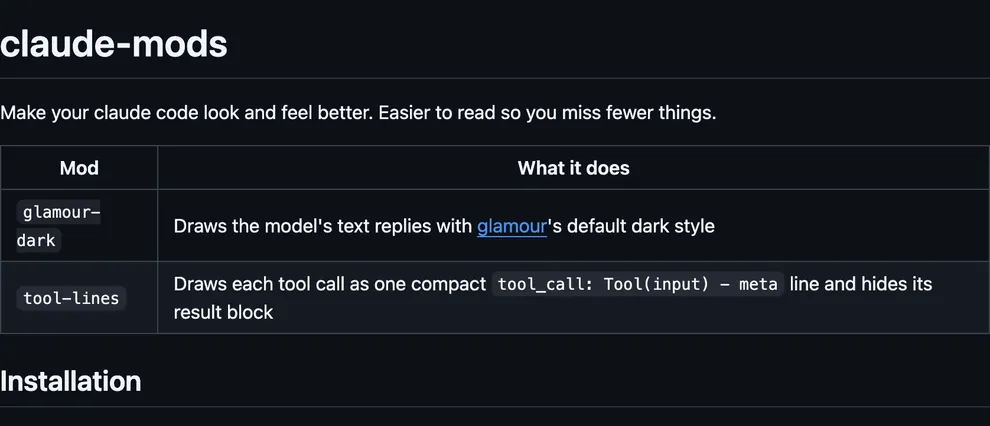
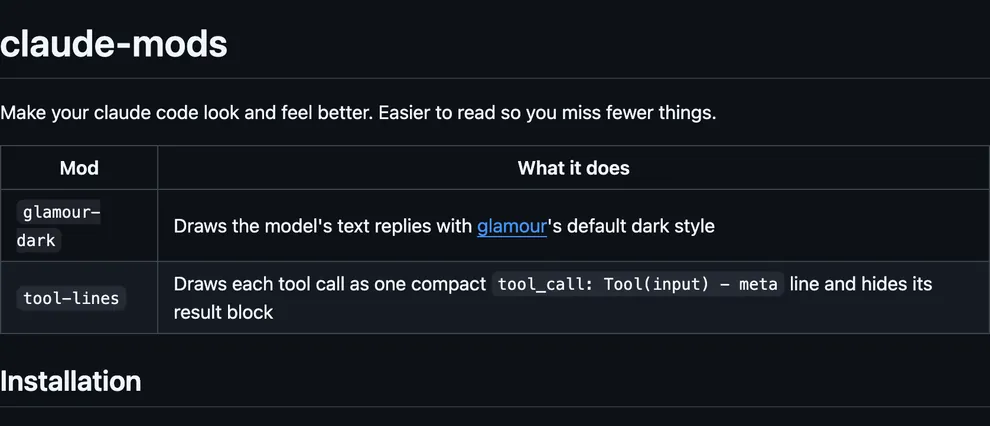
- 27glamour-darkTickloopDraws the model's text replies in glamour's default dark style.Draws
- 28tool-linesTickloopDraws each tool call as one compact line and hides its result block.Draws
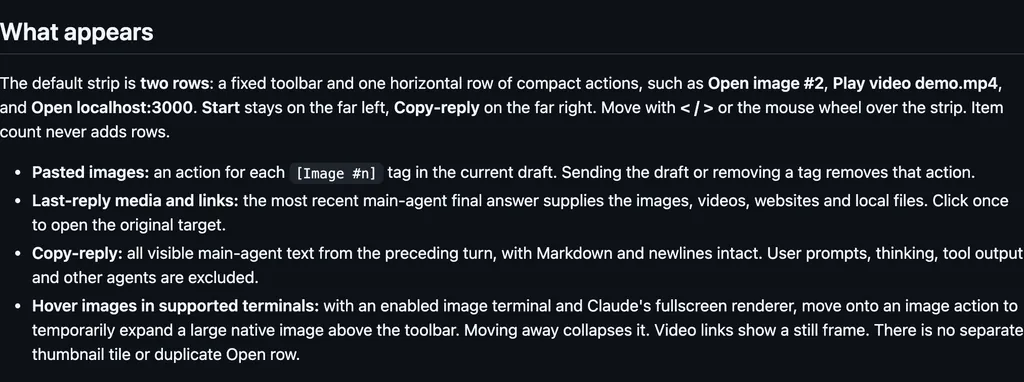
- 29reply-viewYrzheDraws pasted images, the last reply's media and links, and a copy button above the prompt.Draws
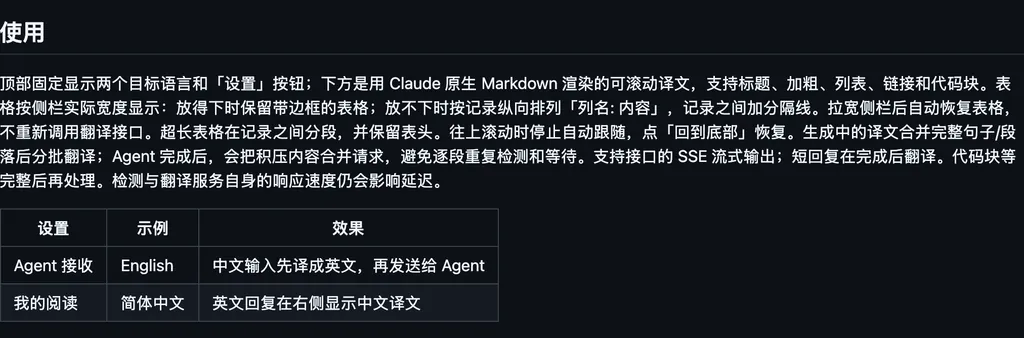
- 30translate-viewYrzheTranslates each prompt before sending it, and draws the reply's translation in a side pane.Draws
- 31cc-image-viewGGGODLINDraws thumbnails of the images you paste, above the prompt and under the prompts you sent.Draws
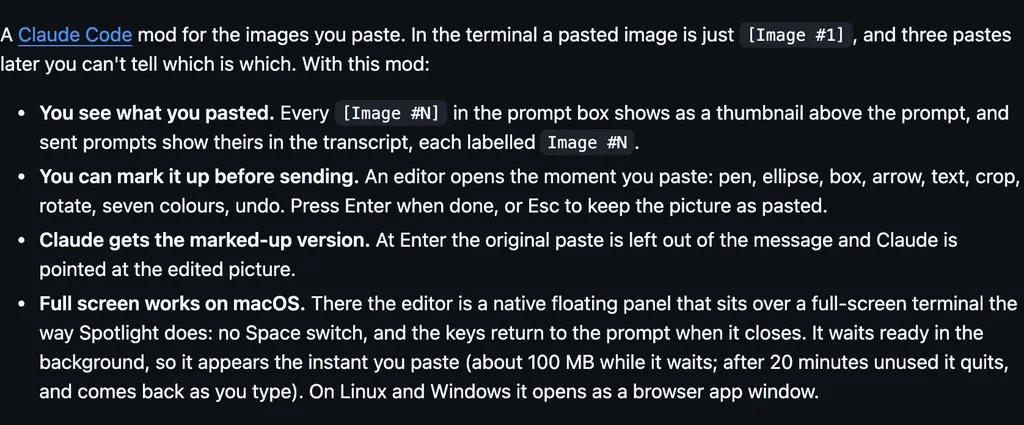
- 32paste-previewalan890104Draws thumbnails of the images you paste, and opens an editor so Claude gets the marked-up picture.Draws
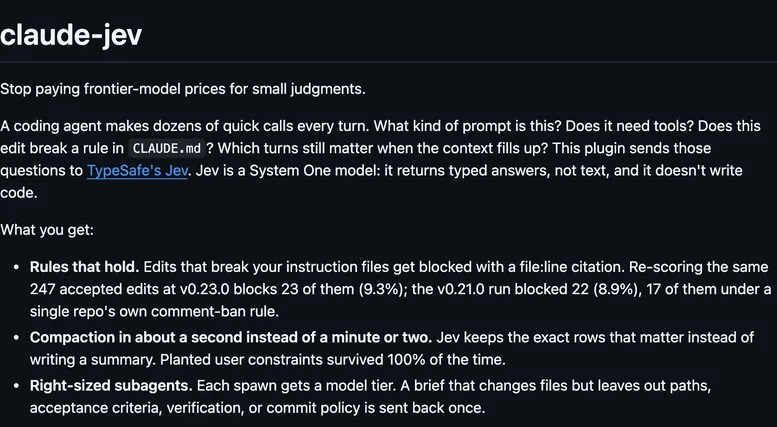
- 33claude-jev0x7067Has Jev judge each edit against your instruction files and cite a broken rule by file and line, and sends a thin subagent brief back once.Draws · Holds
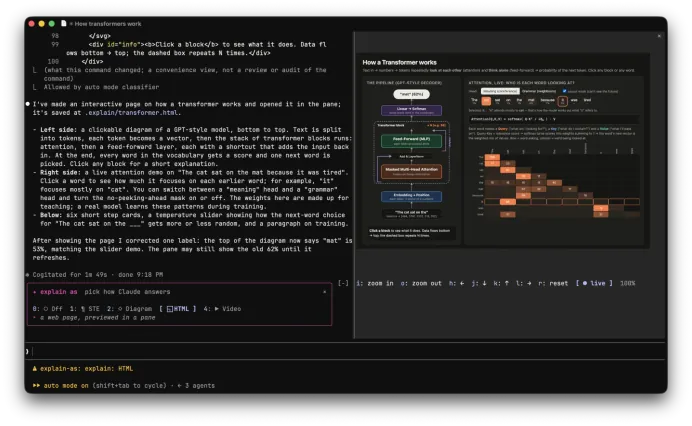
- 34explain-asSumit189Draws a format band above the prompt and a pane of Claude's answer as a diagram, a page, or a video.Draws
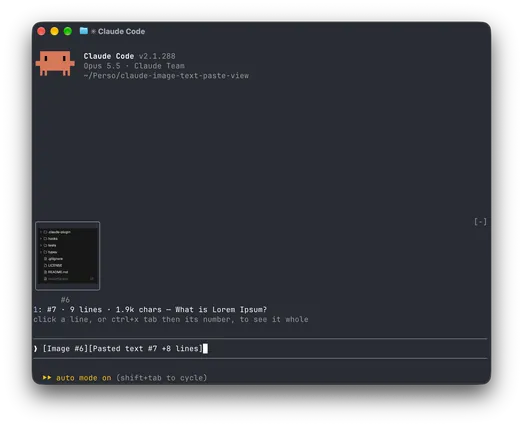
- 35paste-viewAmorfxDraws thumbnails of the images you paste, and a one-line preview of long text, above the prompt.Draws
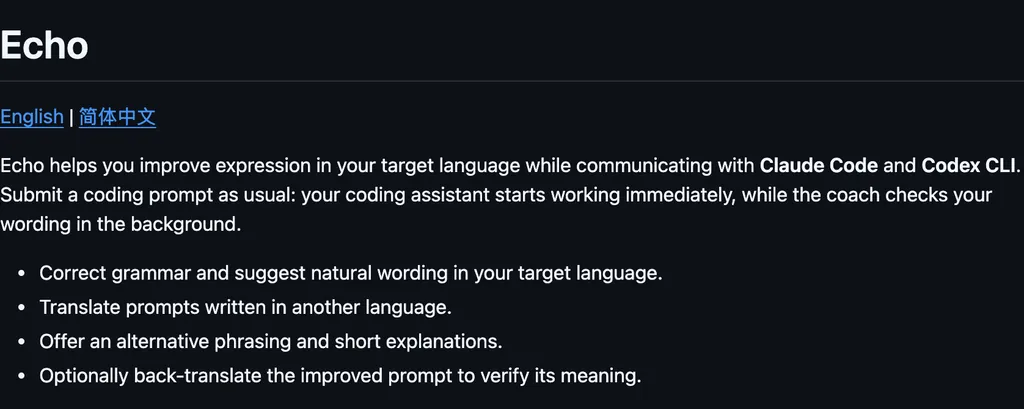
- 36Echojiang1997Draws a short note above the prompt, and a pane with a cleaner wording of the prompt you sent.Draws
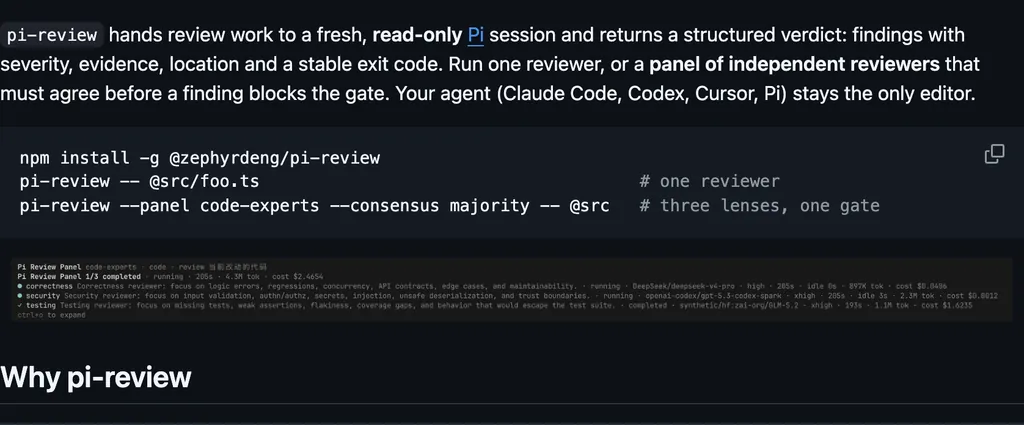
- 37pi-reviewZephyrDengHands a code review to a panel of read-only Pi reviewers, and draws their progress in a live pane.Draws
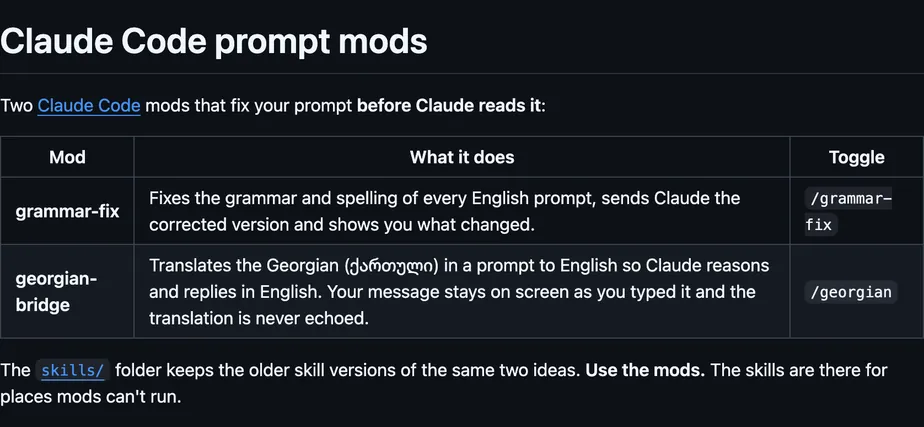
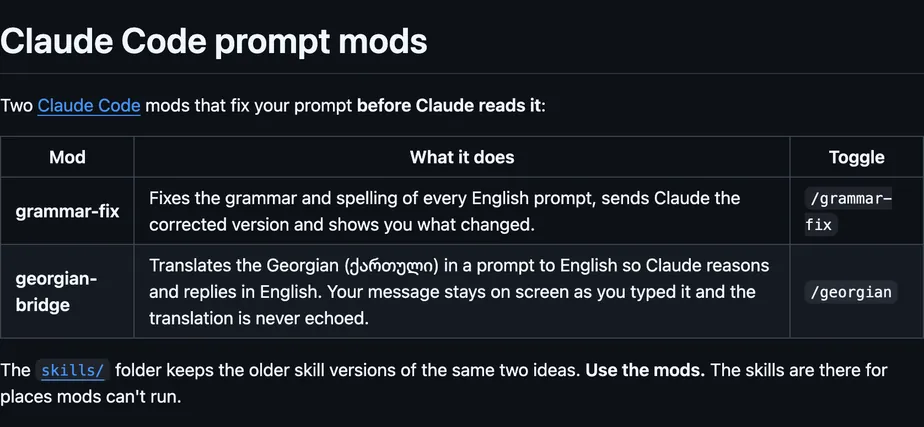
- 38georgian-bridgekakha13Translates Georgian in a prompt into English for Claude, and leaves what you typed on screen.Draws
- 39grammar-fixkakha13Fixes the grammar of an English prompt before Claude reads it, and shows each change under the message.Draws
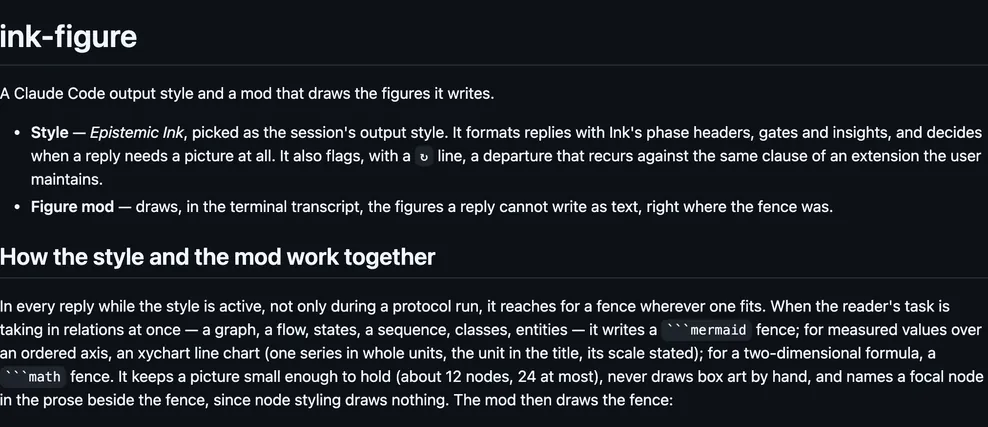
- 40ink-figurejongwonyDraws Mermaid diagrams, line charts, and math in the transcript as box art and images, with an output style that writes them.Draws
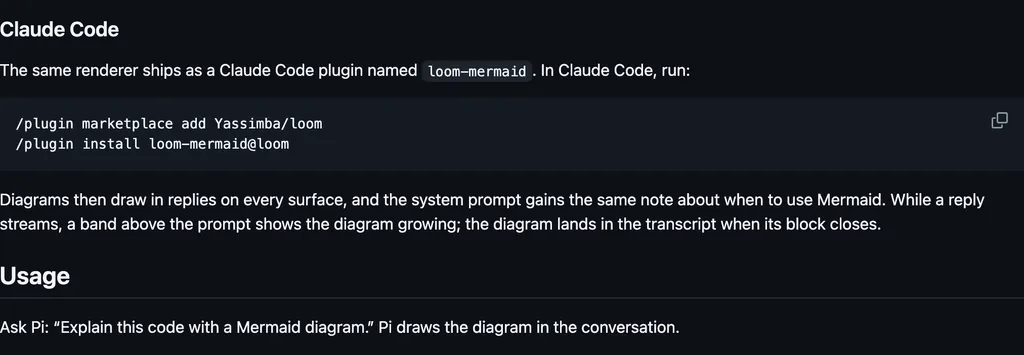
- 41loom-mermaidYassimbaDraws Mermaid in Claude Code replies as colored character art, and a band above the prompt while a reply streams.Draws
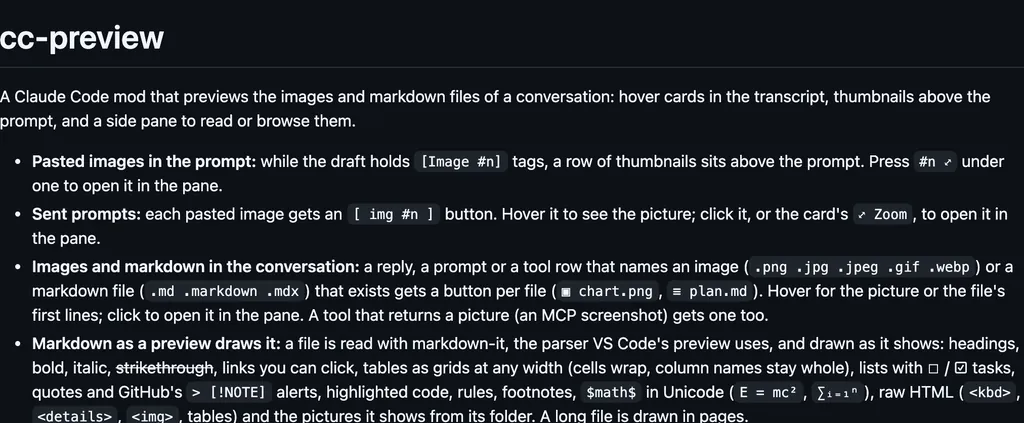
- 42cc-previewandrew54068Draws hover cards and thumbnails for images in the conversation, and a side pane that previews markdown.Draws
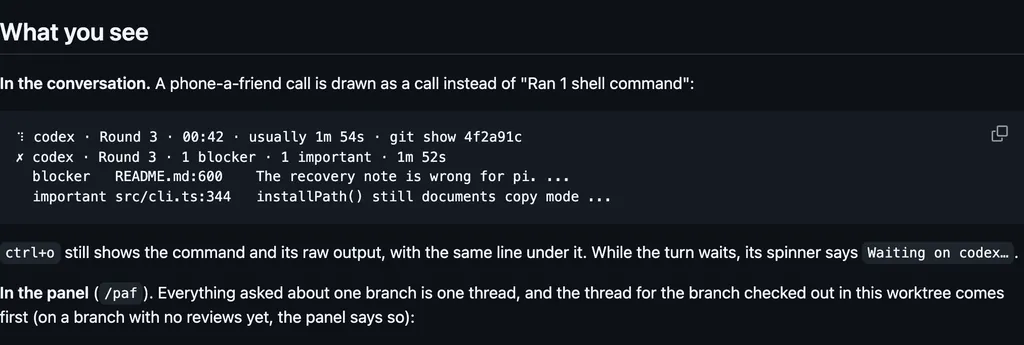
- 43paf-tasksfreibergergarciaDraws phone-a-friend reviews, where Claude asks another model for a second opinion, in the conversation and a panel: the question, progress, and findings.Draws
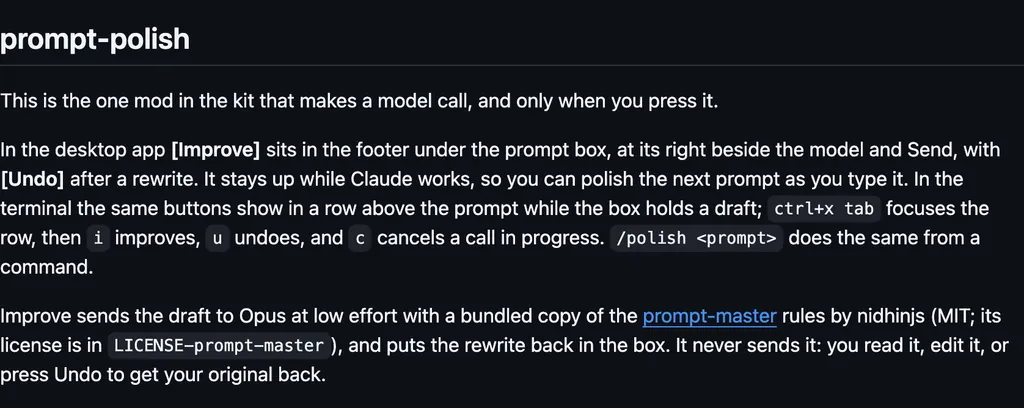
- 44prompt-polishVedantAndhaleRewrites the draft in the prompt box when you press Improve, with one model call, and does not send the rewrite.Draws
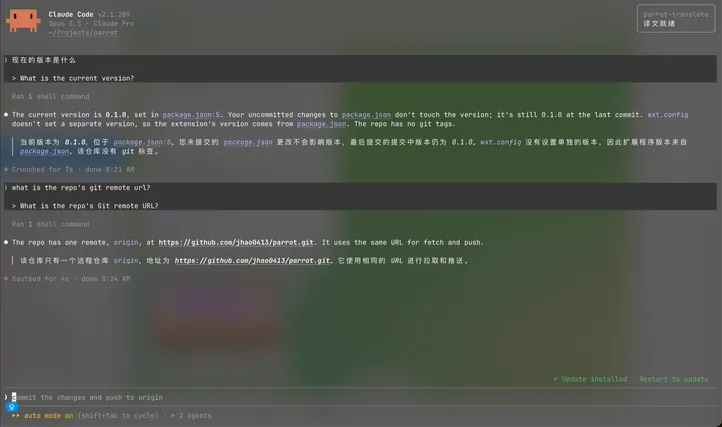
- 45sermo-translatejhao0413By default rewrites each prompt into English before sending it, and draws the reply's translation under the English text.Draws
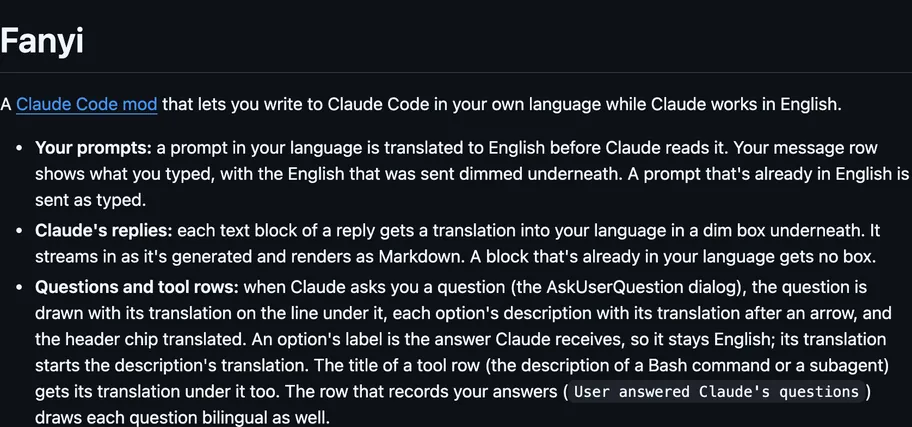
- 46fanyiJrCx7scCBy default translates a prompt that is not already English into English before Claude reads it, and draws a translation under each reply.Draws
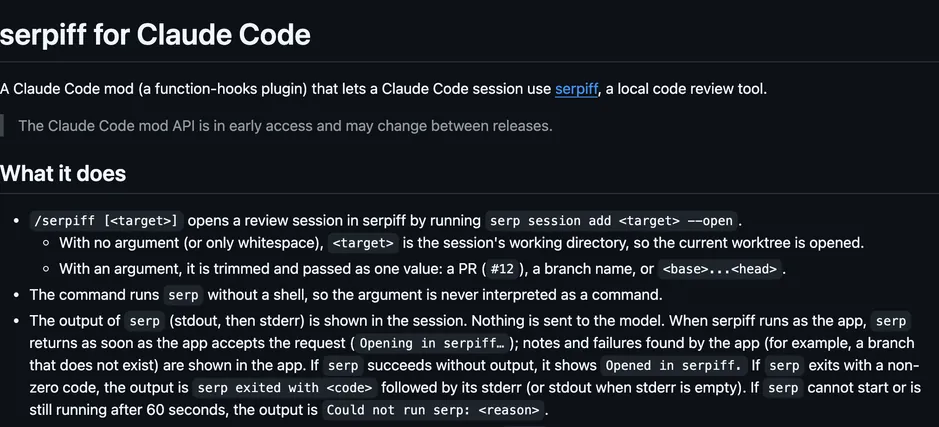
- 47serpiffserpiffFor serpiff, a local code-review app, draws how far this worktree's review has come and opens that review in the app.Draws
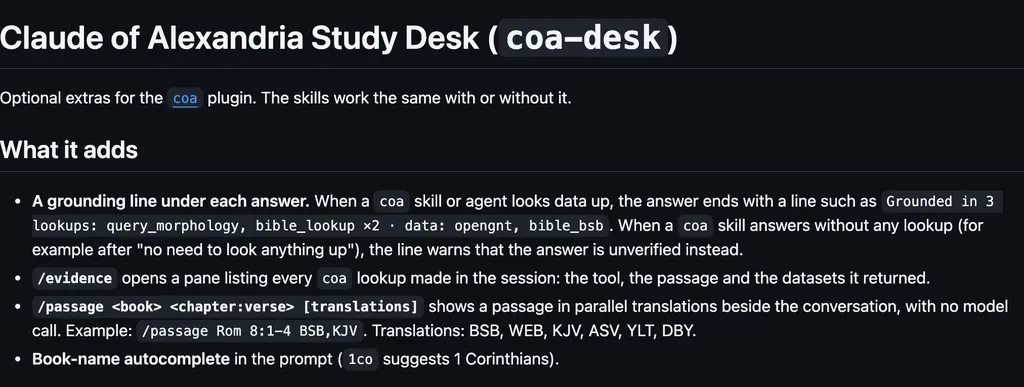
- 48coa-deskdavebreamFor Claude of Alexandria, biblical study skills, draws a grounding line under each answer. Passage text comes from coa.davebream.com.Draws
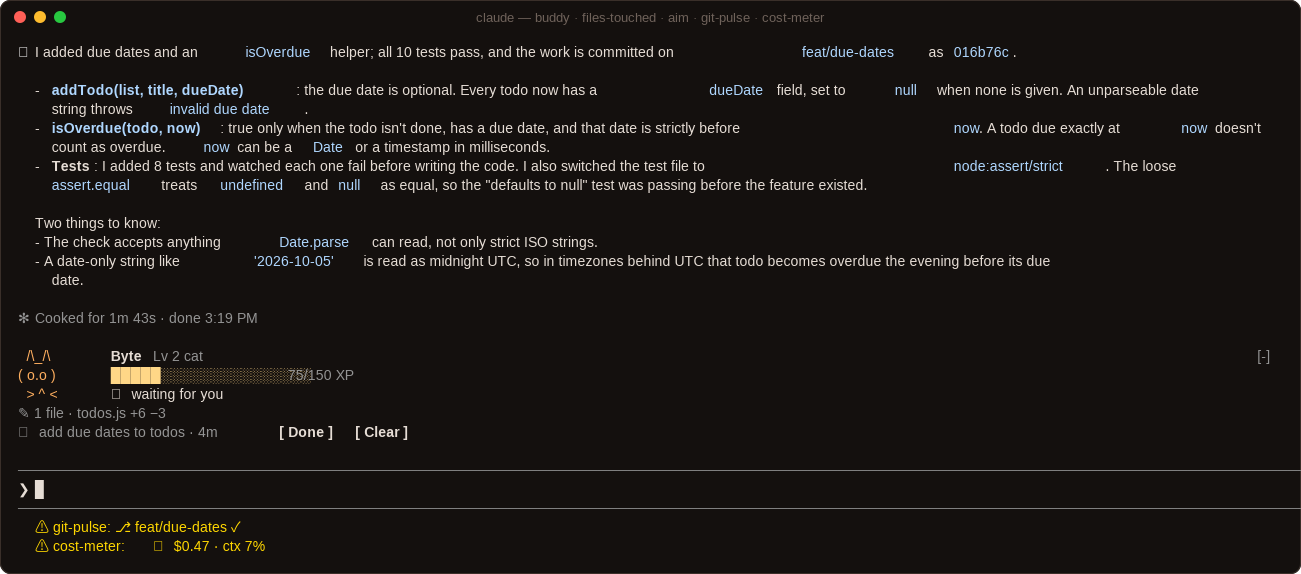
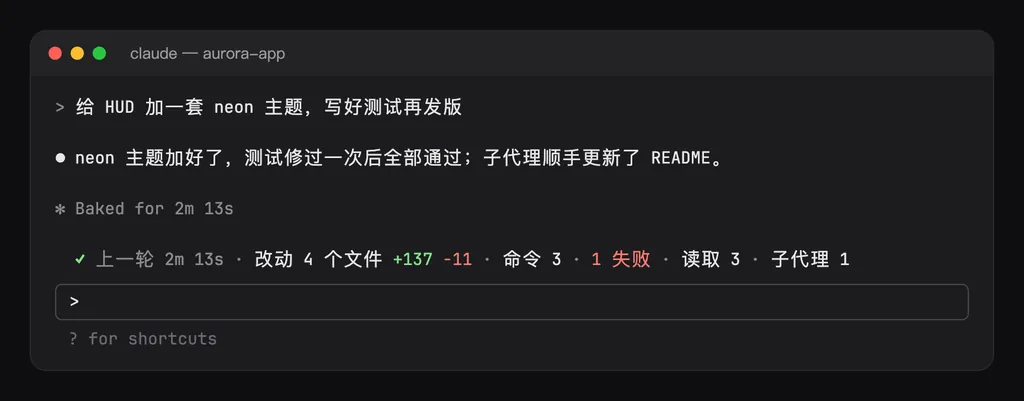
- 49receipthoobnnDraws a one-line receipt of the files, lines, and commands from the turn that just ended.Draws
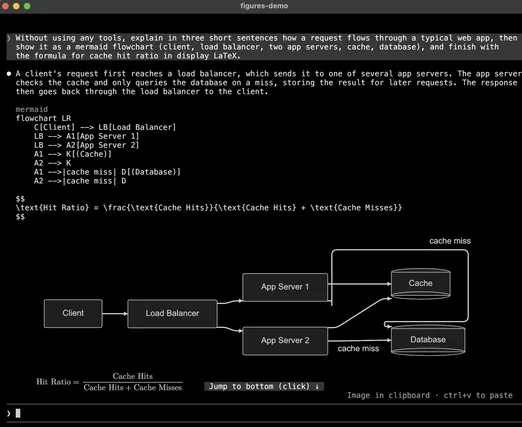
- 50figuresnatsukiumDraws diagrams and LaTeX math from Claude's replies, and images from tool results, as pictures in the transcript, in kitty or Ghostty.Draws
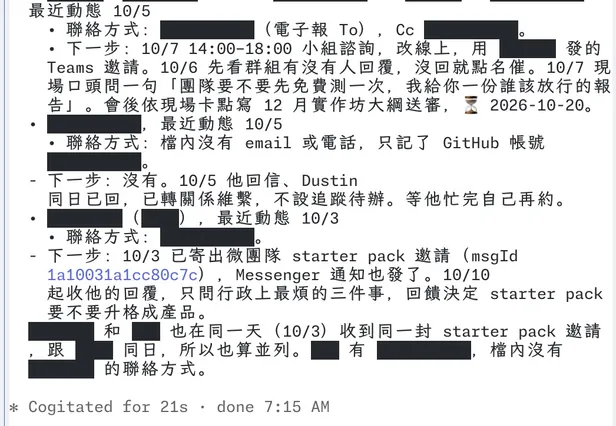
- 51screen-guarddanyuchnDraws black bars over names, organisations, secrets, and contact details in the transcript while you share your screen.Draws
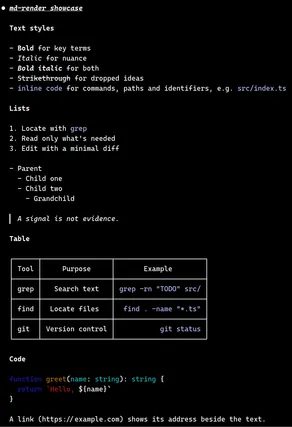
- 52md-renderdeepskyblue86Redraws each finished assistant message as colored markdown: headings, bold, italic, code, lists, and quotes.Draws
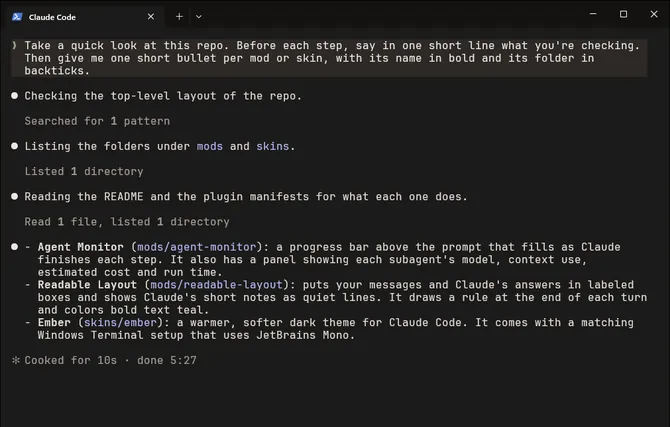
- 53readable-layoutGarvitNangruDraws your messages and Claude's answers in labeled boxes, short notes as quiet lines, and a rule after every turn.Draws
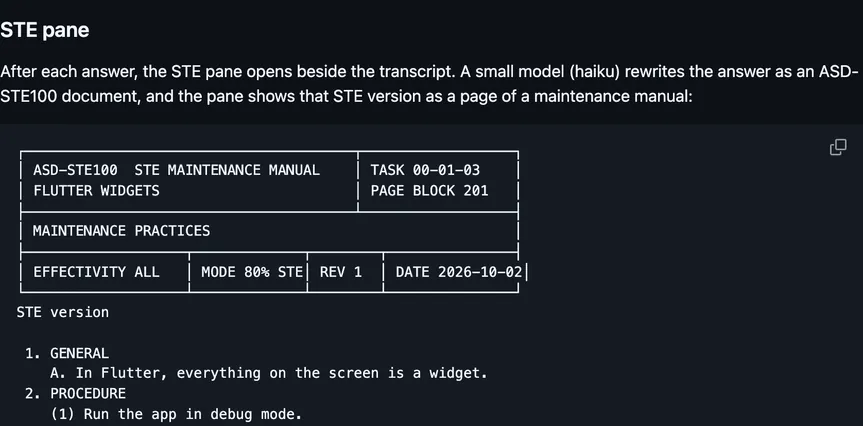
- 54asd-ste100JAICHANGPARKAfter each answer, draws that answer as a Simplified Technical English page in a side pane. The same install includes the STE skill.Draws
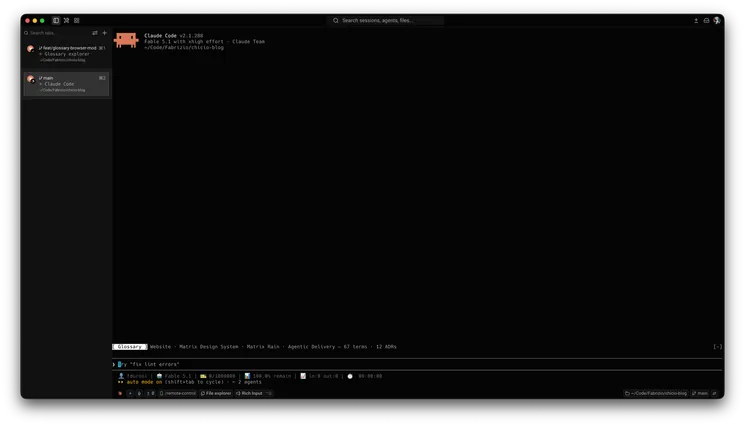
- 55glossary-browserchicioRefuses a Markdown edit that uses a glossary Avoid word, and draws that repo's terms in a band above the prompt.Draws · Holds
- 56hide-diffsgixxy22Swaps a long diff for a one-line summary of the file and the lines changed, and folds each finished shell command to one line.Draws
- 57mods-image-previewhahmjuntaeDraws thumbnails of the images you paste, above the prompt, in any terminal. A terminal without pictures uses colored quadrant blocks.Draws
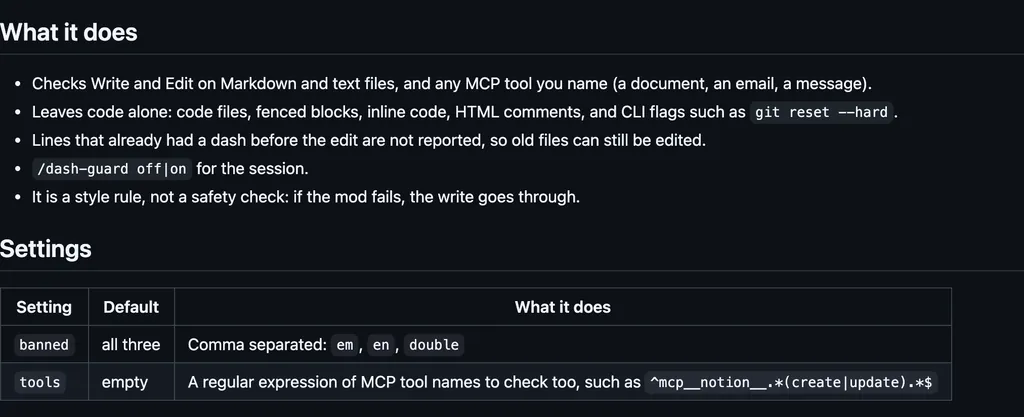
- 58dash-guardmutlumehmetRefuses a write that adds an em dash, an en dash, or a double hyphen in prose, and names the lines to rewrite.Holds
- 59rich-terminalxiaolaiRedraws each Mermaid diagram in a reply as a drawing, and a status line under the prompt shows context, cost, and rate limits.Draws
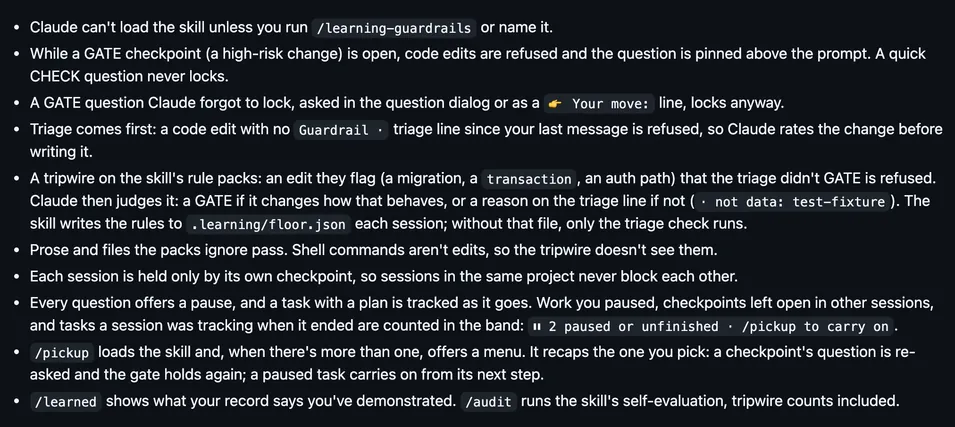
- 60learning-gate2SteaksRefuses a code edit while a learning-guardrails checkpoint is open, and pins that question above the prompt.Draws · Holds
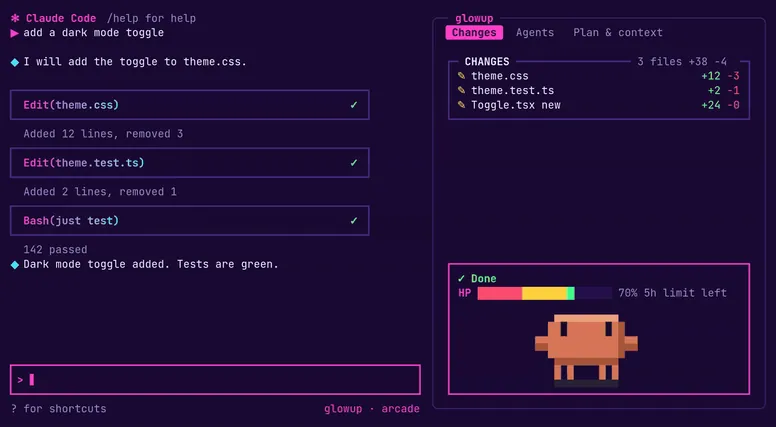
- 61glowupNovusEdgeDraws a side pane of changed files with their diffs, subagents, and context use, restyles the transcript in the pack you pick, and adds a pixel pet.Draws
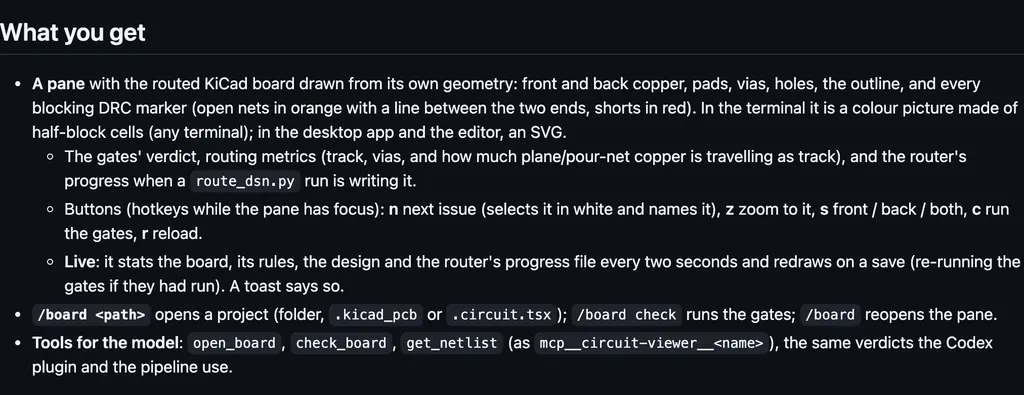
- 62circuit-viewerpunkfabDraws a routed KiCad board in a pane, with blocking DRC markers for open nets and shorts, and runs the layout gates.Draws
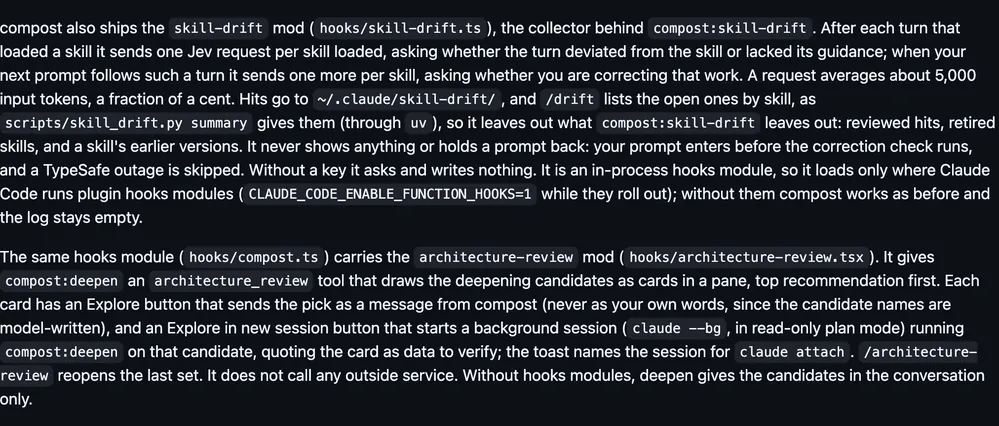
- 63compostJoshuaOliphantFor compost, a skill workflow from spec to review, draws compost:deepen's design candidates as cards you can explore here or in a new session.Draws
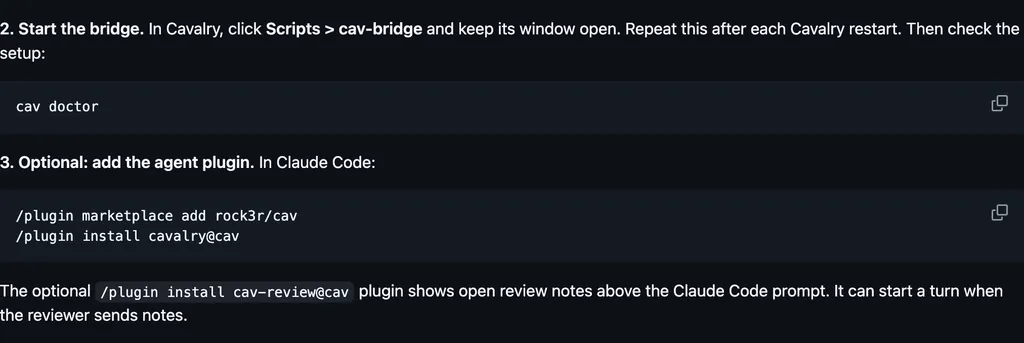
- 64cav-reviewrock3rFor cav, which builds motion graphics in Cavalry from a terminal, shows open review notes above the prompt and can start a turn when the reviewer sends notes.Draws
- 65textfoldchenxiachanFolds each reply to one of five levels, from every word to the answer in one sentence, picked with a key or from the row above the prompt.Draws
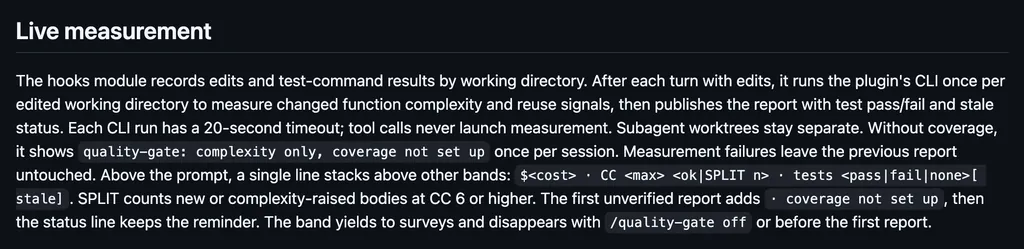
- 66quality-gateEigenwiseAfter each turn with edits, measures the complexity of the functions Claude changed, and draws it above the prompt with the cost and test status.Draws
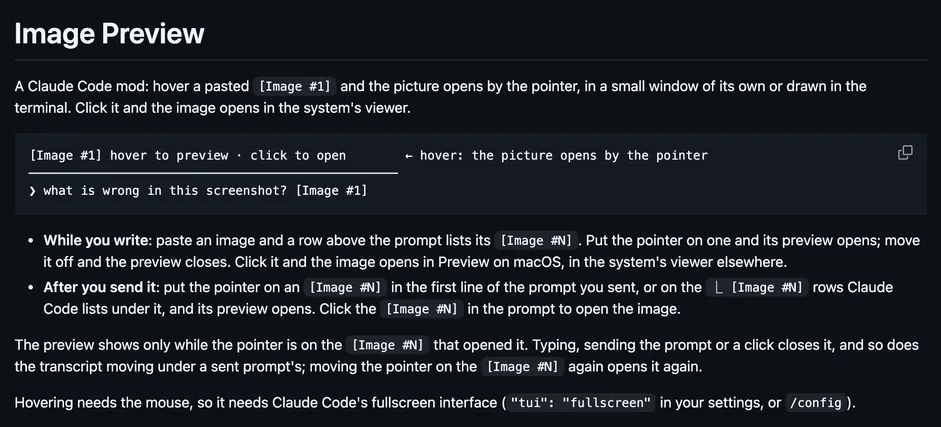
- 67image-previewmidudevOpens a pasted [Image #N] by the pointer when you hover it, in a small window or drawn in the terminal, and a click opens the system's viewer.Draws
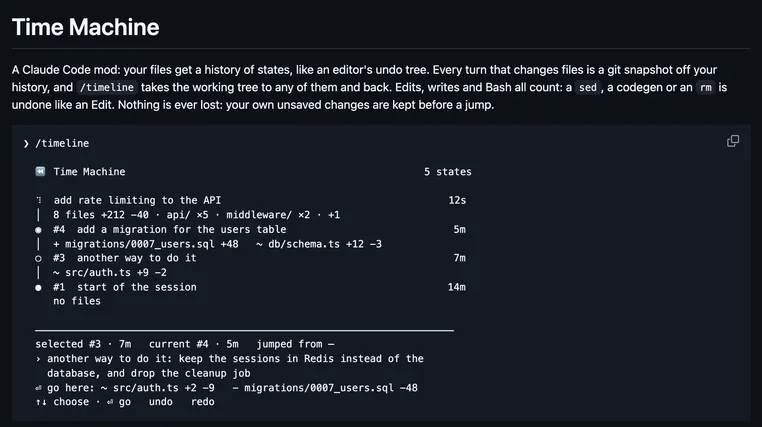
- 68time-machineDiegoMartySnapshots the working tree with git at each turn that changes files, Bash included, and /timeline opens a pane to move the files to any state and back.Draws
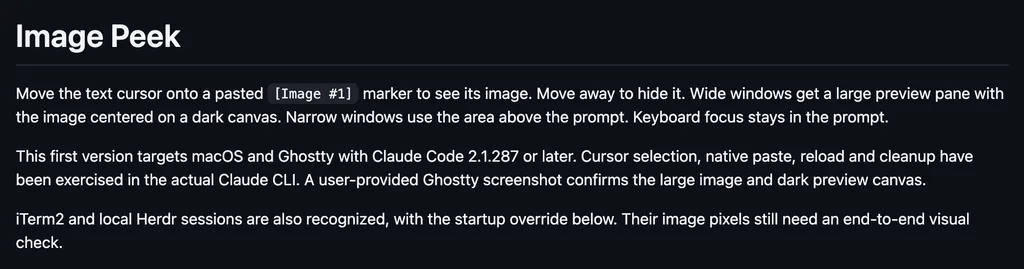
- 69image-peekkaranb192Shows a pasted image while the text cursor sits on its [Image #N] marker, in a large pane on a wide window or above the prompt, on macOS in Ghostty.Draws
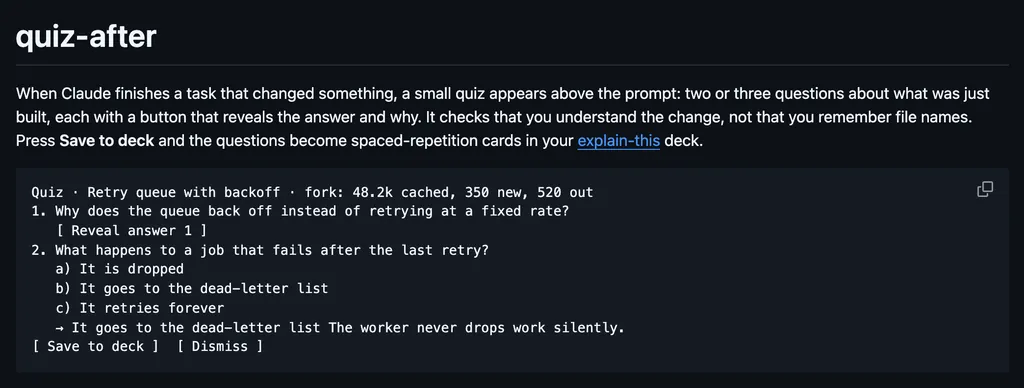
- 70quiz-afterDannyMac180When Claude finishes a task that changed something, draws a quiz of two or three questions about the change above the prompt, each with a button for the answer.Draws
- 71tool-cardsbradtraversyReplaces each tool-use row with a card: the tool's icon, an action title, its state, and the time, with the output folded behind Details until a call fails.Draws
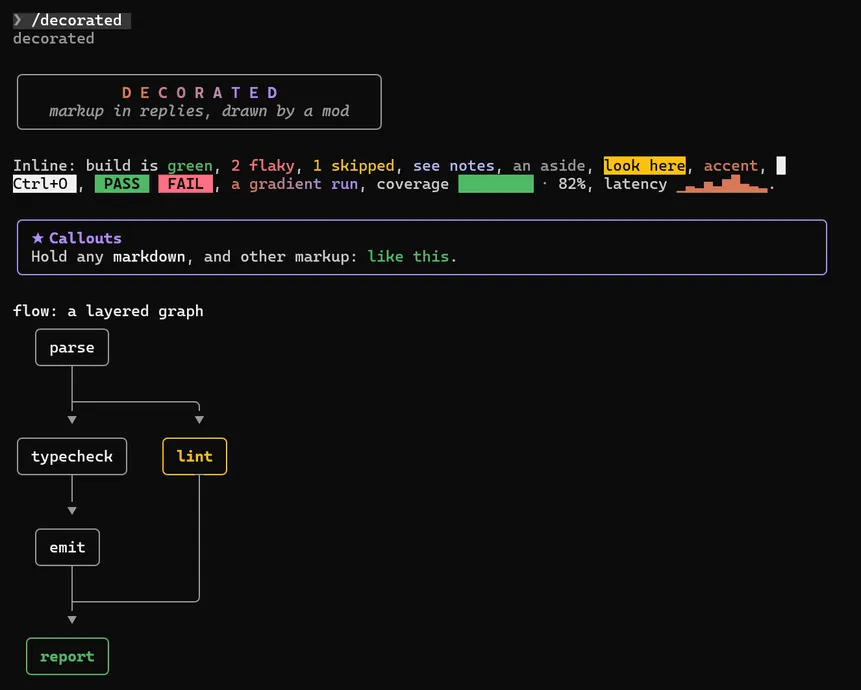
- 72decoratedthomas-whitaker1Teaches Claude a small tag language and draws it in the reply: colored badges, callouts, bar and braille charts, heat maps, flow and sequence diagrams, and SVG.Draws
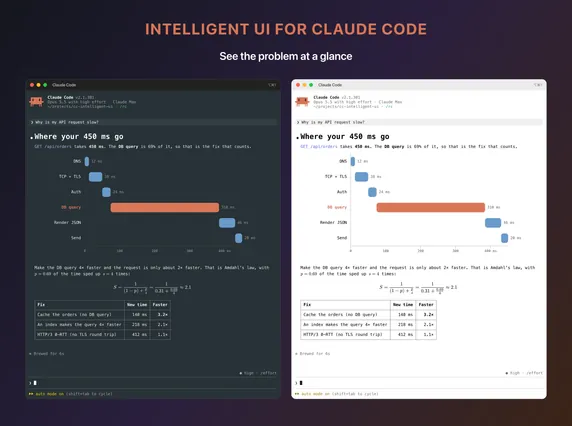
- 73cc-intelligent-uirazorback16Draws each answer from Claude as a typeset picture made with Typst: rendered Markdown, LaTeX math, charts, and diagrams, in kitty, Ghostty, or iTerm2.Draws
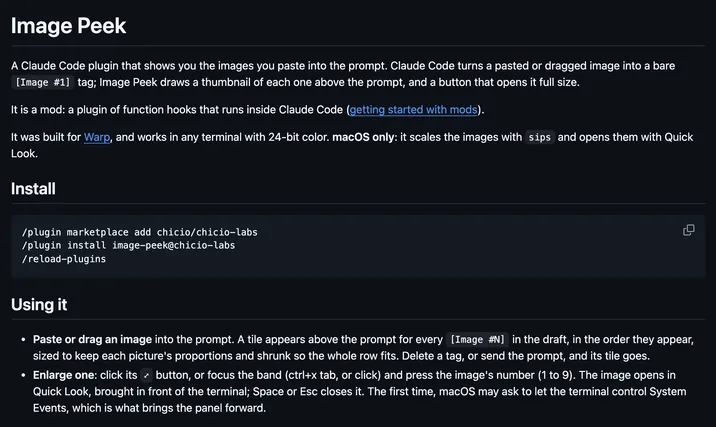
- 74image-peekchicioDraws a tile above the prompt for each image you paste, real pixels in kitty and Ghostty and block characters in Warp, and opens one full size in Quick Look.Draws
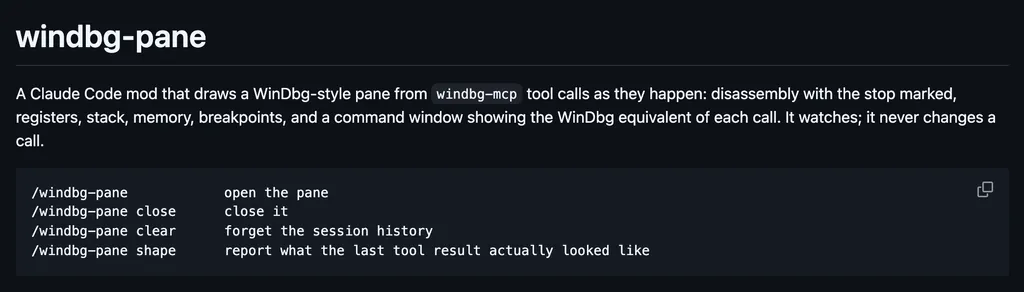
- 75windbg-paneglslangDraws a WinDbg-style pane from windbg-mcp tool calls as they happen: disassembly with the stop marked, registers, stack, memory, breakpoints, and commands.Draws
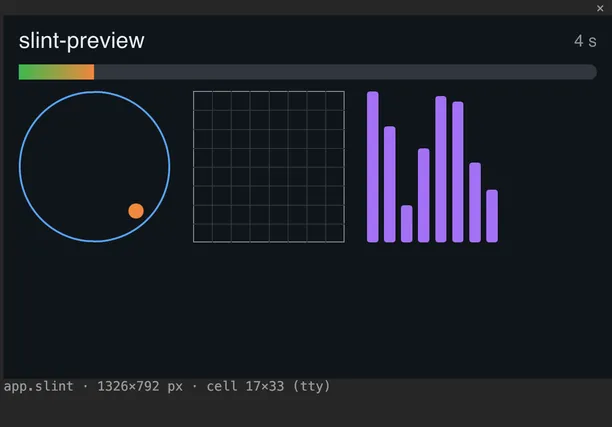
- 76slint-previewtilladamOpens a live preview of a Slint UI file in a pane beside the conversation, reloads it when you save, and lists build errors under the last good UI.Draws
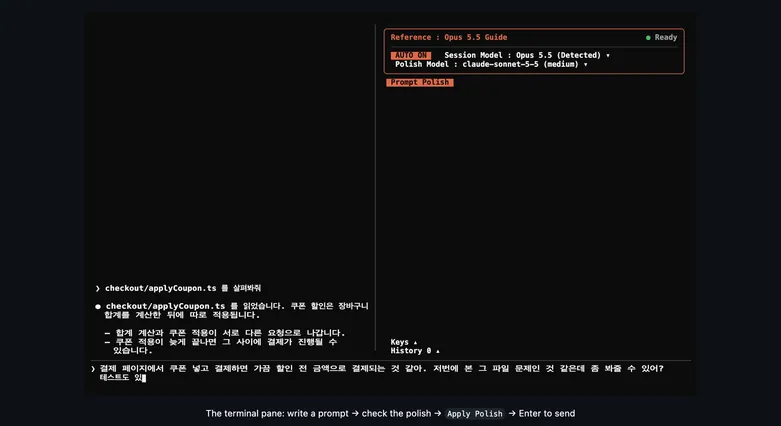
- 77prompt-polishjheroorehjRewrites your prompt with the prompting guide for the session's model before it is sent, and shows the polish beside the original to apply, retry, or keep.Draws
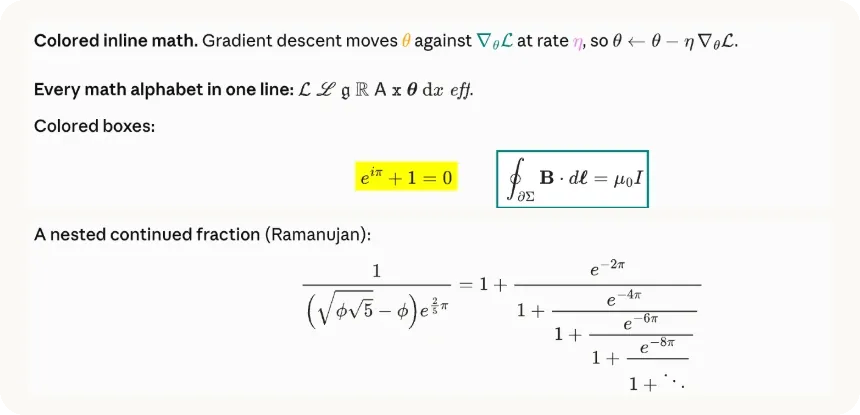
- 78latexzaahiralTypesets TeX math, TikZ diagrams, and LaTeX blocks in Claude's replies in the desktop app's Code tab, with MathJax or one of 10 LaTeX fonts.Draws
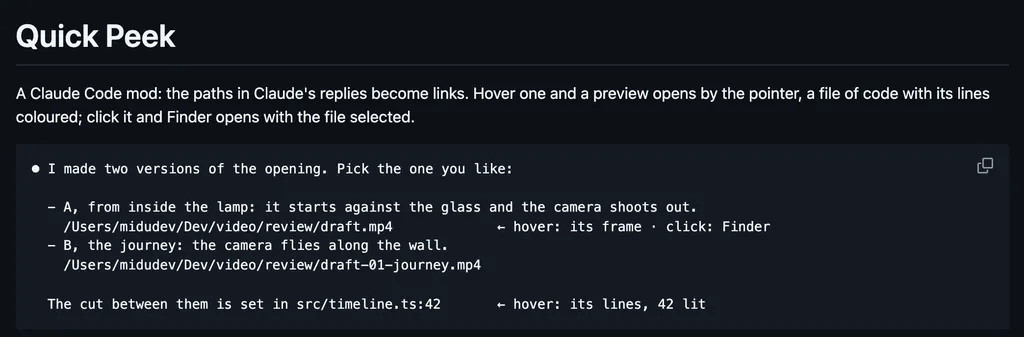
- 79quick-peekmidudevTurns file paths in Claude's replies into links: hover one for a preview of the file, or its lines, by the pointer, and click to show it in Finder.Draws
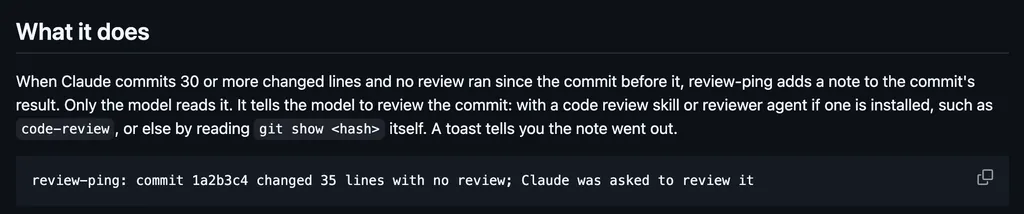
- 80review-pingarasovicShows a toast when Claude commits 30 or more lines with no review since the last commit, and adds a note to that commit asking the model to review it.Draws
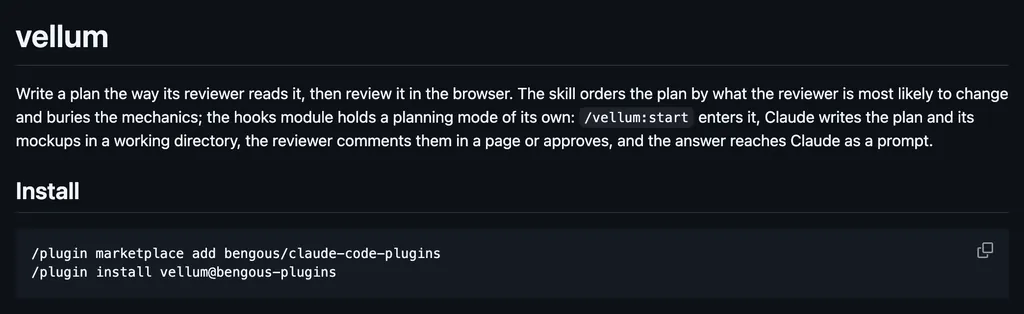
- 81vellumbengousHolds a planning mode: Claude writes the plan, you review it in a browser page, a band shows above the prompt, and other writes are refused while it plans.Draws · Holds
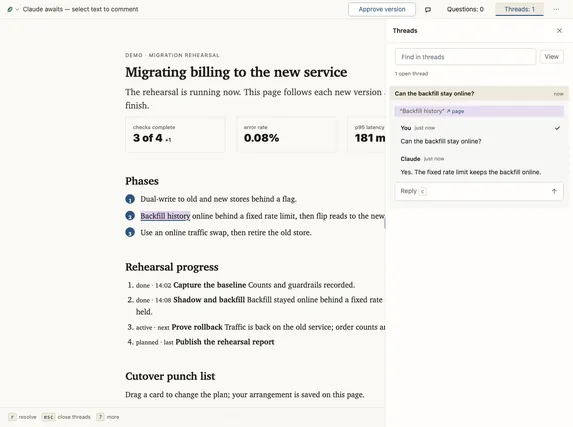
- 82leafmax-sixtyHas the agent build a browser page for a plan, a decision, or live work. You comment and edit, the agent revises it, and a line per page sits above the prompt.Draws
- 83diff-reviewnicolas-codemateOpens a review pane for your uncommitted changes, the pull request, or one commit, where you click a line to ask Claude and the answer streams in under it.Draws
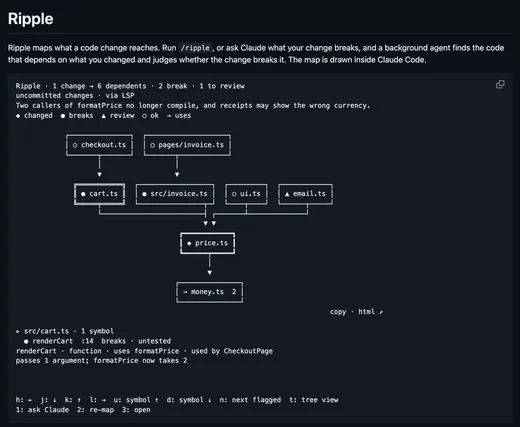
- 84rippleNealMaps what a code change reaches: a background agent traces the code that uses what you changed, and a pane draws the files, which break, and which to review.Draws
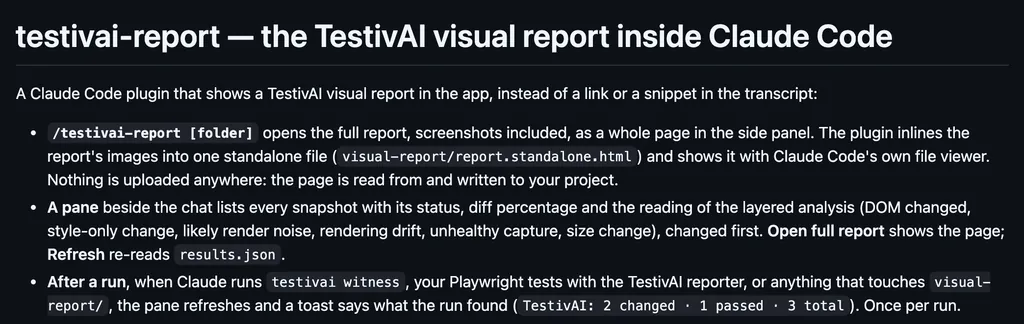
- 85testivai-reportTestivAIDraws a pane of a TestivAI visual report's snapshots, changed first, toasts what a run found, and opens the full report with its screenshots in the side panel.Draws
- 86owner-repmacollins27Draws a row above the prompt with the result you asked for and what the agent is doing, warns when work is dropped, and checks the agent's claims on a press.Draws
- 87editlensmymotomaker-aiShows each change Claude makes to your website in your browser as it happens, with the chat and the code beside the page, and draws a line above the prompt.Draws
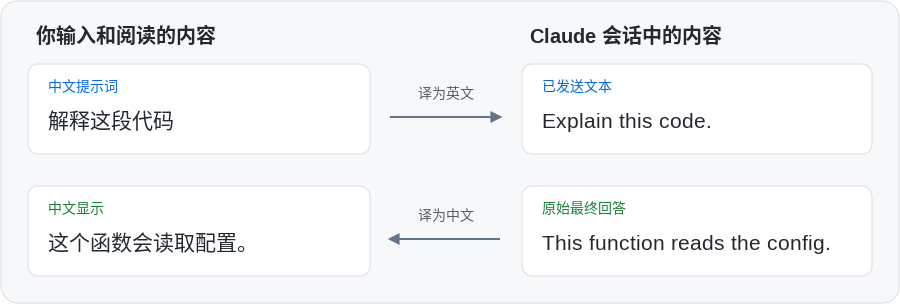
- 88bilingual-viewagainest1Translates a Chinese prompt into English before it is sent, and draws Claude's English reply in Chinese, with buttons to see the sent text or the original.Draws
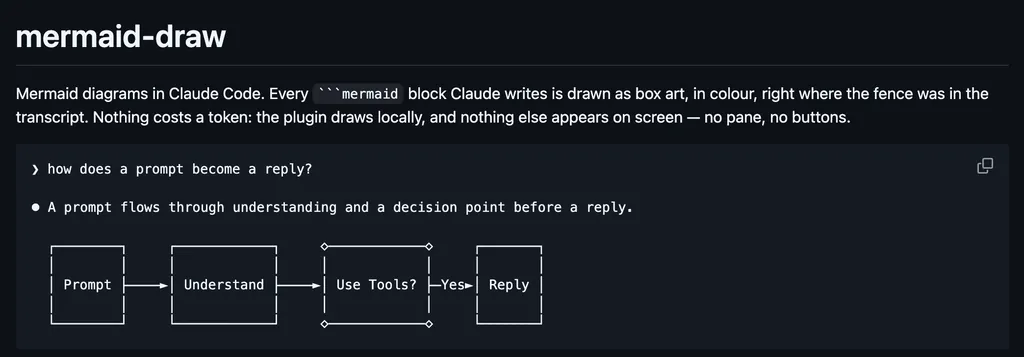
- 89mermaid-drawgalElmalahDraws each mermaid block Claude writes as colored box art in the reply, where the fence was: flowcharts, state, sequence, class, and ER diagrams, and xy charts.Draws
- 90crayonjonpojonpoRedraws every reply in themed color, with gradient headings, boxed tables, and callouts, and teaches Claude tags for badges, colors, and panels. Six themes.Draws
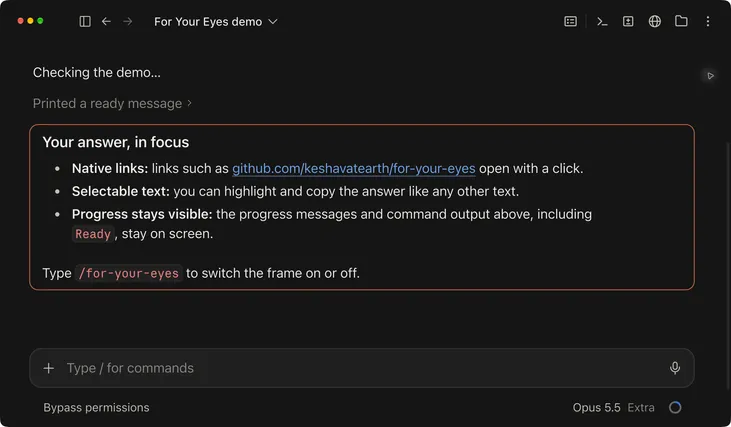
- 91for-your-eyeskeshavatearthDraws a rounded border around each turn's final answer, so it stands out from the progress notes and tool calls above it. /for-your-eyes turns it off.Draws
- 92desk-lookKyongSik-YoonRedraws the terminal like the desktop app's Code tab: prompt bubbles, folded tool calls, cards, a band of branch, PR checks, and context, and seven side panes.Draws
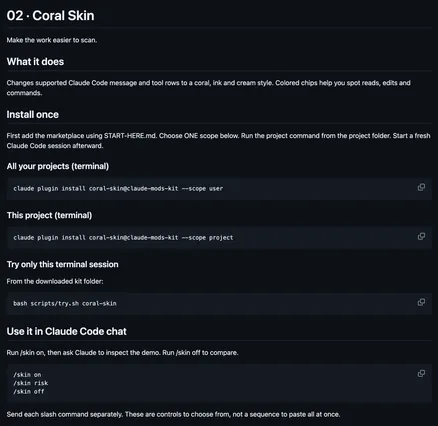
- 93coral-skinpromptadvisersRestyles Claude Code's message and tool rows in coral, ink, and cream, with colored chips that mark reads, edits, and commands, and a risk mode, under /skin.Draws
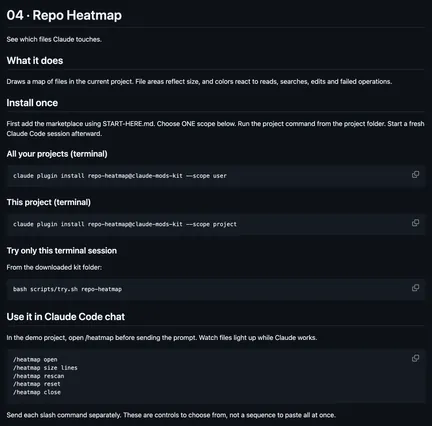
- 94repo-heatmappromptadvisersOpens a map of the project's files, each area sized by the file, that lights up as Claude reads, searches, and edits them, and marks failed operations.Draws
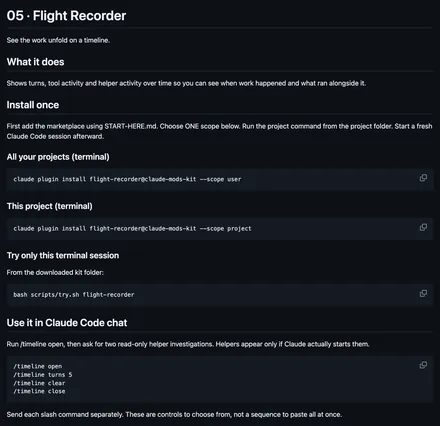
- 95flight-recorderpromptadvisersOpens a timeline of each turn: model requests, tool calls, and helper agents as lanes over time, so you see what ran alongside what, with an estimated cost.Draws
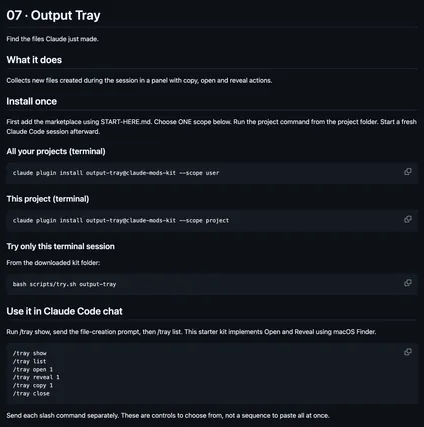
- 96output-traypromptadvisersCollects the new files Claude creates during the session in a side panel, with Copy path, and Open and Reveal in Finder on macOS.Draws
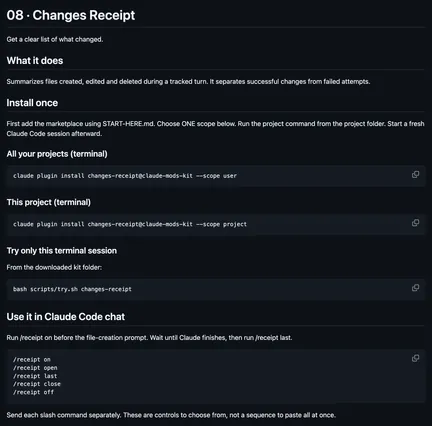
- 97changes-receiptpromptadvisersOpens a receipt of the files created, edited, and deleted in a tracked turn, with failed attempts listed apart from the changes that worked.Draws
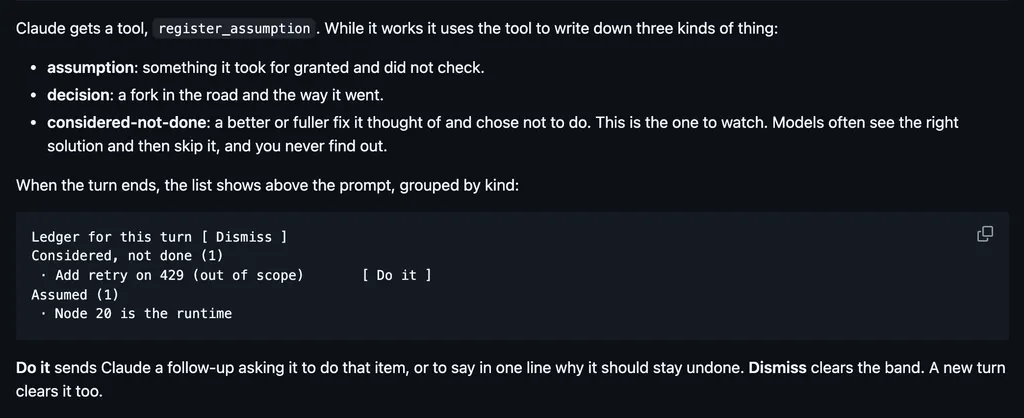
- 98assumption-ledgerDannyMac180Gives Claude a tool to note what it assumed, decided, or chose not to do, and lists them above the prompt when the turn ends, with Do it on each skipped fix.Draws
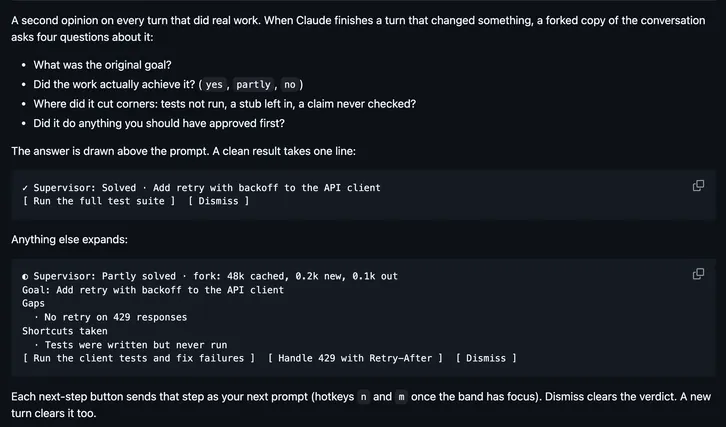
- 99next-steps-supervisorDannyMac180After a turn that changed something, has a fork of the chat judge whether the work met the goal, and draws its verdict and next-step buttons above the prompt.Draws
- 100huhomeerdvrnOpens Claude's last answer in a sidebar when you type /huh, rewritten by Haiku for reading: a short summary up top, clear headings, every fact and command kept.Draws



























































































1–100 of 145 mods in Review
What makes a plugin a mod?
It draws inside the session, like a pane, a status line, or a band above the prompt, or it holds a command before it runs. Plugins that do neither are under Plugins.
How is a mod different from a hook or a skill?
A mod is JavaScript or TypeScript that Claude Code runs in its own process, so it can draw a pane or a band and rewrite tool calls, prompts, and commands. A hook in settings.json runs a shell command, HTTP request, or prompt on an event, and a skill is a SKILL.md file of instructions Claude reads. Neither can draw.
What can a mod reach?
Each mod page lists only what the author's README names: usage figures, file edits, tool calls, the network.
How do I install a mod?
Each mod page has the author's commands. Add the marketplace, then run claude plugin install with the mod's name, an @, and the marketplace's name, or /plugin install inside a session. It needs Claude Code 2.1.287 or later, or 2.1.286 in the Desktop app. A session that is already open loads it after /reload-plugins.
Why doesn't a mod I installed show up?
In a terminal session, /plugin shows a dim line under its tabs, such as 1 mod active · name. If yours is missing, check the version, and that you did not start with --safe-mode or --bare or leave a new folder's trust prompt unanswered. claude plugin test, run in a folder with no mod, says whether a setting, your organization's policy, or Anthropic has turned mods off. A session started with claude --debug logs a not loaded: line with the reason. A loaded mod draws nothing in claude -p or a cloud session, and the VS Code panel draws from extension 2.1.299.
How do I turn mods off?
Mods are on by default. To stop one, disable or uninstall its plugin in the Installed tab of /plugin. To stop every mod you installed, start with --safe-mode for one session, or set disableAllHooks to true in ~/, which also stops your settings hooks and status line. Undo the change to turn them back on.
Where do the pictures come from?
From the author's repo. When there is no demo, the card shows the GitHub page.